

Do you want to turn your regular videos into artistic masterpieces? If so, downloading the Franzis COLOR Video #2 professional software is the perfect choice for you. This advanced program is one of the most powerful tools for color correction and video editing, giving you complete control over color tones, contrast, and lighting with professional precision. Whether you're an amateur video editor or a professional looking to add a cinematic touch to your work, the software provides advanced tools and smart processing that make every shot look like it came from a high-quality studio. Thanks to its user-friendly interface and rich tools, you can easily and creatively elevate the quality of your clips to a new level.
What is the Franzis COLOR Video #2 professional software?
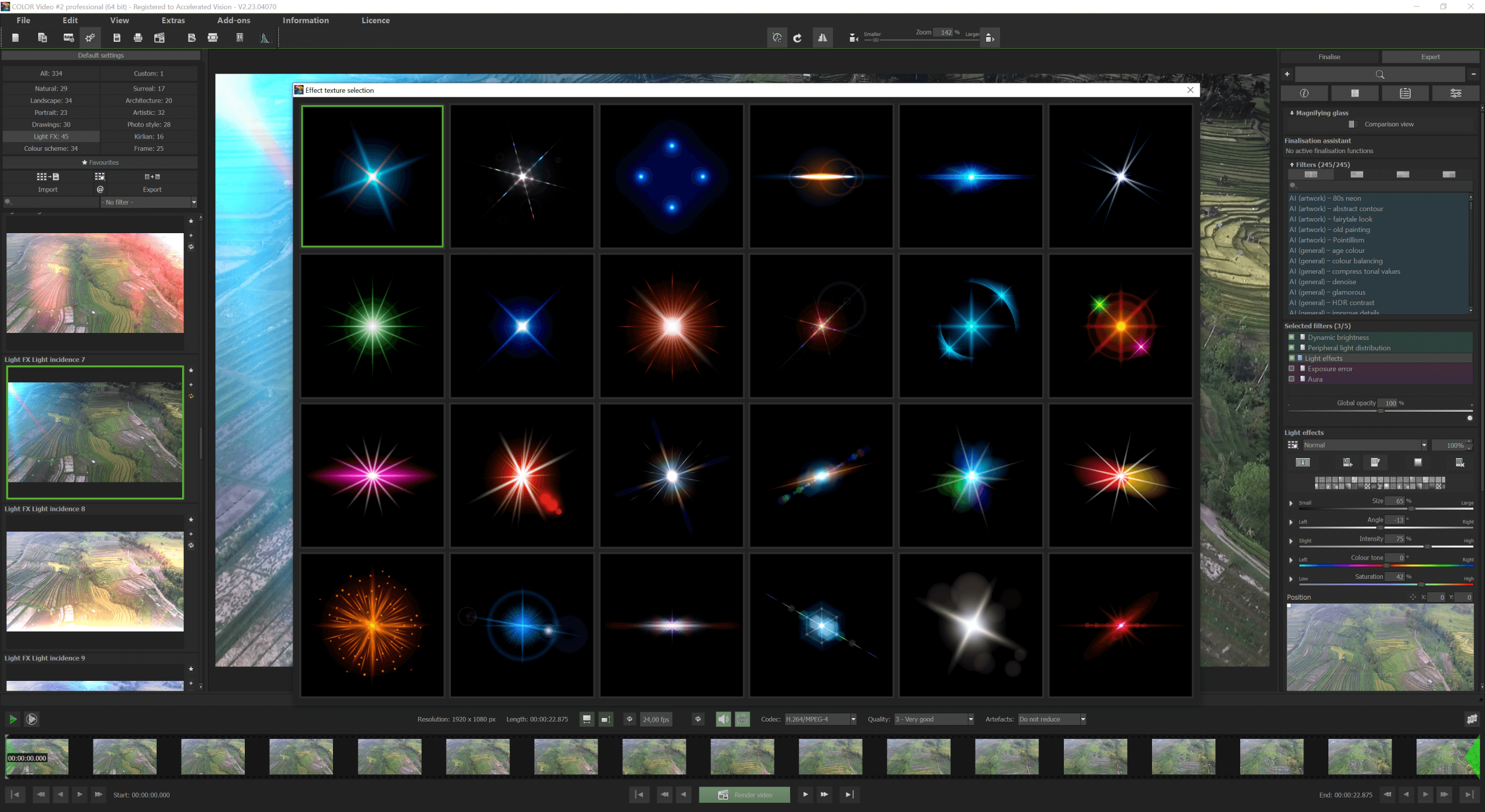
It is a program designed for visual enhancement of videos, focusing on color processing, lighting correction, and adding artistic effects. Developed by the German company Franzis, known for its specialized image and video processing software, this program is not a traditional editing tool; rather, it resembles a "digital color lab" that gives you precise control over every visual element within the video, featuring an easy-to-use interface and two modes: automatic and expert.
Uses of the Franzis COLOR Video #2 professional software
- Content creators looking to quickly enhance video quality.
- Professional photographers needing precise color correction tools.
- Designers and artists seeking unconventional artistic effects.
- Beginners wanting professional results without complexity.
- Key Features
Smart Automatic Enhancement
The program includes a smart assistant that automatically analyzes the video for lighting, contrast, noise, and sharpness, then applies the appropriate enhancements with a single click. This feature is ideal for users who want quick results without delving into settings.
Extensive Template Library
The software offers over 327 professional templates divided into 12 categories, including cinematic styles, color effects, classic film simulations, and artistic patterns. Each template is customizable or can be combined with others, giving you wide creative freedom.
RAW Development Module
For professional users, the program provides an advanced RAW module that allows editing videos in uncompressed quality, supporting AI filters and precise adjustments for lighting, colors, and fine details.
Real-Time Color Engine
The program features a multi-layer color engine (up to 10 layers), allowing you to adjust colors live and directly, with the ability to preview results instantly without needing to export the video.
LUTs and Film Effects Support
You can import LUT (Look-Up Tables) files to apply color styles inspired by photography or cinematic films. The program also includes 58 simulations of classic films, giving your videos a distinctive artistic character.
Composing Module
This module allows you to add backgrounds, light effects, color layers, and combine multiple elements in the video. It contains 60 backgrounds and 22 new blending styles, opening the door to visual creativity.
Filters and Effects
The program includes over 245 professional filters distributed across 8 main categories:
- AI Filters
- Noise Reduction and Sharpness
- Blur and Artistic Effects
- Lighting and Contrast Correction
- Geometric Adjustments (Crop, Rotate, Stretch)
- Coloring and Saturation
- Artistic Effects
- Masking
- Each filter can be precisely adjusted, and multiple filters can be combined simultaneously for complex effects.
Supported Video Formats
The program supports a wide range of video formats, both for input and output, including:
- Inputs: MPEG4 (H.264/H.265), WMV, WebM, AVI, FLV, ASF, MOV, MKV, MXF, MP2
- Outputs: MPEG4 (H.264), Uncompressed AVI, with support for AV1 and VP9 encoding
How to Download via Direct Links
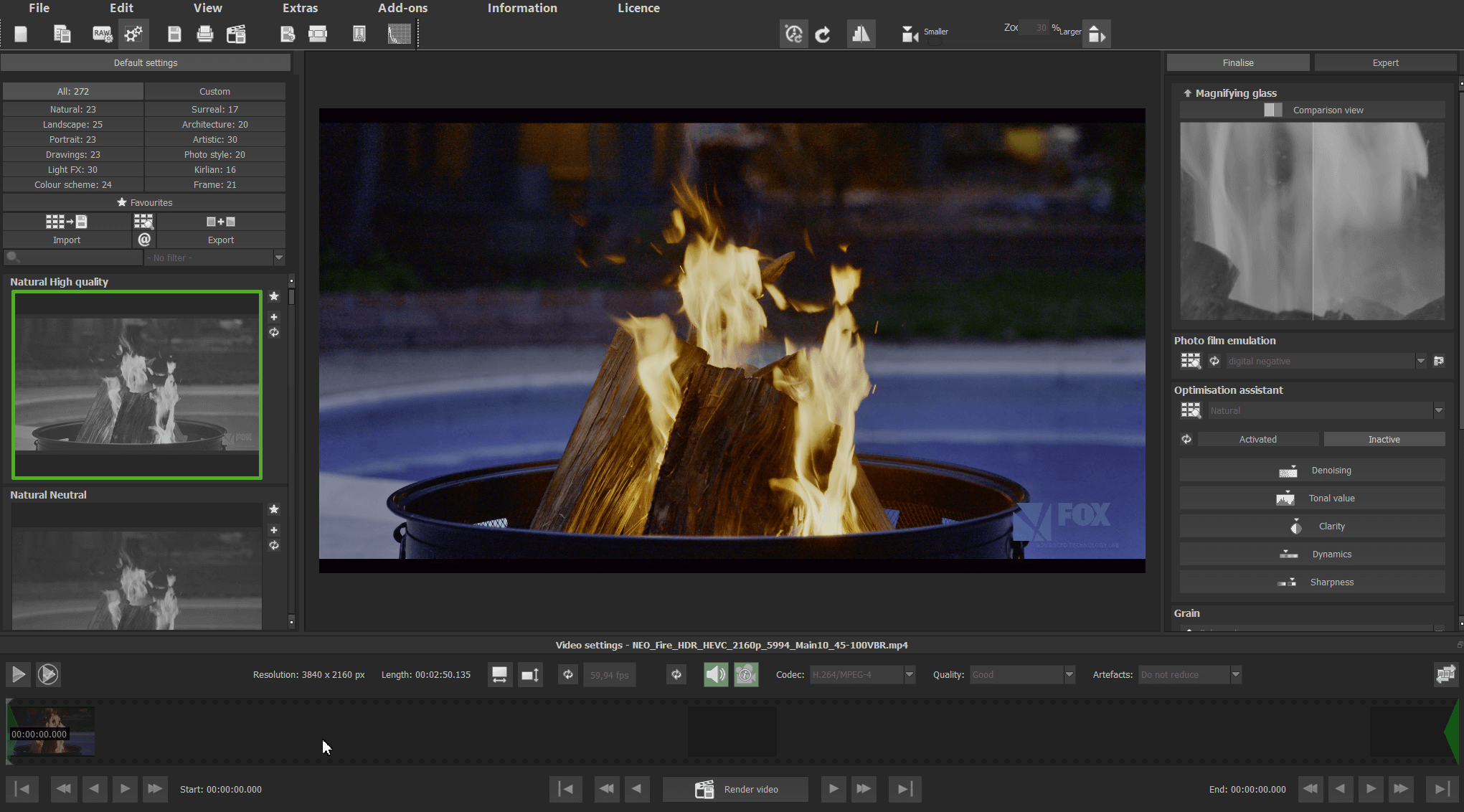
To make the most of the software, it is recommended to follow some steps that enhance the quality of results and simplify the working experience:
- Choose the appropriate style from the available templates, based on the video's theme, such as "vintage" styles for historical videos or "modern contrast" for technical or promotional clips.
- Use the instant preview mode to compare before and after, helping you evaluate adjustments without exporting the file.
- Rely on professional LUT files if you are working on a project that requires color matching with a specific visual identity.
- Gradually practice the expert mode by initially adjusting simple settings like saturation and contrast, then progressing to complex filters and color layers.
Tips to Avoid Issues During Download
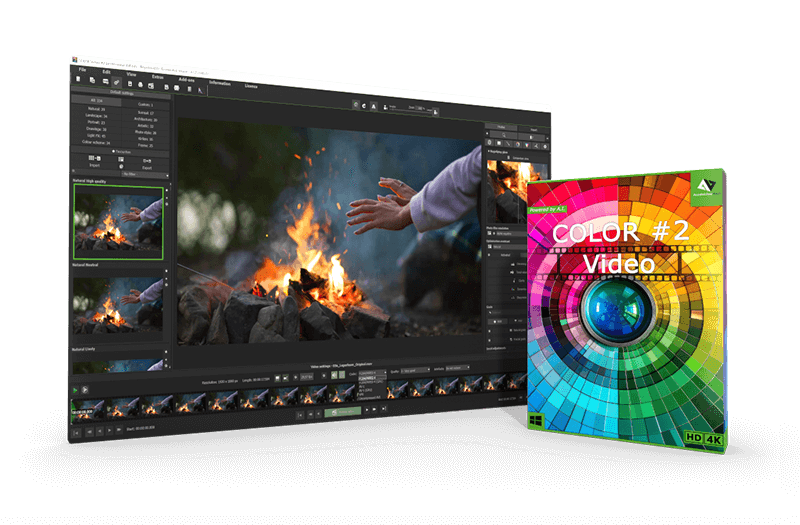
Despite its power, the Franzis COLOR Video #2 professional software has some important notes:
-
- The program only works on Windows, making it unsuitable for users relying on other operating systems, especially designers who prefer macOS for their creative work.
- The program does not provide any audio processing tools, such as adjusting volume, removing noise, or syncing audio with video, so another program must be used for separate audio editing.
- The program focuses on enhancing single shots and does not support multi-track or merging multiple clips, making it unsuitable for complex editing tasks.
- Although the automatic interface is easy to use, the "expert" mode contains a large number of settings and filters that may confuse new or non-specialist users.
- When working with high-resolution videos (like 4K), the program may consume significant system resources, leading to slow processing or exporting, especially on mid-range devices.
The Franzis COLOR Video #2 professional software is a powerful and innovative tool for visually enhancing videos, focusing on colors and artistic effects. Thanks to artificial intelligence, advanced filters, and LUT support, the program gives you the ability to transform

 File Name:
 Downloads:
 Version:
 Full Version:
 Created By:
 License Type:
 Release Date:
 Languages:
 Tags:
Tags:


