MAGIX Video Pro X17 v23.0.1.318 Free Download - 3almalt9nia
Free Download MAGIX Video Pro X17 v23.0.1.318 for Windows PC - A multi-award-winning video editing program.
If you're a content creator or professional editor looking for a video editing software that offers advanced, professional-level tools, MAGIX Video Pro X17 is one of the top choices available. This powerful version provides a comprehensive environment for high-resolution video editing, supporting the latest image and sound processing technologies. It delivers stunning results suitable for cinematic and television production. The software offers a wide range of visual effects, color correction options, and audio merging tools, along with support for multiple formats and 4K and 8K video editing. All of this is accessible through an easy-to-use interface that helps you transform your ideas into professional projects smoothly and efficiently.
What is MAGIX Video Pro X17?
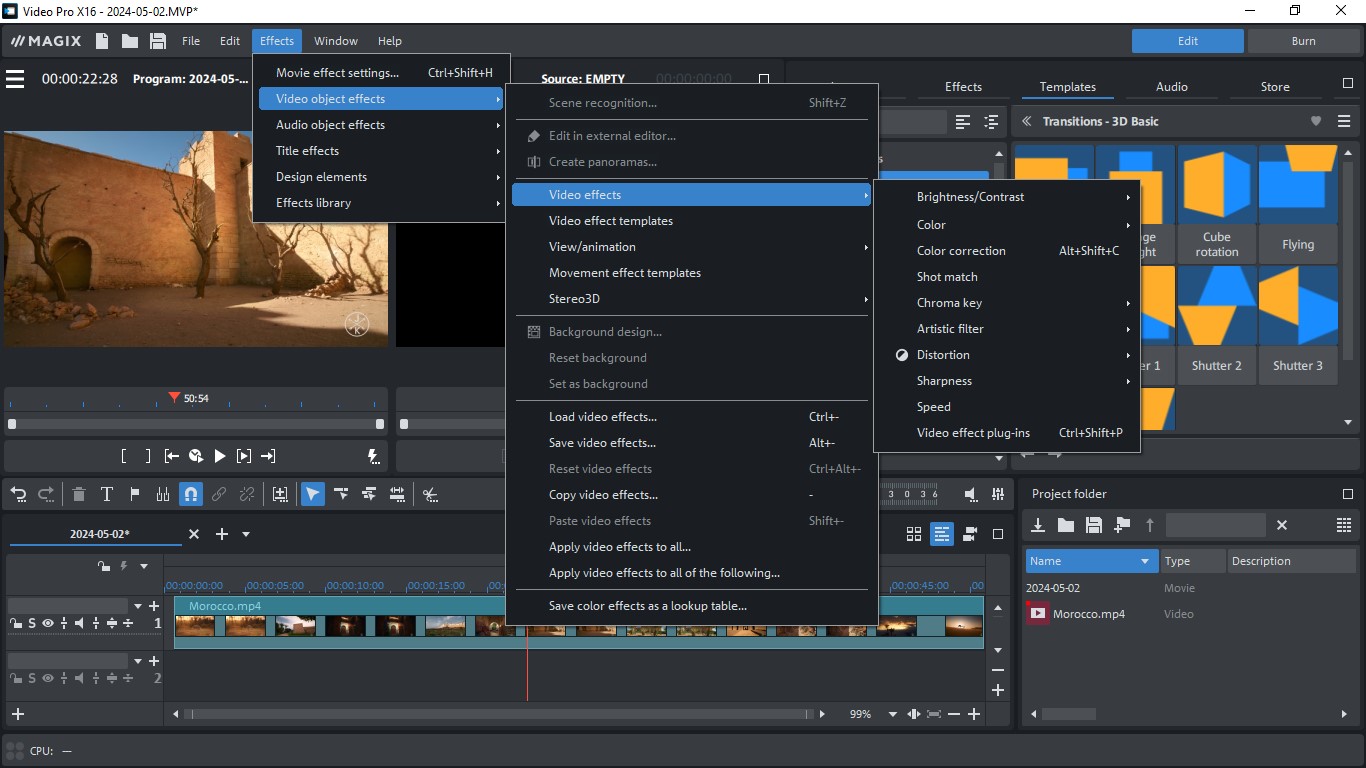
This is a professional video editing software developed by the German company MAGIX, aimed at content creators, directors, editors, and digital media professionals. The software features a multi-track editing interface, comprehensive video and audio support, advanced color correction tools, professional visual effects, and AI-powered features like text-to-speech conversion and automatic subtitle generation.
Practical Use Cases
- YouTube and TikTok Creators: Thanks to AI tools, you can create engaging videos quickly.
- Directors and Editors: Color correction tools and audio control make the software ideal for cinematic production.
- Educational Institutions: Automatic translation and voiceover features facilitate the creation of multilingual educational content.
- Marketing Companies: Ready-made templates and visual effects help produce professional promotional videos.
Key Features in the Version
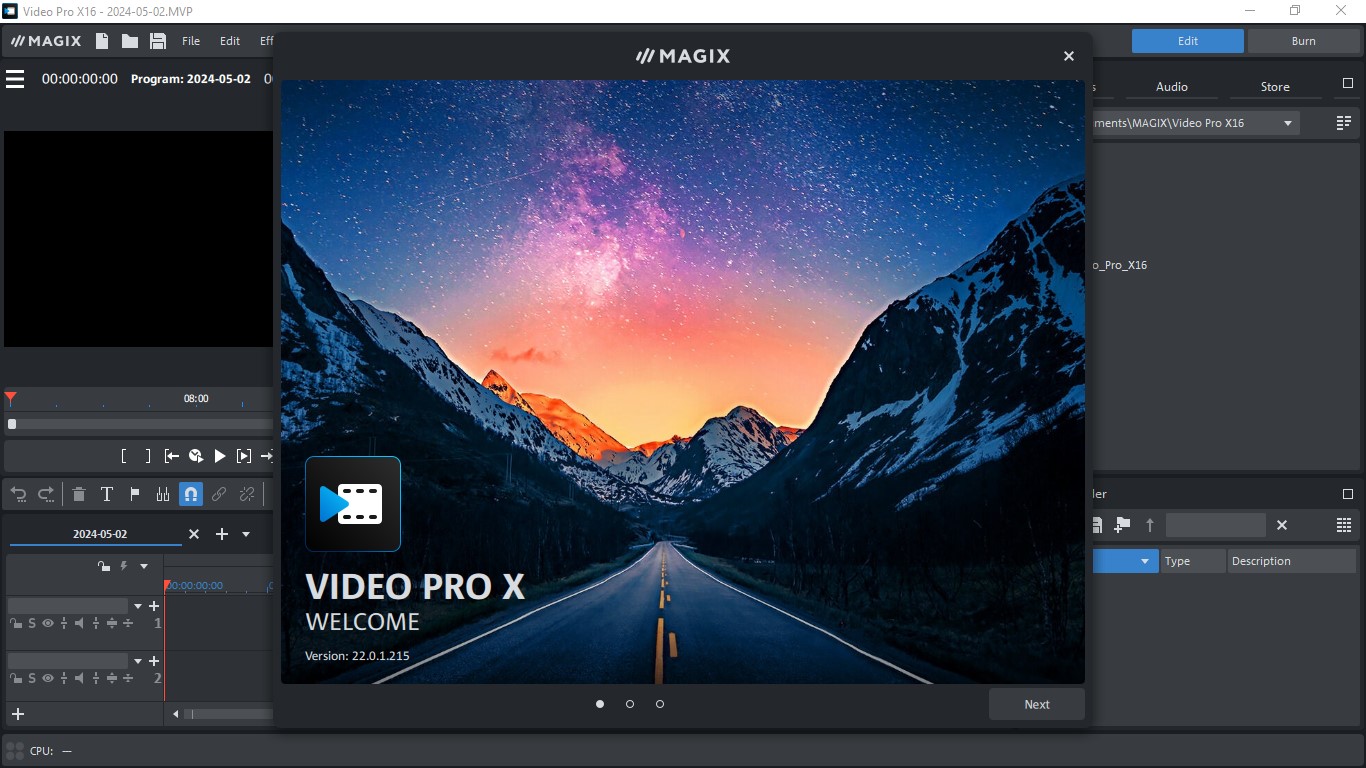 MAGIX Video Pro X17 Software[/caption>
INFUSION Engine 3
This engine is the core of the software, providing significant performance acceleration by supporting Intel and AMD processors and NVIDIA cards. It allows for smooth playback and editing of 4K and 8K videos, with noticeably reduced export times.
AI Tools
- Text-to-Speech: You can write text and convert it into realistic voiceover in multiple languages.
- Speech-to-Text: Generate accurate automatic subtitles from audio, supporting over 100 languages.
- Style Transfer: Transform video to appear as if painted in a specific artistic style (like Van Gogh or Picasso).
- Colorizing Old Videos: Automatically colorize black-and-white clips using AI.
AI Media Management
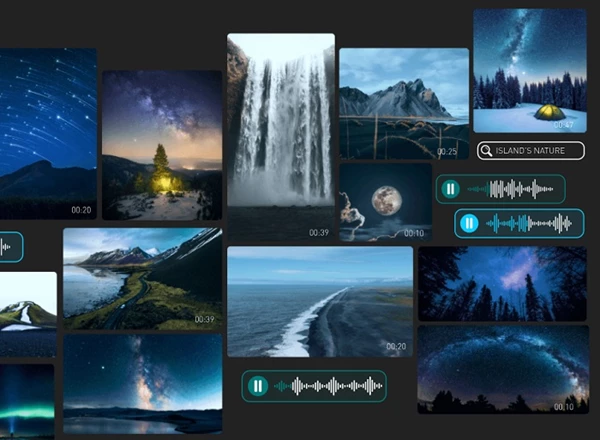
A new feature that allows for automatic sorting, categorizing, and smart tagging of media, making it easier to find clips and organize large projects.
Karaoke-style Subtitling
An innovative feature that displays words on screen synchronized with audio, often used in educational, entertainment, or YouTube content.
Professional Editing Tools
Multi-track Editing
The software supports video and audio editing across multiple timelines, with the ability to lock layers, arrange them, and apply effects independently to each track.
Advanced Color Correction
- 3-Way Color Correction
- Support for LUTs and HDR color spaces
- Color Curves
- Live preview of adjustments
Audio Editing
- Multi-track audio editing
- Professional sound effects
- Automatic sound quality enhancement
- Background noise removal
Visual Effects
- Over 25 effects from NewBlueFX
- Dynamic transitions
- Light effects, distortion, blurring, and overlays
- Chroma Key support for background merging
Comprehensive Format Support
The software supports all common video and audio formats, including:
- Video: MP4, MOV, AVI, MKV, MXF, HEVC, ProRes, AV1, VP9
- Audio: WAV, MP3, AAC, FLAC
- Resolution: from SD to 8K, with HDR10 and HLG support
Software Interface and Workflow
 MAGIX Video Pro X17 Software[/caption>
Intuitive Interface
Despite its powerful tools, the interface is designed to be user-friendly, with customizable windows, tool arrangement, and color changes according to user preference.
Ready-made Templates
The software offers a range of ready-made templates for intros, titles, and endings, speeding up production and saving time.
MAGIX Content Library
Access over a million visual and audio assets (images, videos, sound effects) for use in your projects, with an annual limit of up to 240 assets.
Installation and Activation after Download
Despite its power, the software does come with some challenges:
Resource Consumption
The software requires a powerful device, especially when working on 4K videos or using multiple filters, which may slow down performance on mid-range devices.
High Price
As a professional-grade software, its price is higher than programs like Filmora or Movavi, which may not suit casual users.
Some Tools Require Internet Connection
Such as AI tools or the MAGIX library, which may limit use in offline environments.
Learning Curve for Beginners
Despite an automatic mode, the advanced tools can be overwhelming for new users, requiring time to learn.
Licensing and Availability
- Free Trial: Available for testing before purchase.
- Permanent License: One-time purchase, with regular updates.
- Special Offers: Occasionally, discounts or bundles including the content library are available.
How to Download via Direct Links
 MAGIX Video Pro X17 Software[/caption>
To fully benefit from the powerful capabilities offered by the software, here are some practical tips:
- Start with Smart Templates: Take time to explore <a href="https://3almalt9nia.com/news/%d8%aa%d8%b7%d8%a8%d9%8a%d9%82%d8%a7%d8%aa-%d8%ac%d8%af%d9%8a%d8%af%d8%a9-%d9%84%d8%a5%d8%af%d8%a7%d8%b1%d8%a9-%d8%a7%d9%84%d9%85%d9%87%d8%a7%d9%85-%d8%a8%d8%a7%d9%84%d8%b0%d9%83%d8%a


 File Name:
 Downloads:
 Requirements:
 Version:
 Full Version:
 Created By:
 License Type:
 Release Date:
 Languages:
 Tags:
Tags: