


Who hasn't experienced that frustrating feeling when accidentally deleting some photos? It's a mix of surprise, disbelief, and frustration, regardless of how it happened. In any case, it’s painful to some degree. Now, with modern technology, the best free photo recovery software for 2024 can save the day. With just a click of a few buttons, you can recover lost photos and deleted files. Let's dive in.
Best Free Photo Recovery Software for 2024
We've compiled a list of the best photo recovery programs so you can find the one that suits your needs. Let’s take a look at the top free photo recovery software for 2024 that you can download on your computer!
1. Stellar Photo Recovery
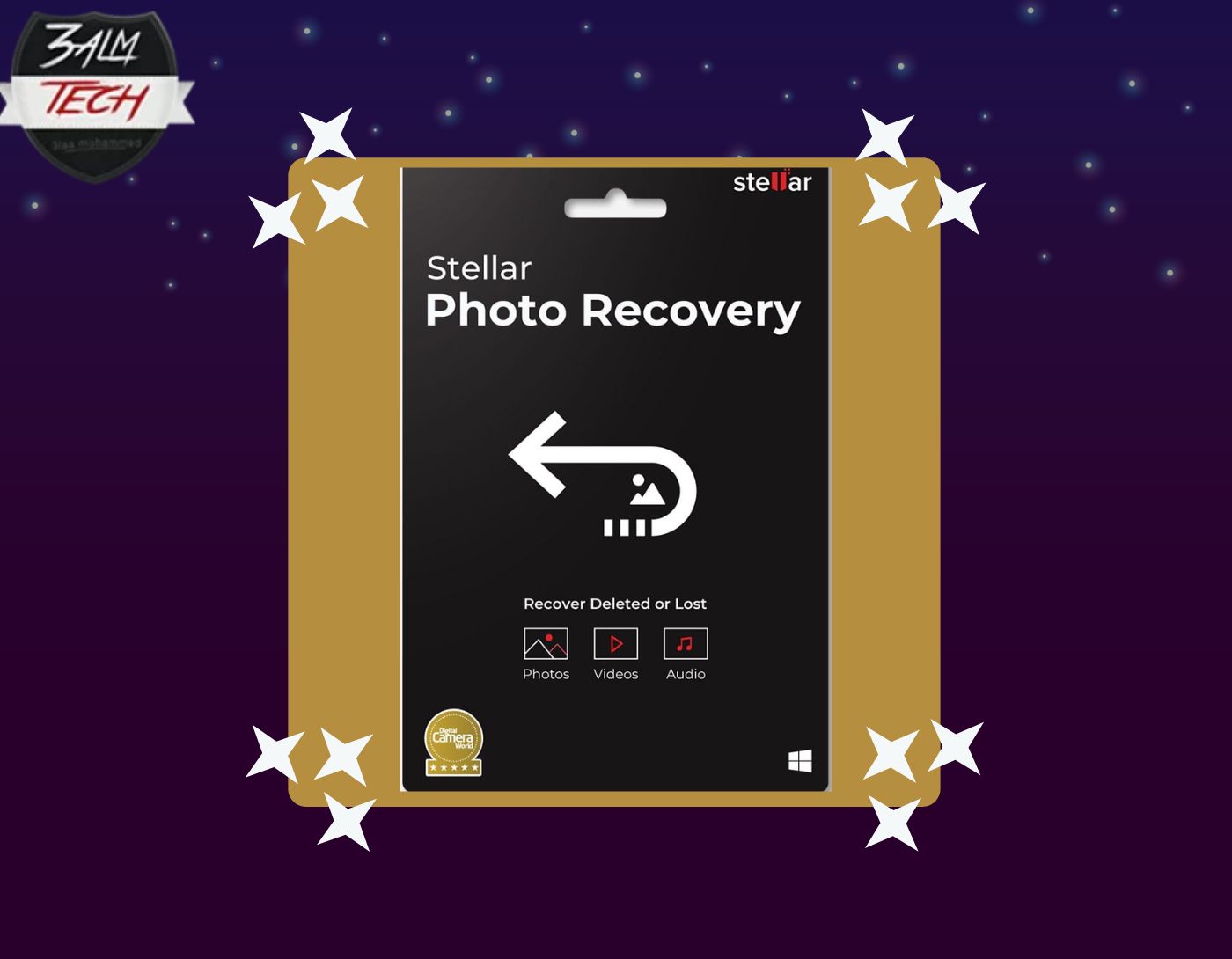
We start our list of the best free photo recovery software for 2024 with this program. Stellar Photo Recovery can recover deleted photos from all types of storage devices on computers running Windows and Mac. The software can retrieve images from formatted, corrupted, and virus-infected hard drives, memory cards, SD cards, CF cards, and more.
The program features a clear and user-friendly interface, and it also provides a preview of recoverable photos before saving them.
The free version of Stellar Photo Recovery can recover images from all brands of DSLR cameras, camcorders, smartphones, and iPhones. It supports the recovery of uncompressed RAW image files from Fuji, Olympus, Canon, Nikon, Sony, Panasonic, Samsung, and other digital cameras. It can recover JPEG, PNG, GIF, RAW, CR2, SR2, REF, NEF, DNG, KDC, and more, and it can scan and recover images from Windows file systems FAT16, exFAT, FAT32, NTFS, and NTFS5.
What sets Stellar Photo Recovery apart from other free tools is its advanced features, such as deep scanning, custom file recovery options, creating an image of a corrupted drive, saving scans, and resuming recovery later. It also supports dual-screen, and more. The software can also recover deleted videos and audio files.
Stellar Photo Recovery is compatible with Windows 11/10/8/8.1/7, macOS Sonoma 14, Ventura 13, Monterey 12, Big Sur 11, Catalina 10.15, Mojave 10.14/10.13/10.12/10.11.
This program comes from Stellar, a globally recognized organization that provides data recovery and repair tools for Windows, iPhone, and Mac systems.
Pros
- Recovers up to 10 photos for free.
- Can recover RAW camera files.
- Deep scan is available in the free version.
Cons
- Limited number of file recoveries in the free version.
2. Remo Recover
Next on our list of the best free photo recovery software for 2024 is this standout program, Remo Recover, which recovers deleted or lost photos from a Windows computer, camera memory card, USB, and iPod.
The program is straightforward and can recover images in various file formats, including JPEG, JPG, PNG, GIF, BMP, TIFF, and more. You can use the software in cases of accidental deletion or emptying the recycle bin.
It supports Windows file systems FAT16, FAT32, NTFS, NTFS5, and exFAT. Additionally, Remo Recover offers a "Save Recovery Session" option to continue recovery later at any time and a "Create Image" feature for the corrupted drive, allowing you to save recovered images to a Windows drive or CD/DVD.
However, on the downside, the free version is slow and often fails to recover high-quality RAW files from digital cameras.
The software supports Windows 10/8/8.1/7, Vista, and XP, as well as Windows Server 2008 and 2003.
User Experience and Ratings: The program successfully recovers lost images. However, there are reports of issues with the graphical user interface, and the preview before recovery is also unavailable. The program received a rating of 4.8 stars for overall performance.
Pros
- Recovers up to 1 GB of images for free.
- Recovers images from all drives and cameras.
- Recovers documents, videos, audio, etc.
Cons
- No preview of recoverable images.
- Very slow scanning and recovery.
- Deep scan feature is not available in the free version.
- No custom recovery available.
3. MiniTool Data Recovery
MiniTool Data Recovery is a straightforward program for free photo recovery, featuring a direct user interface that helps recover deleted photos from storage drives easily. You can pause or resume the scanning process, and the scan results are sorted by file type. It can recover JPG, JPEG, TIFF, ARW, PSP, PNG, GIF, DCR, DNG, PSD, BMP, CRW, and more. Additionally, the program can recover videos and audio files.
The free recovery program MiniTool is useful in cases of file deletion, virus attacks, or drive failure. You can only save 1 GB of recoverable images in the free version.
The software is available for Windows 10/8/8.1/7.
User Experience and Ratings: The program is easy to use and provides a successful recovery process. However, the program is somewhat slow, and scan results often include previous versions of files, which may not be useful. The reviewer rated the program 4.4 stars.
Pros
- Recovers up to 1 GB of images.
- User-friendly graphical interface.
- Recovers video and audio files.
Cons
- Scanning process is slow.
- Does not recover images with original file names.
- No additional features.
4. Disk Drill
Disk Drill is one of the reliable free photo recovery programs, capable of recovering almost all types of image files, including JPEG, HEIC, JPG, PNG, TIFF, BMP, PSP, PSD, and DNG.
However, Disk Drill lacks support for RAW file formats; it can only recover RAW files from Canon and Nikon cameras. The program is compatible with NTFS, FAT, and exFAT file systems.
In addition to quick scanning, it has a deep scan option that helps in thorough searching of the drive for maximum recovery.
The software can recover deleted or lost images from hard drives running Windows, SD cards, SDXC, SDHC, camera cards, USB, and iPods. It can also recover images from formatted and corrupted Windows drives.
The user interface is simple and easy to use. The free version of Disk Drill allows you to save up to 500 MB of lost images. The program supports Windows XP, Vista, 7, 8, 10, and macOS Monterey, Big Sur, Catalina, Mojave, High Sierra, and earlier versions.
User Experience and Ratings: With its intuitive graphical user interface, Disk Drill has an attractive interface. However, some users reported that the free version does not work on macOS. The program received a rating of 3.7 stars.
Pros
- Recovers images up to 500 MB.
- Recovers almost all image file types.
- Allows preview of images before recovery.
Cons
- Limited support for RAW files.
- Scanning process is slow.
5. EaseUS Data Recovery

The free version of EaseUS Data Recovery is suitable for recovering deleted photos. You can recover RAF, DNG, JPEG, PNG, BMP, GIF, TIFF, RAW, CRW, CR2, NEF files from any hard drive running Windows and external storage media.
The graphical user interface is user-friendly, and there is a preview option for recoverable images. EaseUS Photo Recovery supports FAT, exFAT, NTFS, NTFS5, and EXT2/EXT file systems.
The program's algorithms allow you to recover lost images due to accidental deletion, emptying the recycle bin, or improper file transfer.
The software is available for Windows 11/10/8.1/8/7/Vista/XP and macOS Big Sur, 10.15


