


The best ad blocker for Mac: While using any browser and surfing the internet, one of the most annoying things you encounter is the frequent appearance of ads. These ads not only interrupt your work but are also quite bothersome, making it nearly impossible to browse the web smoothly due to the abundance of ads on websites.
However, this issue can be easily bypassed with the help of ad-blocking tools for Mac. As the name suggests, these applications allow you to block all ads that may appear on your Mac and provide an amazing and uninterrupted browsing experience. With these tools, you can easily navigate websites and remove or hide ads from your Mac's screen.
What is an ad blocker?
An ad blocker is an application that alters or removes ads on the web pages you visit. When you click on a site, the webpage loads many scripts just to display the content, some of which are related to ads on the webpage. These ad-blocking applications analyze the loaded scripts, compare them to a list of known ad scripts, and block suspicious ads.
How to choose the best ad blocker for Mac
There are a variety of ad-blocking tools available, but not all of them are safe to use. Therefore, here are some features to consider when choosing the best ad blocker for Mac OS.
Browser and platform compatibility.
Good ad tracking and blocking capabilities.
Supports a whitelist.
Features to protect your online activity as well as your device.
Now, let’s move on to the best ad-blocking tools for Mac below.
Best free ad blockers for Mac
Now, it’s time to review the list of the best ad-blocking tools for Mac in 2024. Each of these tools offers different features, so you should check out all of them before downloading any to find the one that meets your needs.
1. Wipr - Adblock Safari Mac
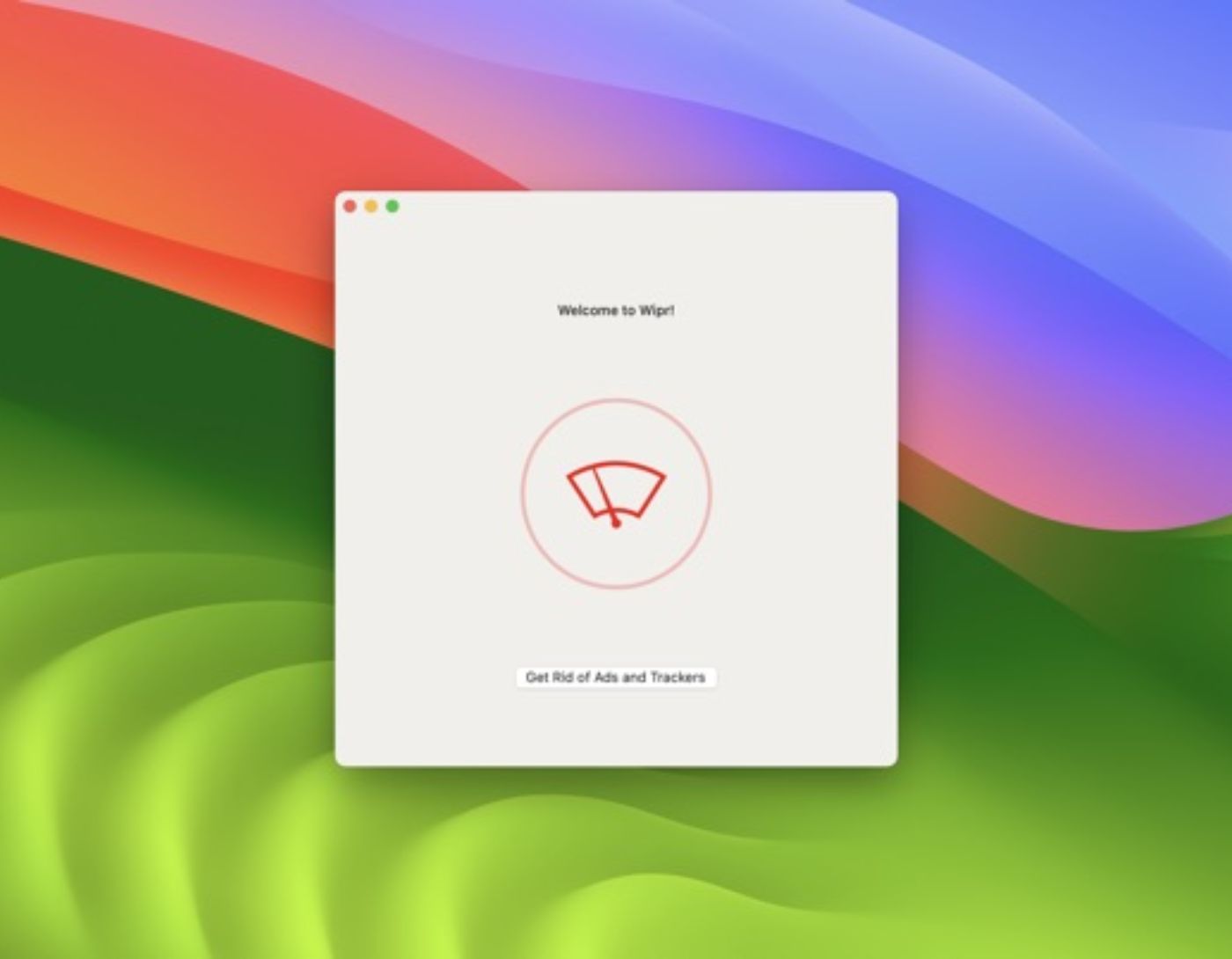
Wipr is the top name on the list of the best ad blockers for Mac. With this tool, you can easily block ads and improve your browser's loading speed and your Mac's battery life. Thus, this tool tops the list. Additionally, the app excels at making the browser run faster without reading your personal information.
With this free ad blocker for Mac, you can permanently get rid of ads without facing any issues. Moreover, the smart design of this tool allows it to gather data about ads and block them in the future as well.
2. Adblock Plus for Safari ABP
Second, Adblock Plus for Safari ABP ranks among the best ad blockers for Mac. This fantastic tool allows you to remove all types of video and banner ads with just one click. If you use Safari browser for browsing the internet, this tool is perfect for you. It is the most downloaded solution and is therefore highly reliable.
The tool is extremely safe and keeps your privacy well protected from outsiders. The best part of the tool is that when using Adblock Plus for Safari ABP, you don’t have to worry about excessive battery usage as it consumes very little power to operate. This tool is very useful when playing games using the best Nintendo DS emulator for Mac.
3. AdLock - Best AdBlock Safari Mac Chrome
If you are a professional or regularly use a Mac for browsing the internet, you should try AdLock. This program is among the best ad blockers for Mac, allowing you to protect your Mac from all types of ads with just one click. Additionally, the tool also provides other information about your device, such as traffic.
One of the best features of the tool is its stunning interface with attractive sections and top-notch display properties. You can get the best free ad blocker for Mac to obtain data on the number of ads received and blocked over time.
4. AdBlock - Free Ad Blocker for Mac
If you are looking for the best ad blockers for Mac, especially for the Chrome, you can use AdBlock. The tool works perfectly to hide and block all ads from your Chrome browser. It will remove ads while you browse the internet, but that’s not all it does; it will also eliminate all ads from social media sites like Facebook and streaming platforms like YouTube.
AdBlock for Mac Chrome is the only and best solution that provides you with syncing settings and ad preferences across your online accounts, so even if you change devices, you can still access your customized settings instantly.
5. AdBlock One: Tube Ad Blocker
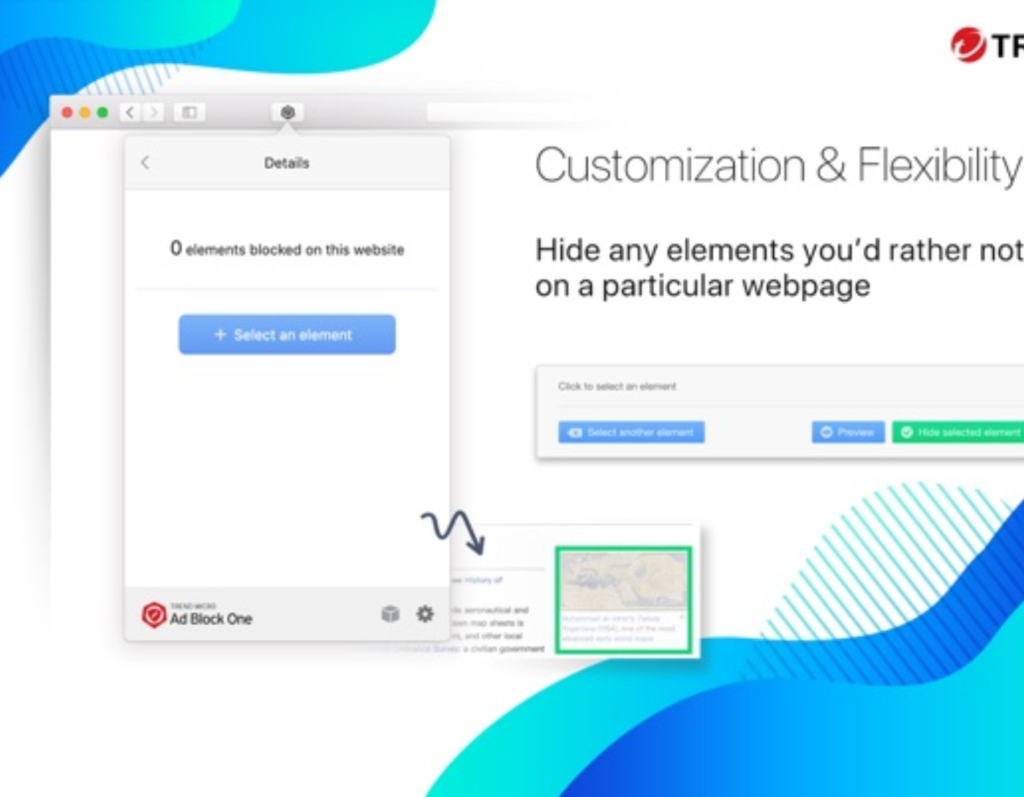
This program is a great solution for anyone looking for effective ad-blocking features. The tool is highly customizable and allows you to easily adjust the interface preferences according to your requirements.
With just one click, you can set up the best ad blocker for Mac on your device. Fast page loading and optimal security while browsing are the best features you get with this tool.
6. AdGuard by Adguard Software Limited
This is one of the best amazing free ad blockers for Mac. This cross-platform tool allows you to control ads on various websites and across different browsers.
With this tool, you can also remove annoying ads. Besides browsers, you can also download this tool for operating systems like Windows and macOS and other devices.
7. NordVPN CyberSec
If you are willing to pay for amazing ad-blocking features, NordVPN CyberSec is the best alternative for you. This tool is a fantastic addition to the list of the best ad blockers for Mac in 2024, featuring a user-friendly interface that makes it highly reliable for blocking ads.
NordVPN CyberSec is not a standalone tool but part of the NordVPN tool. You can also benefit from effective ad-blocking advantages, eliminating hackers and intruders for added security.
8. Poper Blocker (Chrome)
If you are not satisfied with the AdBlock tools mentioned above for Chrome, you can also consider Poper Blocker (Chrome). This tool is among the best ad blockers for Mac with a simple user interface but great and reliable features for blocking ads.
The application can easily remove pop-ups of any kind from your Chrome browser with just one activation. However, the best ad blocker for Mac is only available for Chrome.
Conclusion
In this article, we discussed the best ad blocker for Mac. We hope you are now familiar with the best ad-blocking tools for Mac. You can browse the internet without any interruptions, and you can download and use any of the available tools for the best experience. However, if you have any suggestions or questions regarding the article, feel free to write them in the comments below. We will assist you with all possible solutions.


