

The best free sound volume booster extension for Chrome in 2024: This article introduces sound volume booster extensions for Chrome that allow you to enjoy audio to the fullest by increasing volume levels and adjusting sound directly from the browser.
Google Chrome is one of the most popular browsers for watching webinars, attending virtual meetings, or engaging in any audio-visual activity. However, despite using this excellent browser, users often have to adjust their computer's sound settings to achieve the best experience. If you are one of those users, this article is perfect for you. What if we told you that you can use sound booster extensions to control the browser's volume directly without fiddling with your computer's settings?
Sounds great, right? If the answer is yes, keep reading this article to learn more about the extensions that can boost volume in Chrome, unify sound levels across websites, and make other customizations to enhance your audio satisfaction in the browser. Let's get started so we don't waste your precious time.
The best free sound volume booster extension for Chrome in 2024
Here’s a curated list of the best extensions we carefully selected after researching, analyzing, and comparing all available tools based on specific criteria such as features, ease of use, and more.
1. Volume Master.
Let us introduce you to Volume Master, a trusted extension by over 4,000,000 users that allows you to increase the volume level up to 600%, giving you the freedom to control the volume in any tab, making dialogues and podcasts crystal clear with sound enhancement, boosting bass for a better streaming experience, along with the following amazing features.
Main features of Volume Master
Provides precise control ranging from 0 to 600%.
You can switch between different tabs with a single click.
Volume Master does not display ads to ensure you have a great experience.
2. Volume Booster
You can add the Volume Booster extension to Chrome to amplify and increase the maximum volume. This extension, used by nearly 2,000,000 people worldwide, can boost volume up to 1000%, increase sound levels regardless of headphones or speakers, and solve fullscreen issues with just a press of the F11 key. Additionally, here are some other features that justify its inclusion in our list.
Main features of Volume Booster
You can easily turn this extension on or off for different sites.
Tested on both Windows and Mac systems.
Volume Booster is free from ads and malware.
3. Sound Booster
Over 1,000,000 users trust Sound Booster to enhance their audio experience on Google Chrome. With this free sound enhancement extension, you can boost volume up to 600% and use the bass boost option to improve the overall sound quality of the content, better control the volume with the freedom to adjust individual settings for each tab, and take advantage of the following features.
Main features of Sound Booster
Includes an equalizer to enhance your audio experience.
One of the easiest extensions to use for boosting volume in Chrome.
4. Volume Max
With a user base of over 1,000,000 users, Volume Max is the next sound booster extension we want to discuss. You can increase the volume up to 600% with Volume Max, boost bass sound, and make the most of the following features.
Main features of Volume Max
You can adjust sound settings according to your preferences.
Allows you to manage volume for each tab individually.
5. Volume Control
You can't go wrong with using the Volume Control feature if you're looking for a simple extension to boost volume for Chrome. With this user-friendly extension, you can enhance sound by up to 600%, apply precise control from 0 to 600%, switch between light and dark themes, and enjoy a seamless audio experience with the following features.
Main features of Volume Control
You can switch between different tabs with a single click.
Features an easy-to-use slider that changes the sound of the current tab using the mouse wheel.
6. BassMaster EQ
Next, we have BassMaster EQ to help you fine-tune your audio experience. In addition to its simple and clear design, it features an equalizer with bass boost to allow you to enhance sound quality effortlessly. Moreover, it comes with the following useful features.
Main features of BassMaster EQ
Provides presets for different types of sounds.
You can use sliders to adjust sound in the current browser tab effortlessly.
7. Ears
We have Ears with over 500,000 users as the best Chrome extension for sound enhancement. With this simple tool, you can change the sound equalizer for all tabs or any of them at the same time. All you need to do is go to the website with audio, turn on Ears, and then raise or lower the equalizer by dragging the points. In addition to its ease of use, here are some other features of this extension.
Main features of Ears
You can use Ears to adjust the sound of any website in real-time. It features an auto-tuning option for specific sites, stereo adjustment for each tab, and other versatile features.
8. Google Meet Volume Control
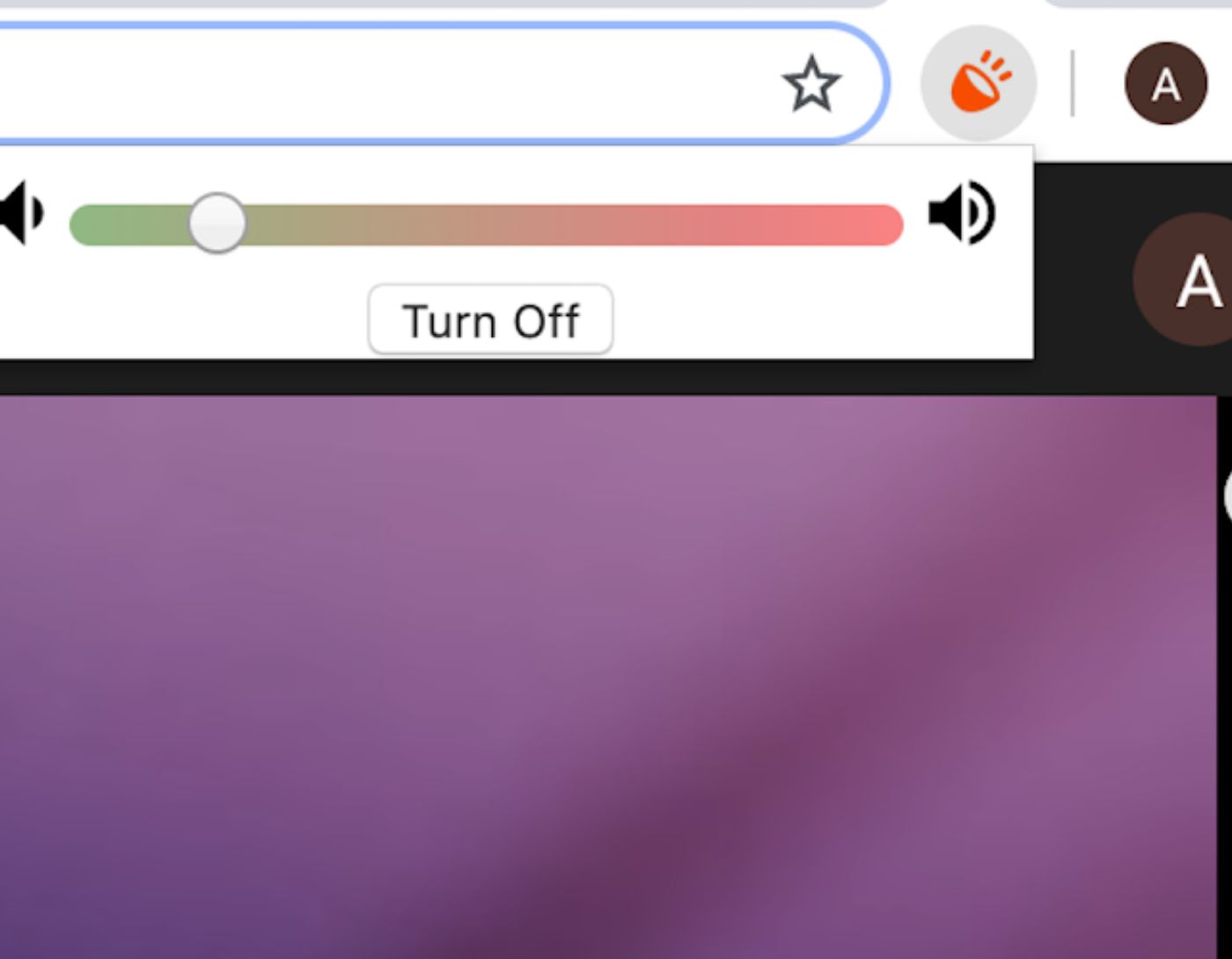
Have you ever been in a Google Meet group call on Chrome and wanted to raise or lower the volume? Meeting audio settings generally deal with muting and selecting the speaker you want to use. Google Meet Volume Control comes to the rescue, adding a volume slider in your meeting that you can move up and down.
Main features of Google Meet Volume Control
As the meeting host, you can use it to adjust the volume for all participants.
This will not affect the quality of any member's devices, and they will need to install the Chrome extension if they want to use it as well.
Conclusion
In this article, we discussed the best free sound volume booster extension for Chrome in 2024. You can use any of the sound boosters mentioned above to adjust the volume according to your needs for the best experience. However, if you think there are your favorite extensions that should have been part of our list, feel free to let us know in the comments section. Also, don't hesitate to leave a comment if you have any questions or inquiries about this article.


