

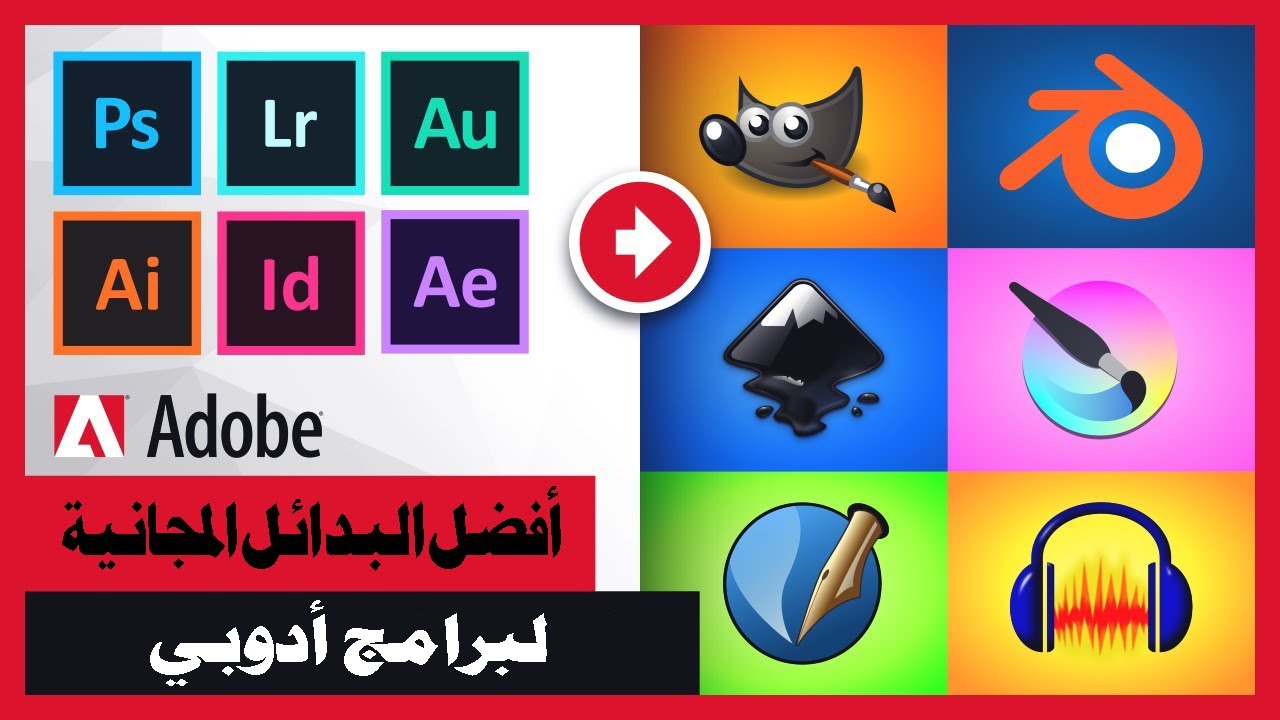
Free Alternatives to Adobe Software: Adobe has dominated the creative design industry despite its high costs and long-term subscription plans that are difficult to cancel. I've compiled this list of free alternatives for all major Adobe applications so you can continue your creative work without spending any money.
Free Alternatives to Adobe Software
1- Alternative to Illustrator: Inkscape (Free, Open Source)
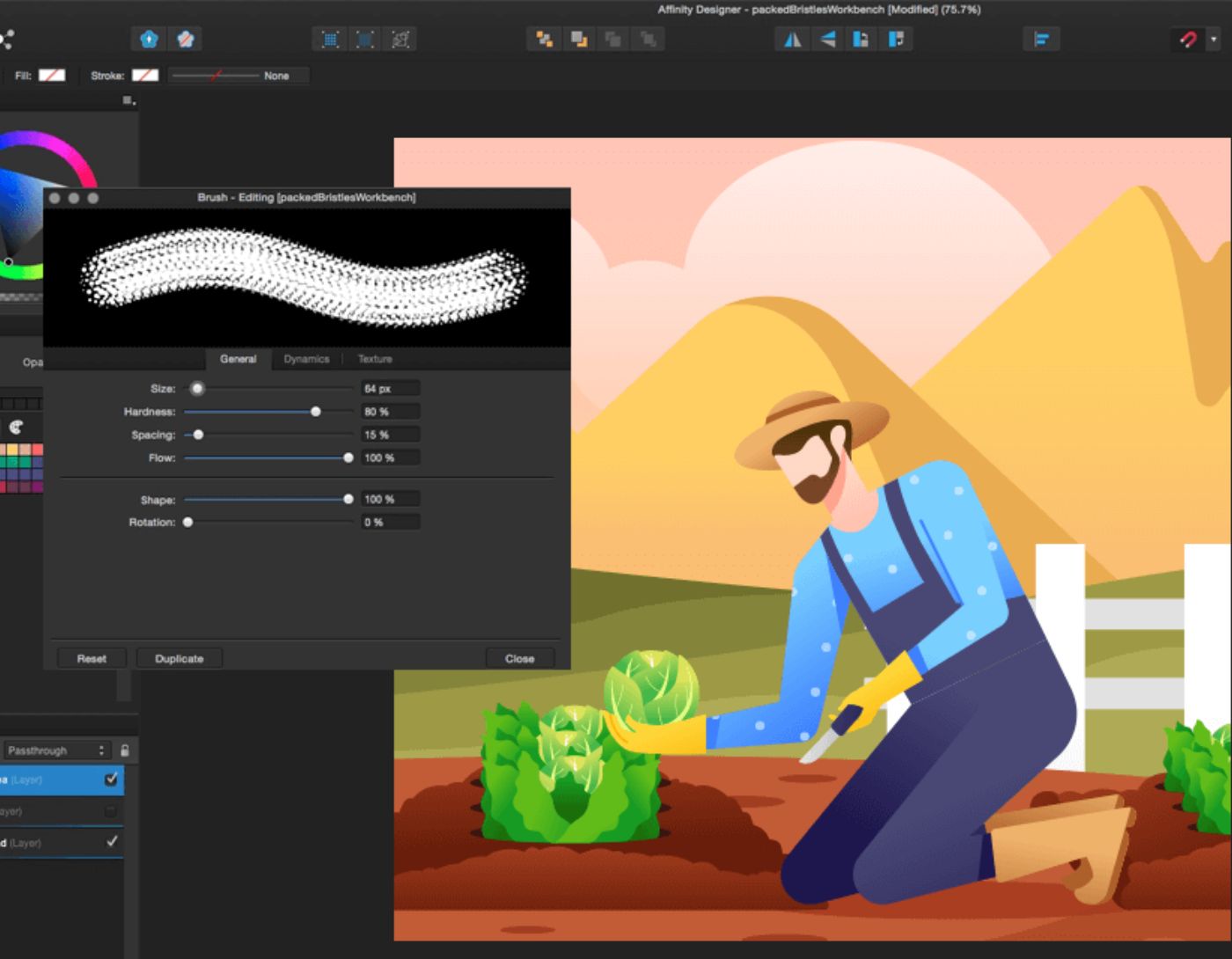
Inkscape is a fantastic alternative to Illustrator, offering a similar interface along with comparable tools and capabilities. It’s a free and open-source program available for Windows, Mac, and Linux. You’ll save a lot of money over the year by switching from Adobe Illustrator to Inkscape.
The price point is definitely the biggest advantage of using Inkscape, and it has a lot to offer as well. You can create vector and raster images, and Inkscape can also be used to design logos and branding. While the saving options focus on SVG formats, you can also save or export in many other formats.
The biggest difference between Illustrator and Inkscape is the lack of AI tools. Most AI tools in Illustrator assist you with tasks that you can easily do manually, like recoloring vector graphics. Not having access to AI isn’t necessarily a bad thing for a designer.
2- Alternative to Photoshop: GIMP (Free, Open Source)
Photoshop is one of Adobe's most popular programs, so there are many alternatives available. GIMP is the best free alternative to Photoshop for several reasons.
GIMP offers many of the same tools and features as Photoshop; however, its interface is less user-friendly than Photoshop. You can easily work with images using GIMP. Whether you’re a digital artist or just enhancing photos, GIMP has everything you need for free.
You can also use it to create graphics for interfaces, mockups, and frameworks for programming like C++ and Python. It even provides basic desktop publishing features, similar to InDesign. This free software has a lot of uses and can save you money instead of subscribing to various Adobe programs.
Photopea is another free alternative to Photoshop. It runs on ads but has a more user-friendly interface, and some people may find it easier to use.
3- Free Alternative to Lightroom: RawTherapee (Free, Open Source)
Although there are many software applications for editing RAW images, there aren’t many free applications that deliver great results. RawTherapee is a free open-source photo editor available for Windows, Mac, and Linux.
You can edit other formats in RawTherapee, like JPEG images, but you’ll get much better results when editing your RAW photos in RawTherapee.
The interface takes some time to get used to. There are many features available, such as exposure settings, shadows and highlights, tone equalization, dynamic range compression, filters, and adjustments. You can create beautiful images using this software.
4- Free Alternative to After Effects: Linearity
Linearity is the best alternative to After Effects, but it can also be a great alternative to Illustrator - it’s a two-in-one program. Linearity Curve is a free vector drawing tool, and it comes with Linearity Move - an animation tool similar to After Effects.
The free version of Linearity apps only allows a limited number of projects at a time, but you can create amazing animations despite these limits.
One downside of Linearity compared to After Effects is that Linearity Move does not support audio in its animations. This isn’t an issue if you’re creating animations for GIFs or user experience/user interface elements or just enjoying the animations. Audio is expected to be available in the future.
The free plan of Linearity allows you to edit only the latest three projects. Overall, Linearity is a fantastic free tool to replace your Adobe software.
5- Free Alternative to Adobe Premiere: DaVinci Resolve
DaVinci Resolve is a free video editing software. The free version offers many video editing tools, but it is somewhat limited due to export settings capped at 4K at 60 frames per second, even though it can handle higher import settings.
You may find fewer options for color grading, noise reduction, and AI tools in the free version of DaVinci Resolve, but for a free video tool, it’s definitely worth considering. You can purchase a perpetual license for the paid version, DaVinci Resolve Studio, with future updates included.
Another alternative to Adobe video editing tools - both Premiere Pro and its mobile version Premiere Pro Rush - is CapCut. The CapCut video editing software is available on both desktop and mobile and offers a comprehensive free account or a CapCut Pro subscription.
For amateur video creators, CapCut is a good alternative to Premiere Pro, but DaVinci Resolve offers greater editing flexibility, making it a better alternative.
6- Alternative to InDesign: Scribus (Free, Open Source)
There aren’t many affordable alternatives to InDesign. Other applications are usually as expensive as Adobe, like QuarkXPress or Affinity Publisher, although these alternatives offer perpetual licenses, which are better than Adobe's long-term subscriptions.
Scribus is a free and open-source program, similar to Adobe InDesign. In addition to being available for Windows, Mac, and Linux, it is also accessible for FreeBSD, PC-BSD, NetBSD, OpenBSD, Solaris, OpenIndiana, Debian GNU/Hurd, OS/2 and its variants, and Hiku to ensure all computer users can access it.
Whether you’re designing page layouts, books, or resumes, Scribus and its tools are the perfect free candidate for creating PDFs and other formats. Like InDesign, it supports CMYK color ranges, spot colors, and ICC color management, allowing you to design high-quality layouts and send them to print houses.
7- Free Alternative to Adobe Express: Canva (Free)
Adobe Express allows you to quickly and easily create designs for social media or digital marketing. It includes access to many AI tools. Therefore, Canva is the perfect alternative to this Adobe program.
The free Canva plan offers layout tools, graphic libraries, fonts, some free AI tools, various export options, and animation tools. Canva is the preferred tool for digital marketing, despite Adobe's dominance in other creative software.
The free package is great, but even the professional package is reasonably priced and offers more tools and export options. Canva routinely offers free trials for Pro, so it’s worth trying out for a real competitor to Adobe Express.
With Canva, you can also create videos and some basic animations and design document layouts, meaning Canva can also replace programs like Premiere Pro, After Effects, and InDesign alongside Express.
8- Alternative to Acrobat: Sejda (Free)
Although Adobe Acrobat isn’t considered a creative tool, there are many reasons you might need to use Acrobat in your work. If you’ve designed a layout in InDesign (or Scribus), you can open or edit it in a PDF reader. Most PDF reading software - like Acrobat - requires a subscription to edit PDF files and is often limited.
Sejda is a free PDF reader and editing tool. For the free version, you’re limited to 200 pages or 50 MB per project and a maximum of three tasks per hour. The free version is available only on the browser, while the paid version can be downloaded as a desktop application. Despite these limitations, you can do a lot with your PDF files.
<p


