

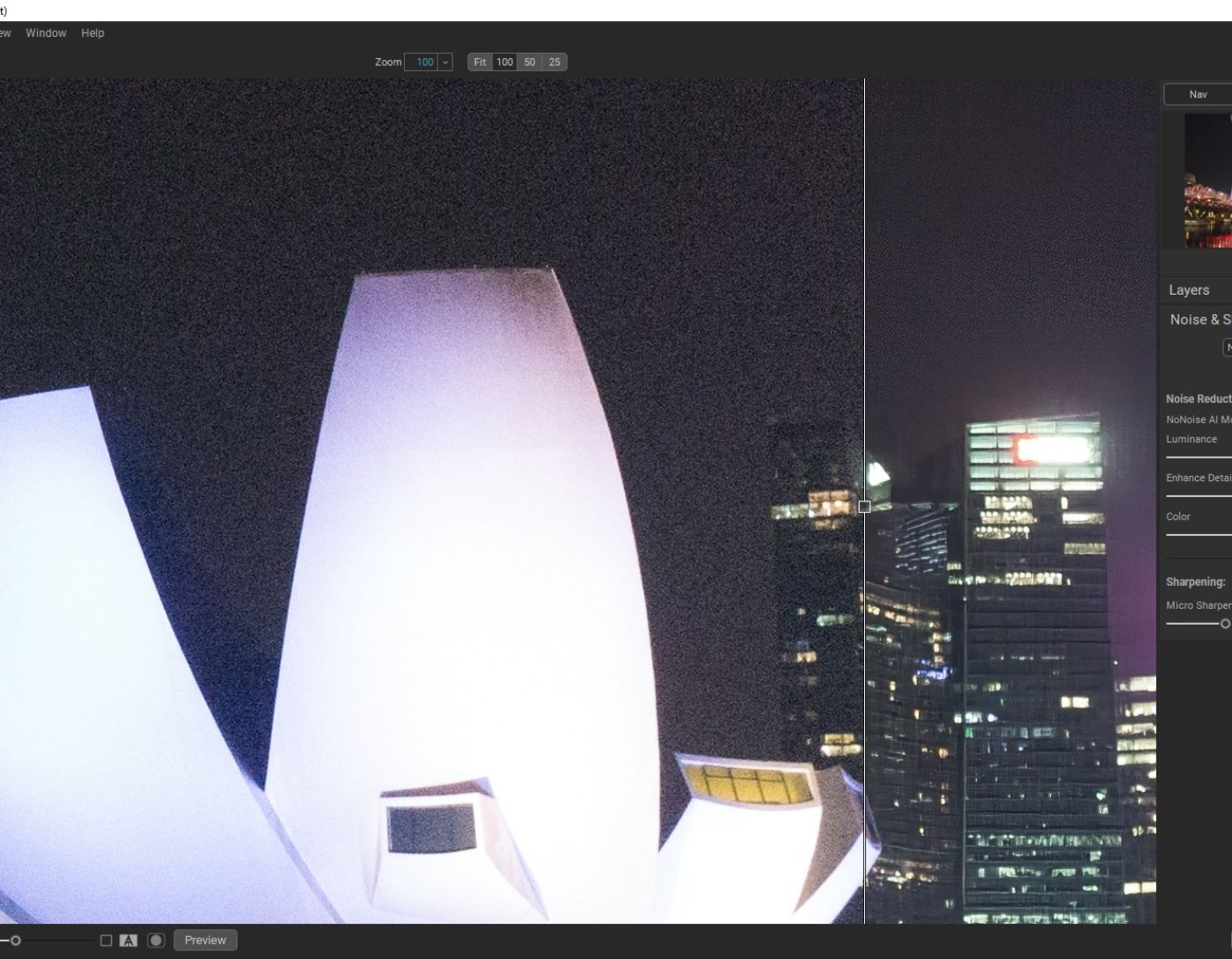
Images are an essential part of everyone's life, and with the widespread availability of smartphone cameras, we see pictures everywhere; on social media, various websites, in presentations, and product marketing campaigns. However, for professional photographers and business owners, the quality of images is crucial for their success. In the past, eliminating noise from images seemed like a dream, but now, with the technological advancements surrounding us, it has become much easier. With the best free noise removal software for images in 2024, you can achieve high-quality pictures with just a few simple clicks.
If you're not familiar with this type of software, this article will introduce you to the best free noise removal program for images in 2024. But first, here's a quick overview of what noise in images means.
What is noise in images and videos?
It is a common term referring to a specific type of visual distortion, where noise appears in your images as grainy or rough textures, blurry backgrounds, and many other elements that can spoil the overall picture.
If you're wondering why these flaws appear in your photos and videos? This usually happens for two reasons: low lighting conditions and when the camera's ISO settings are higher than usual.
Best Free Noise Removal Software for Images in 2024
Here are the top 6 free programs for reducing noise in images and videos that offer professional-level services:
1. InPixio Photo Studio Pro

If you're new to this field, InPixio Photo Studio Pro is the perfect choice for you. The software has excellent features that help you eliminate flaws in your favorite images. Additionally, with this program, you can also edit your photos like a professional.
Users can utilize this program to remove objects, change backgrounds, create collages, and make stunning montages. You can also share images on social media platforms. The best thing about this free noise reduction app is that it removes any object, person, or background without affecting the original quality of the image.
Key Features of InPixio Photo Studio Pro
- Automatically detects and fixes red-eye in an instant.
- Offers various photo styles and modes.
- Quickly finds and resolves multiple errors in images.
- Extracts multiple objects with a single mouse click.
- Includes a built-in eraser to remove backgrounds from images.
2. Adobe Photoshop CC
Without a doubt, Adobe Photoshop is considered one of the best programs for reducing noise in images. It is the best photo editor available, offering high-quality services. The program can be used to create stunning digital images as well as to edit and repair RAW photos. It is a comprehensive tool with highly advanced features that help you achieve the perfect image. With this program, you can easily remove noise issues from your photos.
Key Features of Adobe Photoshop CC
- The powerful editor comes equipped with a toolkit that includes object extraction, cropping, resizing, color adjustments, and effects.
- It has real-time cloud-based storage.
- Automates backup and restore processes.
- Includes a built-in tool called Object Selection for precise and instant selections.
- Highly compatible with Windows and mobile devices.
3. Vance AI
The best free noise reduction software for images in 2024 is Vance AI, which provides you with the best way to reduce noise in both single and multiple images with just a few mouse clicks. The program relies on Denoise AI algorithms and parameters to accomplish the task easily and quickly. Vance AI operates using intensive learning technologies to remove noise from images and videos 100% without any hindrances.
To start using Vance AI, all you need to do is drag and drop or upload the image you want to extract visual noise from, then click the "Start Processing" option to begin the process. Once completed, it will also show you the corrections made, and once you're satisfied with the results, you can download and save the image.
Key Features of Vance AI
- An easy-to-use and completely free program for eliminating image noise.
- Uses AI technology to completely remove backgrounds from images.
- Can clarify even blurry images with a single mouse click.
- Comes with a built-in image compressor that compresses JPEG and PNG files without affecting actual quality to enhance your website.
4. Enhance.Pho.to
This web-based noise reduction application provides basic and useful image enhancement tools to improve the overall quality of your photos. Additionally, the program offers default tools for adjusting colors and lighting in images. You can also use the program to remove blurriness from images and correct red-eye.
When it comes to specifically eliminating noise, Enhance.Pho.to makes your task very simple to remove rough or grainy textures from your images. All you need to do is select the Denoise option and add the image you want to reduce noise from.
Key Features of Enhance.Pho.to
- Advanced tools for fixing faded or poor colors in images.
- Automatically removes red-eye in images.
- Takes less than a minute to detect and fix all errors related to digital images.
5. Pixlr
Last but not least, Pixlr is a convenient and effective online photo editing program that offers integrated tools for editing images and reducing noise online. To work with it, all you need to do is upload the image you want to edit, and then you can perform general


