

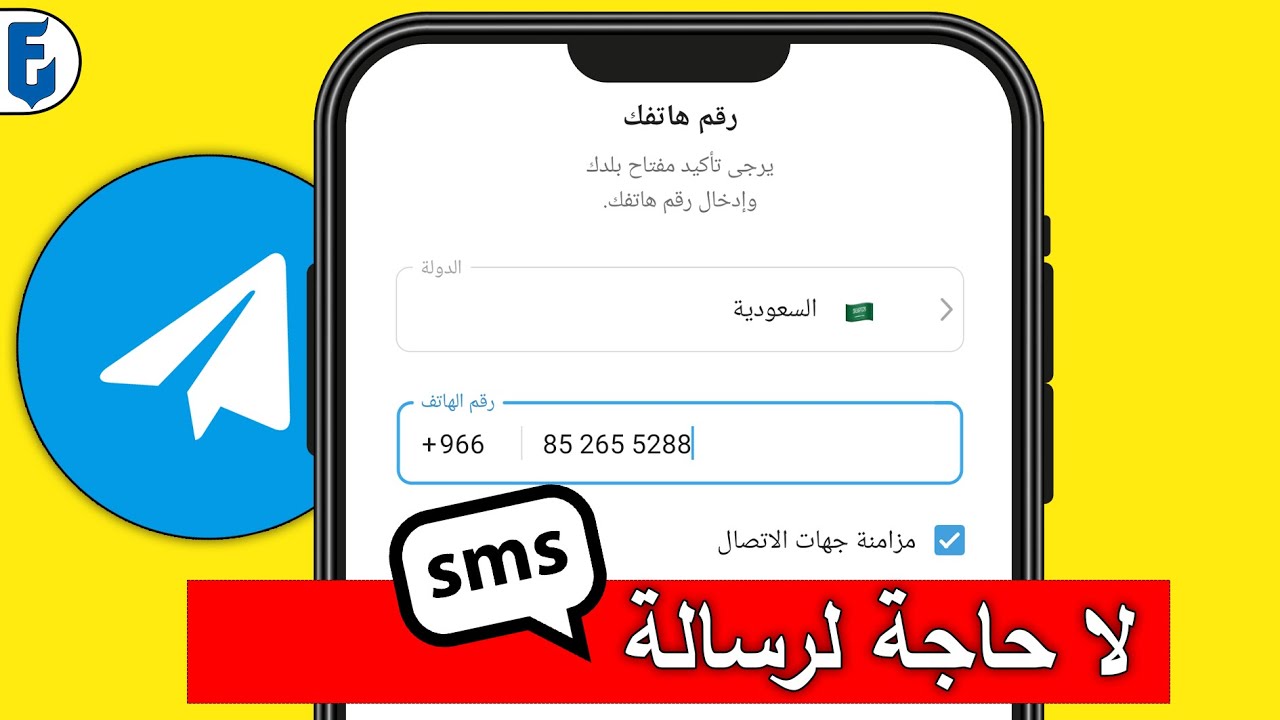
Do you want to know how to use Telegram without a phone number? It's simple, just follow this article that includes everything you need to know about this topic.
Telegram is a messaging app used by millions of people around the world, similar to WhatsApp and other applications, where accounts are linked to a phone number. But is it possible to use the app without a phone number?
When creating an account for a service, it may require entering a phone number or email address; some services require both. Having an account linked to this information can also be useful if users need to recover access to their account. When setting up a Telegram account for the first time, you need to specify the user's country and phone number. As a result, there is no option to create an account without a phone number, and this requirement applies to both mobile and desktop applications, as Telegram sends a code to the number to complete the registration.
Telegram prioritizes user privacy and offers many features that make it a great messaging program, contributing to its growing popularity. On the other hand, requiring users to register with a phone number is something that some individuals find annoying, so there are certain methods to work around this issue.
If you don't want to provide your phone number to Telegram, here are several options you can choose from that suit your needs.
How to Use Telegram Without a Phone Number
It is possible to simply create a Telegram account without providing your real phone number if you use some unconventional methods. Due to privacy concerns, many individuals opt for alternative solutions. Let's explore those solutions!
1. Burner
Burner is an app that allows you to forward outgoing calls from a fake number to your real number. When others call you, they only get the Burner number. You can create a Telegram account by taking advantage of the free trial that lasts for one week.
Burner does not reveal your real phone number to any other party and offers two different types of accounts. In addition to the one-week free trial, a subscription plan is also available. If you pay for it, the number will be yours for as long as you want. In short, Burner is one of the best ways to use Telegram without a phone number.
2. TextNow
TextNow is another app that enables users to send and receive text messages and make phone calls over a wireless network. The app is completely free to use.
Once you get your free number, it will be easy for you to create a Telegram account. If you're interested in a paid number, there is also an option available. The app helps you create a fake number that you can use to log into Telegram without using your original phone number.
3. FreePhoneNum.com
On FreePhoneNum.com, you'll find a list of phone numbers from which you can choose one. To be more specific, the owners make them available for anyone who wants to use them without any charges. You can view the text message sent to the phone you selected by clicking on it. This includes verification messages from Telegram sent to the number. Refresh the site if the message hasn't arrived yet, and it will surely appear afterward.
Additionally, we would like to draw your attention to the fact that the messages on this site are accessible to anyone who clicks on the number. Therefore, you should not use the number for any personal matters, except for services related to text messages and receiving verification codes. This way, you can create a Telegram account without your phone number using this online site.
4. Google Voice
Google Voice is an excellent app you can use to create a Telegram account without your phone number. However, to use Google Voice, you must already have a number in the United States. Although you need to provide Google with your phone number, you do not provide Telegram with your actual phone number. When using Google, you will get a different number. While it may not be the most secure option, it is a very useful one.
Once you have your Google Voice number, you can use it to register for a Telegram account. To create your new account, Telegram will send you a text message to the number you use on Google Voice, and after that, you can have an account on Telegram.
5. ReceiveSMS
Another website comparable to FreePhoneNum.com is ReceiveSMS, which provides numbers for the UK, Indonesia, the Netherlands, and Sweden. This website does not specify which numbers are used or how many times those numbers can be accessed. The people behind this site seem generous, so you are free to return anytime you want anonymously.
6. CoverMe

CoverMe is more than just an app that provides borrowed phone numbers; you can use the fake number to verify your Telegram account without worrying about your real phone number.
It also offers security features such as call and text encryption, self-destructing texts, and the ability to store photos, videos, passwords, and documents with cloud backup. You can also add your friends to the CoverMe Circle feature to send a broadcast message or start a group chat.
The only downside is that call and text encryption requires both parties to use CoverMe. Furthermore, calls made and received using CoverMe do not appear on your phone bill. When others call you, they will only see the borrowed number.
7. Line2
Line2 offers the advantage of having a cloud phone number in addition to your regular phone number and using the cloud phone number to obtain the verification code for your Telegram account.
It provides business and personal options, including a cloud phone number in the US or Canada, unlimited text messages, and voice minutes, as well as the ability to use the number on both mobile and desktop.
Although it does not offer any security options like those in CoverMe, Line2 provides additional features such as call blocking, call forwarding, voicemail, caller ID, and more.
Frequently Asked Questions
Can I use someone else's phone number to register for Telegram?
You certainly can, just keep in mind that they may not be able to create a Telegram account, and it might be difficult to log in with two-factor authentication enabled.
Can I use a landline to register for Telegram?
Telegram requires users to verify via text messages, so you need a mobile phone.
Can I use Telegram for international calls?
Yes, you can use Telegram to make free international VoIP calls, but this only works if the other person you are calling is also on Telegram. When traveling internationally, you can use this feature on WiFi to avoid data charges.
Conclusion
In this article, we discussed how to use Telegram without a phone number. Telegram is experiencing significant growth these days due to the number of users transitioning from other social media platforms to Telegram. However, at the same time, you must adhere to the phone number requirement. The good thing here is that you are not legally obligated to provide your actual phone number.


