

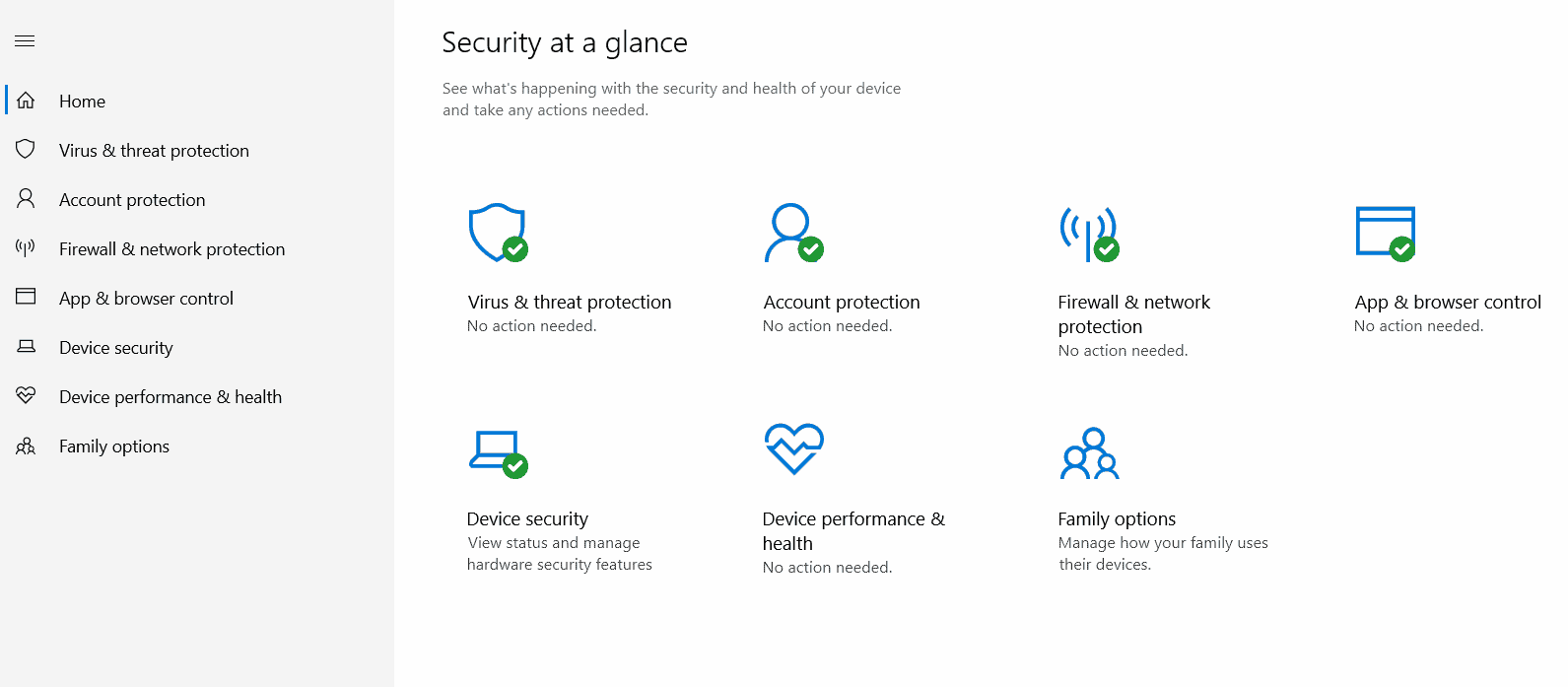
Is Windows Security sufficient in 2025? Instead of cluttering their Windows PCs with antivirus software, firewalls, and other security programs, many people now rely on Microsoft's integrated security suite known as Windows Security (formerly Windows Defender). But does it provide the same level of protection in 2025 as third-party antivirus solutions?
To reach a conclusion, we evaluated the current features of Windows Security in terms of strengths and weaknesses. This will help you determine whether this trusted digital guardian still deserves your confidence or if it's time to seek more robust protection.
Overview of Windows Security
Windows Security is not just an optional application; it is deeply integrated into Windows 10 and 11 as a core component. Accessing it is straightforward: go to Settings -> System -> System Components, where it offers other native features like the Microsoft Store and Game Bar. This seamless integration means Windows Security feels like an extension of the operating system itself, optimized to work without disrupting the user experience or draining resources.
Is Windows Security sufficient in 2025?
In 2025, Windows Security provides a robust set of core features expected from any antivirus program: real-time scanning, firewall integration, and phishing protection. However, despite its growth, questions remain about its ability to match the offerings from industry giants like BitDefender, Norton, or Avast. Let’s explore how Windows Security stacks up against these competitors.
Key Features of Windows Security
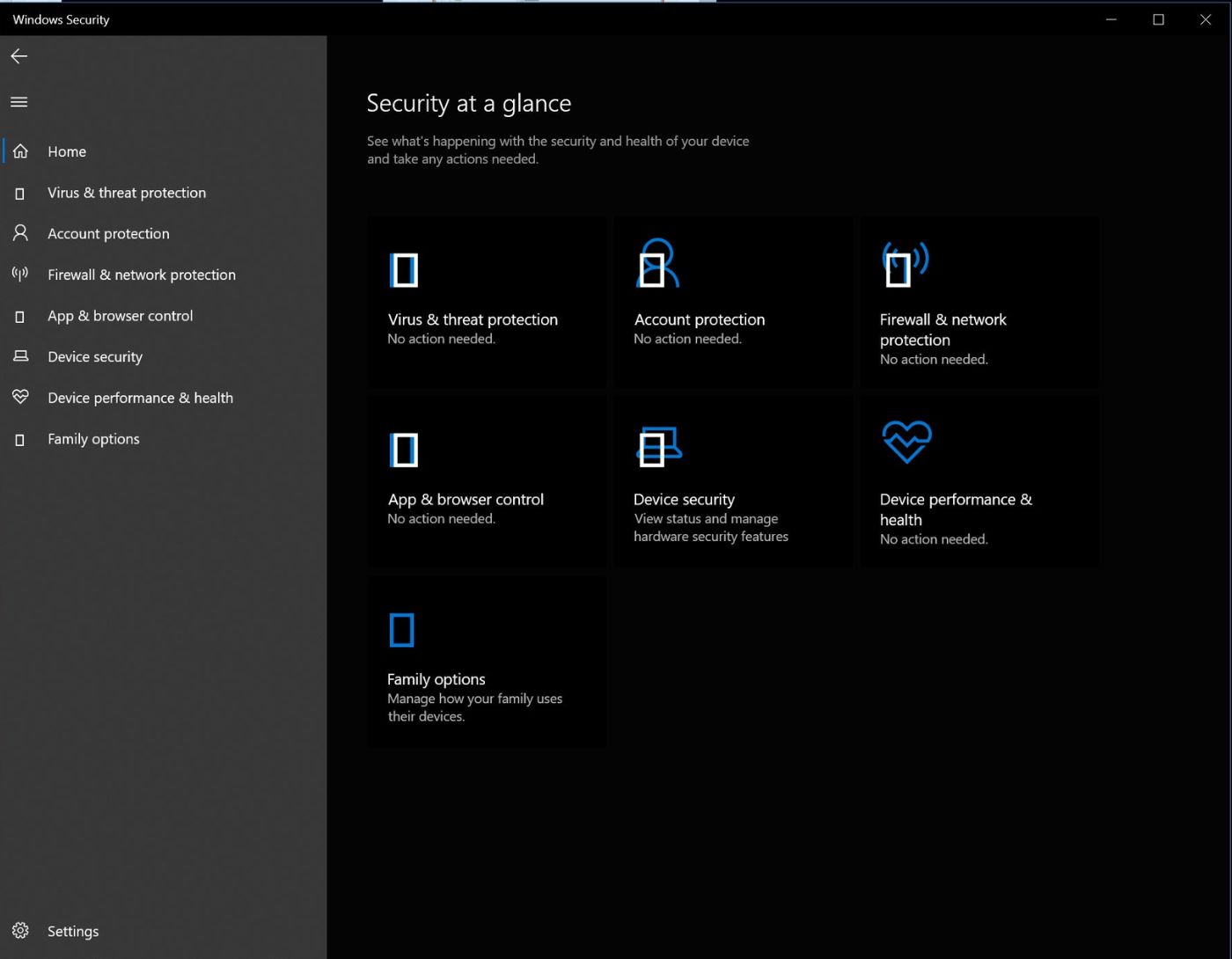
Even with its limitations, Windows Security offers an impressive mix of features that make it worth considering:
Real-time malware scanning: Windows Security's real-time scanning remains continuously active, monitoring downloads, installations, and ongoing processes on the system. The integration of cloud-based threat analysis enhances its ability to identify and block suspicious activities in real-time.
Firewall integration: The built-in firewall in Windows works harmoniously with Defender, preventing unauthorized access and ensuring detection and mitigation of network-level attacks. This seamless firewall integration is a strength that not all antivirus programs can match.
SmartScreen filter: One standout feature is the SmartScreen filter, which analyzes URL addresses and downloads in Microsoft Edge (and to some extent, Chrome). It effectively blocks phishing sites and flags potentially dangerous downloads, giving users a warning before they fall victim to online scams.
Device security features: Windows Security boasts advanced device protection capabilities such as core isolation and secure boot. These features protect the core and ensure that malware cannot execute during system startup, reducing threats that might bypass other security layers.
Controlled folder access: This feature is designed to combat ransomware by restricting unauthorized applications from accessing specific folders. By doing so, it prevents encrypted ransomware from locking important data, providing a line of defense against sudden file encryption attacks.
Exploit protection: Windows Security has added modules that detect and block exploit-based attacks. This includes attempts to use software vulnerabilities to inject malware into the system.
Account protection and dynamic lock: The account protection suite, combined with dynamic lock (which can lock your system when the paired smartphone goes out of range), adds a layer of security against unauthorized access.
Device encryption: This feature is directly integrated into the system, encrypting the contents of your drive to prevent unauthorized access to data in case of theft or loss. Notably, this level of device encryption is unique to Windows Security and is hard to find in many third-party options.
Regular and automatic updates: Windows Security benefits from being part of the Windows ecosystem, receiving regular updates and patches without user intervention. This ensures users are always protected against the latest known threats.
User-friendly: The simple and intuitive control panel provides an easy-to-use experience that guides even novice users through various security settings and potential threats. For many users, this simplicity is a significant advantage compared to third-party antivirus programs that may require steep learning curves.
Comparing Windows Security to Competitors
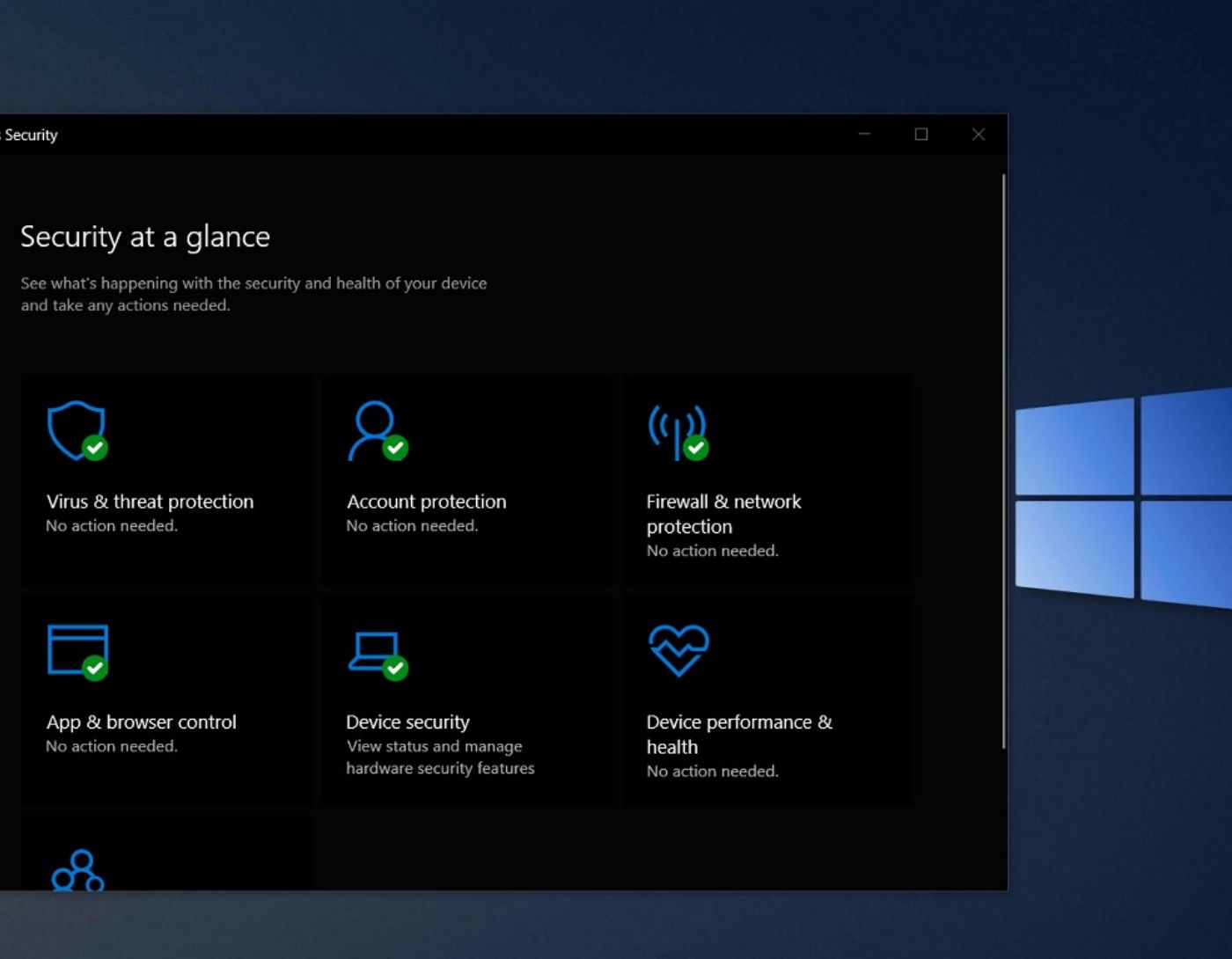
To understand whether Windows Security will truly hold up in 2025, we compared it to industry leaders using standard benchmark tests:
EICAR test: A globally recognized test for antivirus solutions, EICAR provides malware test files. Windows Security successfully identified these test files and removed them from the system's downloads folder, demonstrating its effectiveness in detecting basic malware.
WICAR test: We moved on to WICAR, which hosts several browser-based malware tests. Here, Windows Defender SmartScreen proved its ability to block harmful links and prevent the execution of JavaScript cryptocurrency mining and exploit old Adobe Flash in Chrome.
FortiGuard and Palo Alto WildFire: The real test came with more sophisticated strains from FortiGuard and WildFire. While Defender successfully blocked a DOS-based malicious file from FortiGuard, it failed with one WildFire sample. This malicious APK file was downloaded and opened without triggering any alerts, highlighting a significant gap in its detection capabilities.
Major Drawbacks of Windows Defender-Based Security
Despite its advancements, Windows Security is not without inherent flaws. Here are the main limitations to consider:
No endpoint protection: Defender lacks the advanced endpoint protection capabilities found in premium antivirus solutions. This means it may struggle to restore full device integrity after major attacks like ransomware or distributed denial-of-service (DDoS) incidents.
Average detection of complex malware: While Defender can identify common threats, its ability to detect highly complex and targeted malware often remains average. The vulnerabilities revealed during tests conducted with Palo Alto WildFire attest to this limitation.
Lack of hardened browser: While Microsoft Edge integrates several protective measures, it still falls short of high-security browsers like Brave or Epic, which come pre-configured for privacy and security. This leaves Windows Security users somewhat vulnerable during high-risk browsing.
No VPN integration: In 2025, combining antivirus solutions with a VPN will be essential for comprehensive protection. Unfortunately, Windows Security does not offer a built-in VPN, putting it a step behind competitors that bundle these features.
Protection limitations: Unlike antivirus programs that allow safe execution of potentially risky files in a protected environment, Windows Security lacks this crucial capability. This omission can expose users to risk when dealing with unknown programs or potentially harmful downloads.
False positives: Defender's detection algorithm sometimes misclassifies legitimate programs as threats, which can disrupt productivity and frustrate users over time.
Enterprise-level shortcomings: Large companies with complex security needs may find Windows Security lacking in advanced threat detection, incident response, and management tools provided by third-party solutions.
Poor cross-platform support: Windows Security does not fully extend its feature set to non-Windows operating systems. Users with devices running macOS or Linux will need additional security software for comprehensive coverage.
Inconsistent full system scan speeds: While Defender performs well in real-time scanning, full system scans can be sluggish.
No identity protection: Identity theft is an increasing concern in 2025, but Windows Security lacks comprehensive identity monitoring features or dark web scanning. Users prioritizing this type of protection will need to look for another program.
Conclusion
Is Windows Security sufficient in 2025? Windows Security has undoubtedly evolved from its beginnings as a simple anti-spyware tool to a comprehensive antivirus solution capable of standing alone in most everyday scenarios. Its strengths lie in its seamless integration with Windows, low system impact, and a range of built-in preventive measures like core isolation and device encryption. For the average user, these capabilities may be more than enough to meet basic cybersecurity needs.
However, for those who require a higher level of protection—especially against advanced and targeted threats—Windows Security in 2025 may not be sufficient on its own. The lack of features like VPN integration, advanced threat detection, and a protective environment highlights gaps that could leave users vulnerable in high-risk scenarios. If you handle sensitive data, work in a high-risk professional environment, or simply value peace of mind, complementing Windows Security with a premium third-party solution is a wise choice.


