

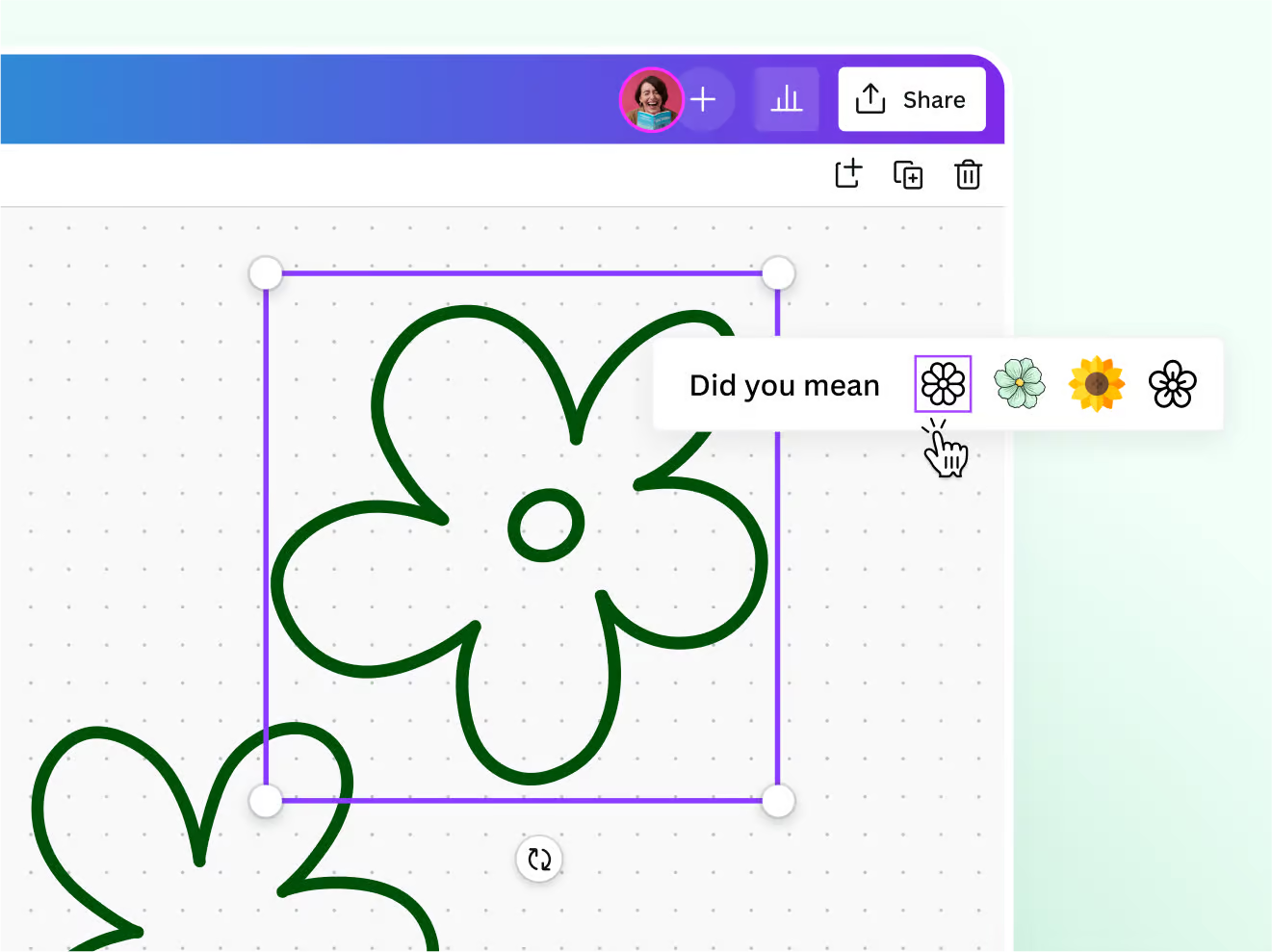
Free drawing program without downloading online: With so many amazing artistic applications available now, you can create stunning artwork on your smartphone, tablet, or even in your web browser.
In fact, one of the best ways to do this is through free browser-based applications.
Try out several of these options and discover which one fits your workflow best. You'll be surprised by the amount of artwork you can actually create using a free drawing program online!
1-Sketchpad Web App
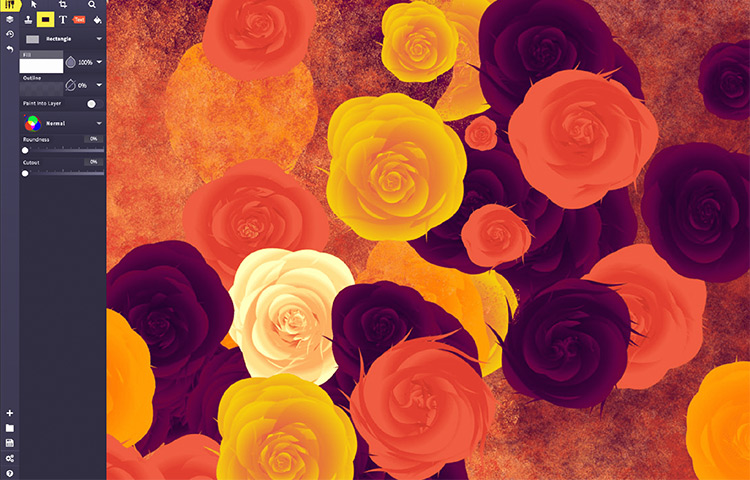
Sketchpad is quite intuitive and easy to use, even if you've never used an app to create art before.
You’ll get a basic set of tools and brushes like adjustable pencils, stamps, text tools, clip art, and fonts with capture and layering capabilities.
You can push the tools to their limits to create some truly amazing pieces.
Overall, anyone will love this app because it’s super fast and gives you easy access to all your tools, regardless of the type of tech you’re using.
It’s a great way to dive into digital drawing and get accustomed to using a web app.
2-YouIDraw Web App
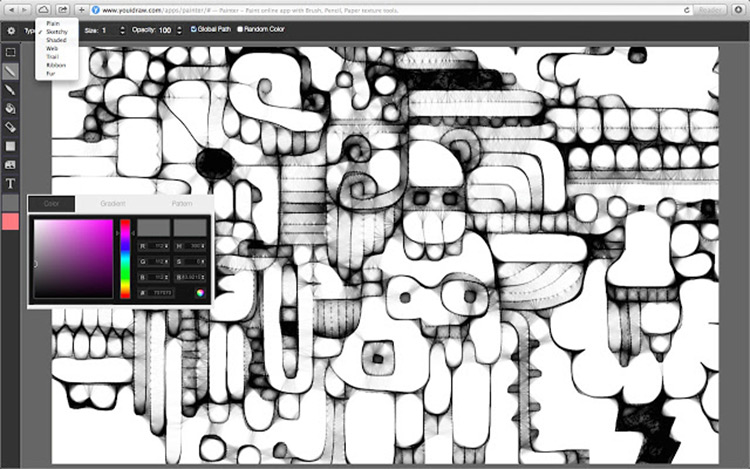
Unlike many other apps on this list, YouiDraw has been around for a while.
It’s great for drawing, as well as creating designs like logos and more.
This app has a lot of features for you to explore, so you can be as simple or as complex as you want.
You can start drawing on a blank page or upload an image to edit.
YouiDraw works a bit differently than most apps and software, but it’s actually really cool once you get the hang of it.
Most digital art programs use layers to organize elements in your artwork.
YouiDraw not only uses layers but also paths.
Don’t worry, you still have layers here.
But every element you place on your canvas has its own "path" that you can edit and manipulate independently.
This takes some getting used to. But you might find paths easier than layers!
Once you master the paths, you’ll love what you can do with this app.
3-PIXLR App
Pixlr resembles the old Photoshop program because it has a similar setup, making it a decent alternative if you don’t want to invest any money in art software (at least for now!).
With Pixlr, you can also draw or edit images just like you would with Photoshop.
Start with a new canvas to draw or paint on, or upload an image from your computer if you prefer to start that way.
You’ll find many tools similar to what you’d find in Photoshop with many of the same capabilities.
So this is great if you don’t want to give up on Photoshop.
However, it’s not a true replacement for Photoshop.
This may not be the best for beginners learning digital art, but those with some experience can work with this app easily.
4-Aggie App
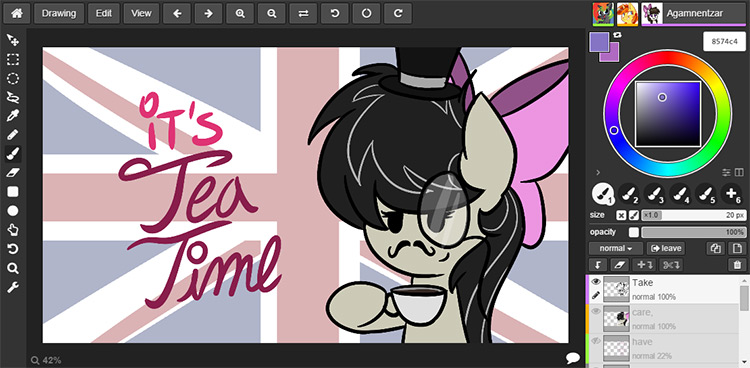
This app is a lot of fun because it’s meant to be collaborative.
It allows you to create artwork with other people around the world!
Multiple artists can open the same file and work on it simultaneously, which I think is really cool.
This is great for brainstorming project ideas or just creating fun artwork and playing around.
The app is continuously updated, so it frequently gives you many new features.
And of course, you can do a lot with the premium app.
Note: Since it’s still in development, creators recommend saving your work frequently.
Unlike many of these other apps, you can use pressure sensitivity with Aggie, although the quality varies from browser to browser.
Aggie has a lot of tool settings and capabilities, but it does almost anything you would expect from a drawing program.
If the collaborative aspect appeals to you, this app is perfect for you.
5-Sumopaint
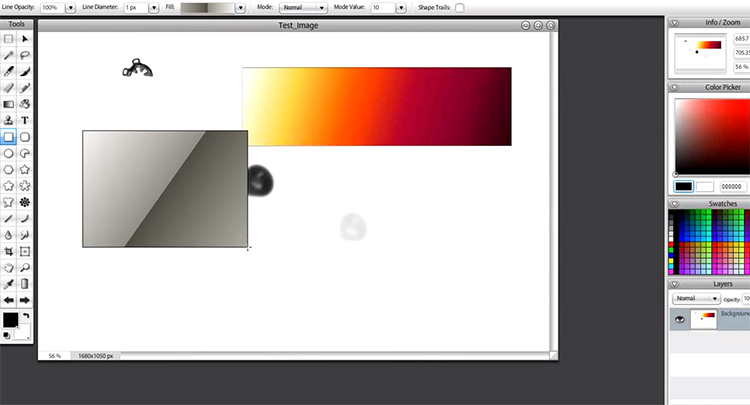
This is a popular web app for creating and sharing artwork.
Here you can share your artwork with others, collaborate, and learn from each other.
You can even use it offline!
The app comes with perspective tools, a wide variety of adjustable 2D and 3D brushes, layering capabilities, stamp and cloning tools, and much more.
You can draw and color an original piece from scratch or edit photos, all using this simple web-based tool.
It’s worth noting that they have a professional version, but the free version already offers a lot.
6-Kleki
Here’s a very simple app that helps you draw in no time.
It’s a sleek little web app that helps beginners get accustomed to the basic tools you’ll find in almost any art program.
Kleki has a simple design that you can figure out in minutes, even if you’re new to digital drawing.
You won’t find as many tools here as you would in some of these other apps, but Kleki is great for quickly sketching and drawing ideas.
It’s perfect if you don’t need a lot of detail in your work.
Also for newcomers who just want to create simple drawings or cartoons, or just get used to making artwork in this digital format.
While it may not be a program for polished final pieces, you can do a lot with these simple tools and a little creativity.
7-PIXILART
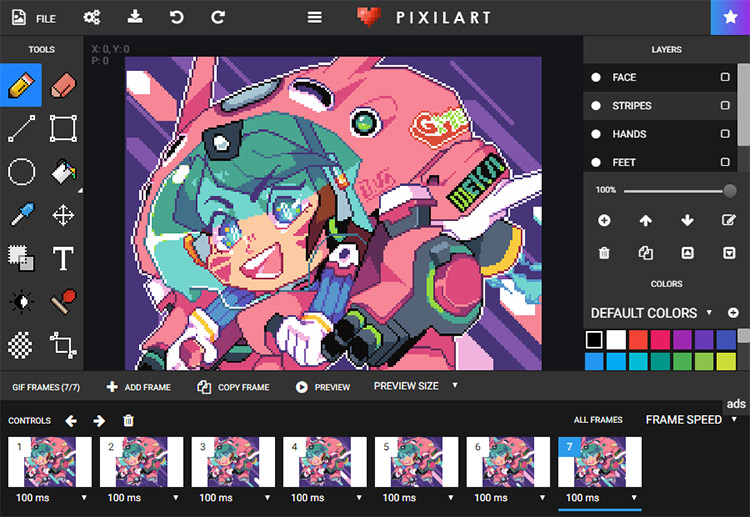
Don’t confuse it with the previously mentioned Pixlr editor; this program is dedicated to creating pixel art. You know, the stuff you see in old 8-bit or 16-bit video games.
You’ll find many of the same tools you might find in any drawing program, like brushes, paint buckets, color pickers, text, and stamps.
This app is fun to work with if you’re experienced, or if you haven’t tried this art style before, give it a shot now.
It may not do a lot of things, but it really excels at pixel art.
It’s worth trying if you’re a fan of pixel art or 2D game design.
8-Vectr
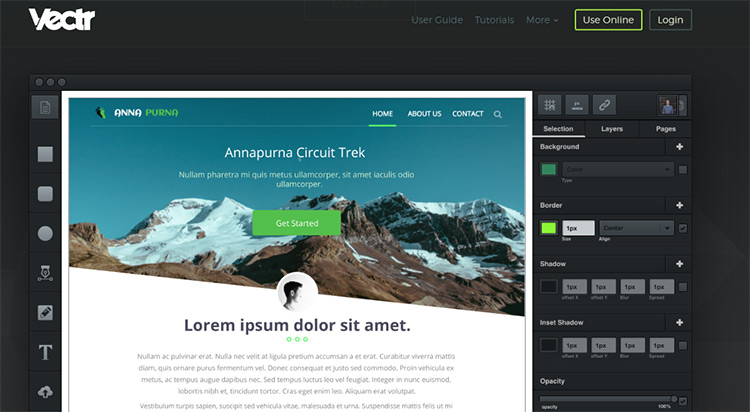
This is an intuitive graphic design tool created to shorten the learning curve and help designers create some amazing things quickly.
This app isn’t specifically for drawing and painting, but for creating graphic designs like logos, icons, slideshows, or perhaps small vector graphics.
Given the name, you can probably guess that this web app only creates vector files.
So, if you create some artwork here, you can scale it up to huge sizes while maintaining image quality.
If you’re interested in graphic design, definitely give this a try! With this app, you can easily create professional-quality images or icons while still feeling like an artist.
One of the great things about Vectr (besides being free) is that you can collaborate with others in real-time.
Other designers can watch you draw live (and you can watch them), which is great for teaching and learning.
It also comes with a lot of free tutorials available right on the site so you can start learning right away.
Conclusion
In this article, we discussed a free drawing program without downloading online and the top 8 tools.
There’s no need to buy expensive digital drawing software; just grab your tablet or laptop and unleash your creativity.
Want to create amazing artwork online for free? It’s time to put down the pen and paper because there are fantastic drawing and coloring tools available online now.


