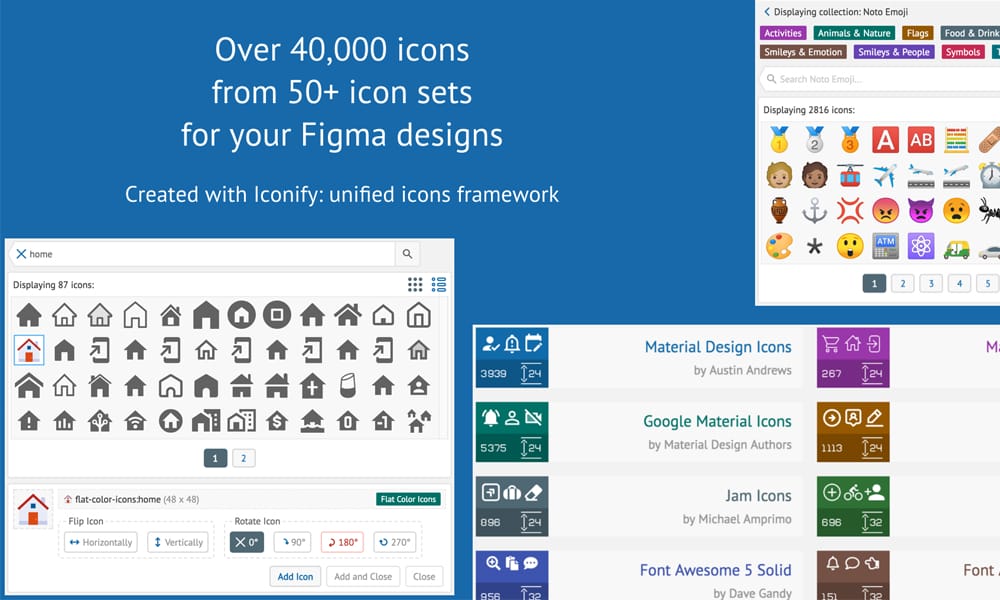
Figma Extensions for Designers: are a design tool that is continuously improved by the community.
One of the best things about this platform is the wide range of available plugins.
Many plugins are official, while others are created by community members. We have compiled a selection of our favorite plugins from Figma Extensions for Designers to show you how beneficial these tools can be in your daily design work.
Best Figma Extensions for Designers
1-Artboard Studio
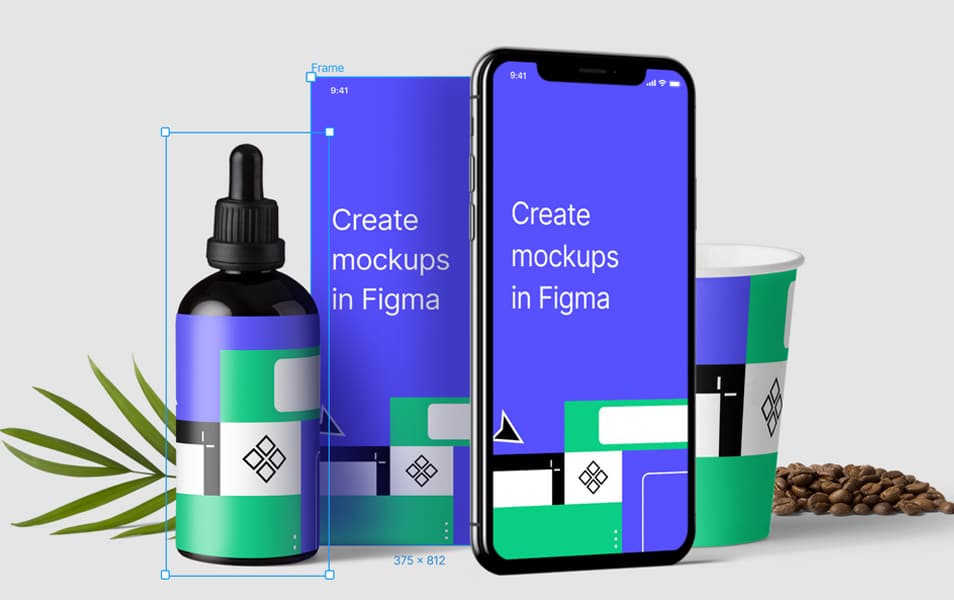
Design a full-size mockup of a website in Figma? Have you always wished to see your design as a full-size mockup? This is now possible with the latest integration of Figma with Artboard Studio.
You will have instant, high-quality mockups with easy viewing directly from your Figma file.
No more struggling to design a full-size mockup for a website - let Artboard Studio do the hard work for you!
2-Content Reel
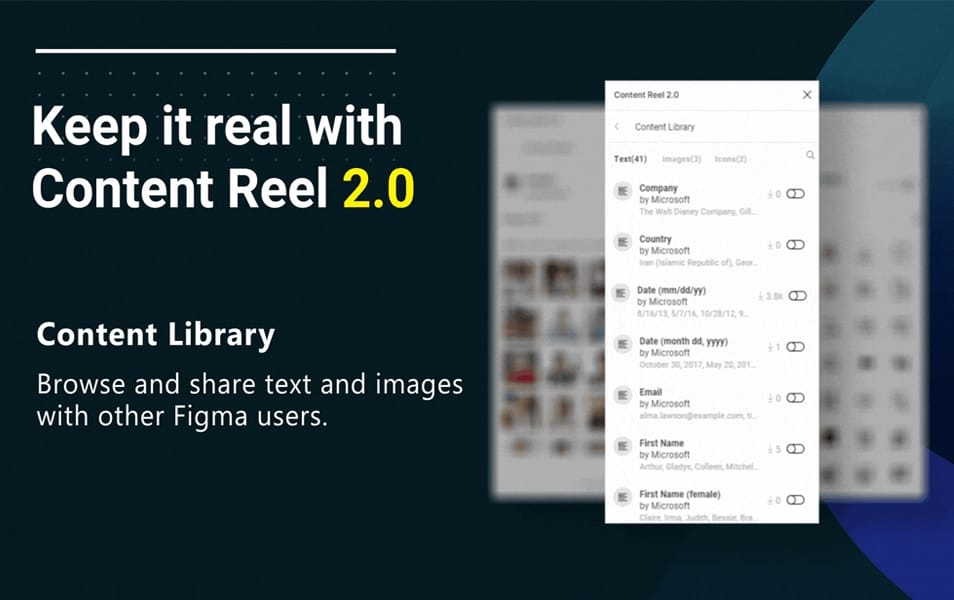
Create, develop, and present content in Figma using Content Reel.
This application makes it easy to manage text strings, images, icons, and more to create custom layouts for your projects.
Collaborate with others by sharing your reel in the Figma file repository - or export it as a vector in SVG format for use in Illustrator CC.
3-Unsplash Figma

When your design needs a touch of inspiration, nothing beats the Unsplash Figma plugin.
Easily browse and select from the photos from Unsplash, and insert them into your design to make it stunning.
4-Better Font Picker
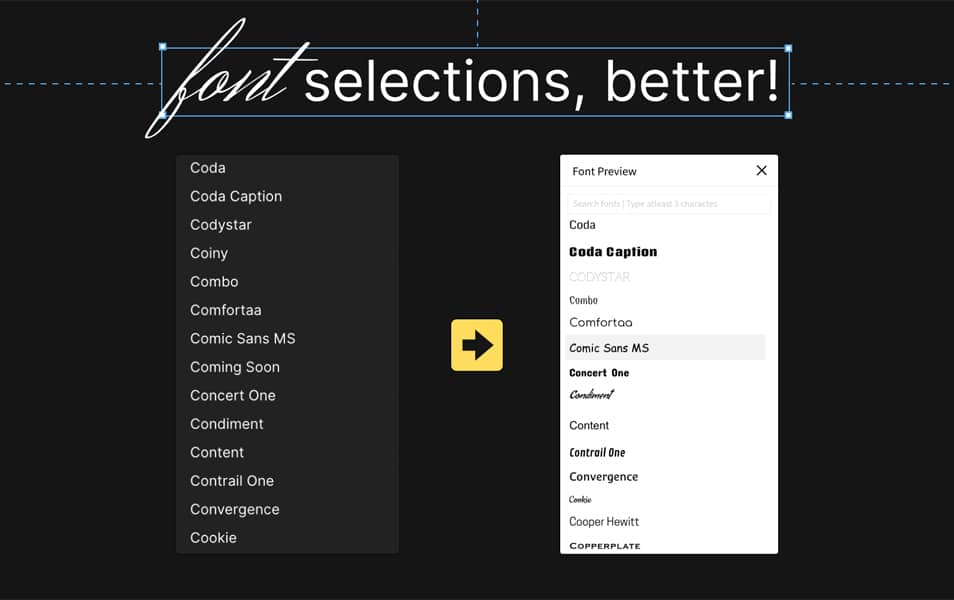
Not sure which fonts to choose for your design? Use Better Font Picker, the font selector within Figma! This tool allows you to preview fonts and export them to your computer with just one click. Get the perfect text styles for your design in seconds!
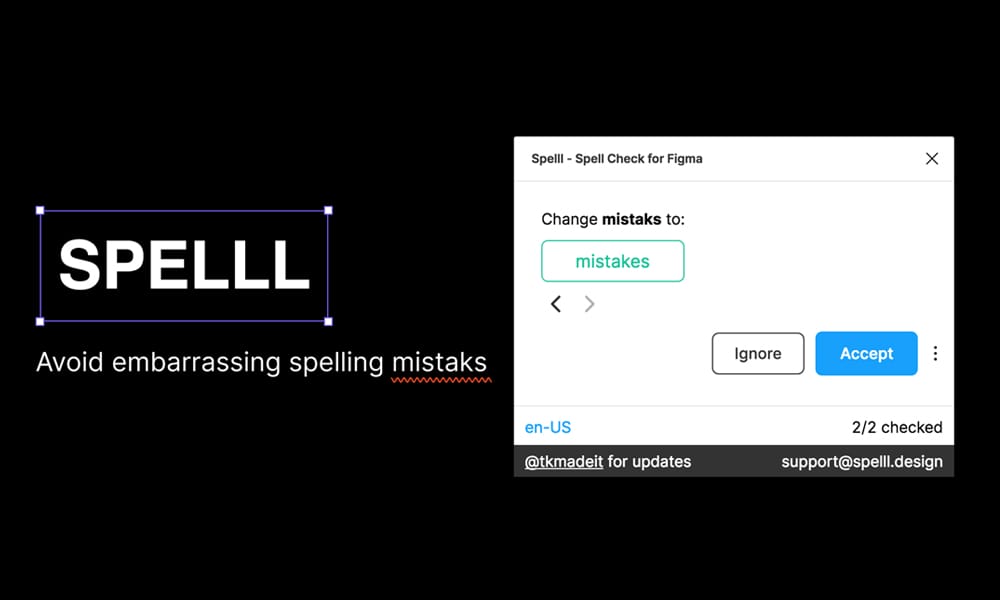
SPELLL - Figma Spell Checker
SPELLL offers a powerful, context-aware spell checker that works with your Figma design project to enhance the quality of your work.
It's the best and most cost-effective way to keep your projects clean and free from typos.
Stop worrying about spelling mistakes and typos, and spend more time doing what you love: designing.
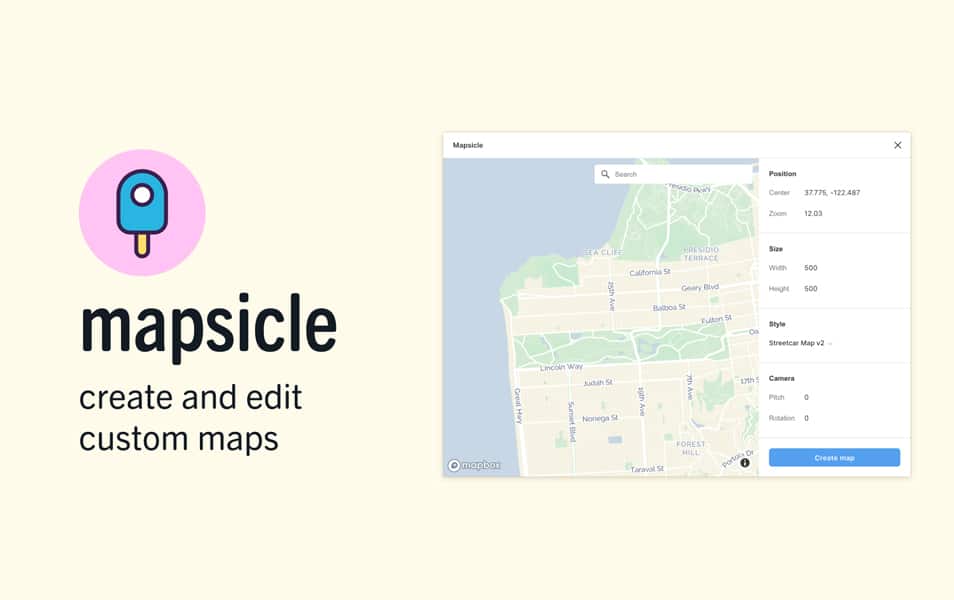
5-Mapsicle
Have you ever needed a map but didn't want to use Google Maps and provide them with your data? With Mapsicle, you can easily add maps to your Figma designs.
You can also set the map to be interactive by panning and searching for locations anywhere in the world.
6-SkewDat
Simply add the SkewDat plugin to your Figma, then right-click on any object while considering the skew and select SkewDat. Right-click again to finish the skew. No matter what you're aiming for, we've got you covered.
Whether you're looking for an accurate angle for a realistic logo or a dramatic perspective curve in a 3D environment, SkewDat provides everything you need.
7-Vectary 3D for Figma
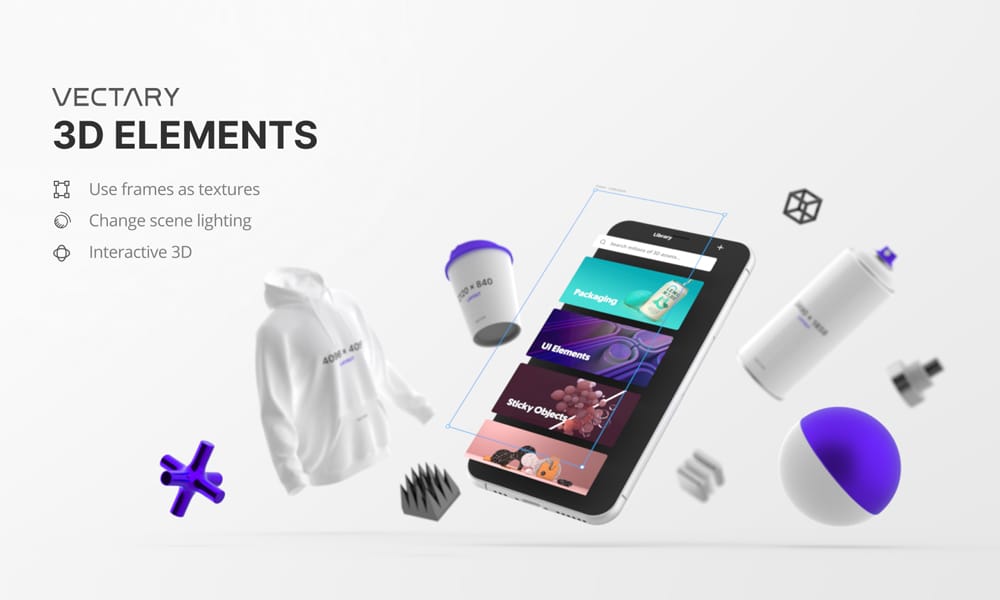
The Vectary 3D plugin for Figma is designed for designers who want to add a third dimension to their 2D designs.
It allows you to create your own 3D models and elements and place them in a scene with just one click.
Whether you're a product designer, an architect, an engineer, or just love tinkering with CAD software - the possibilities are endless!
8-Webgradients
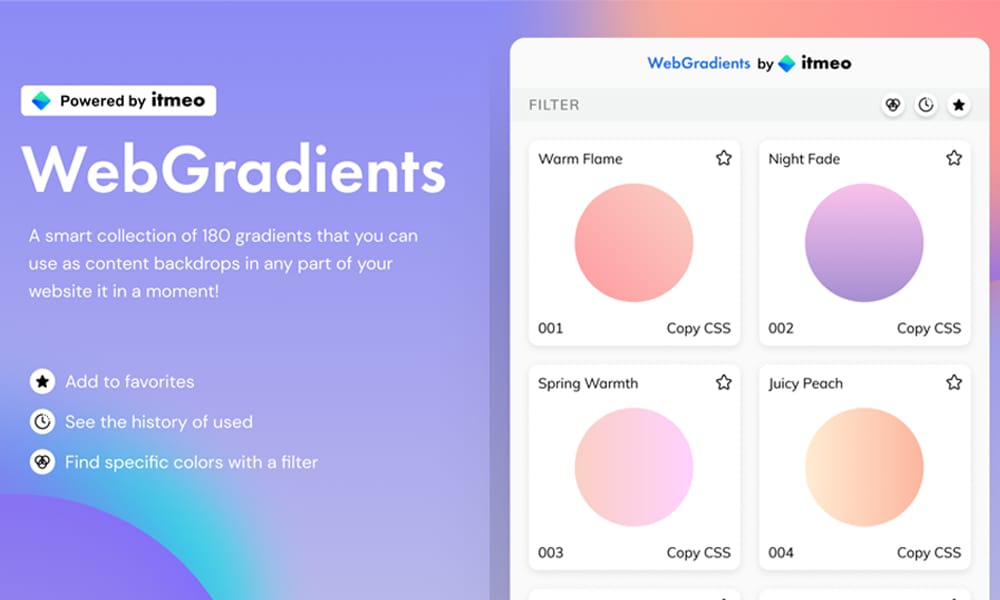
Intuitive, fast, and affordable. That's what Webgradients is all about.
With this Figma plugin, you can get gradient designs in seconds, without any coding skills required.
Use colorful gradients to make your website more appealing, draw potential customers' attention to your product, and make it unforgettable.
9-Morph.
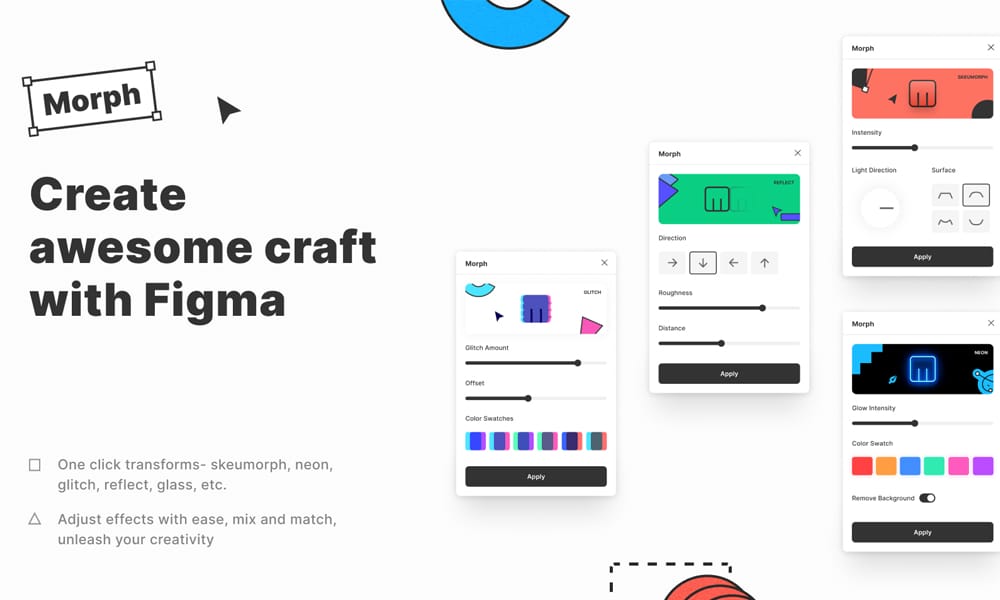
Transform your design or illustration into a beautiful piece of art using Morph.
Add realistic effects to your project, including Skeuomorph, Neon, Glitch, Reflection, Glass, Gradient, and many more. One click is all you need to turn a hand-drawn sketch into a realistic style.
Discover endless possibilities without wasting time on complicated workflows.
10-Palette
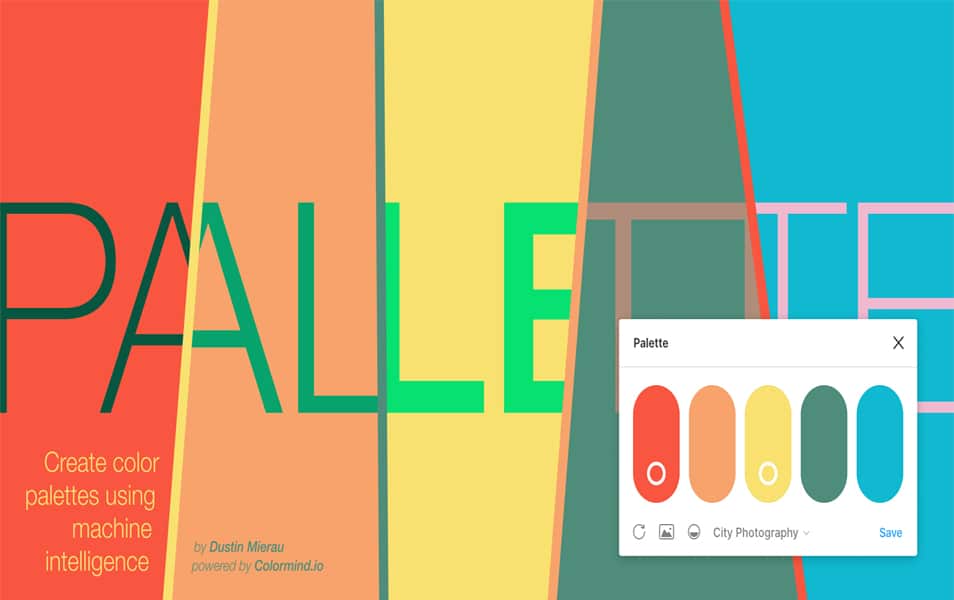
Figma is a fantastic design tool, but finding the right colors for your projects can be challenging. Palette is a color palette builder that will help you find and create beautiful colors that work well together. It's easy to use and also allows you to save your favorite colors for future use.
11-HTMLGenerator
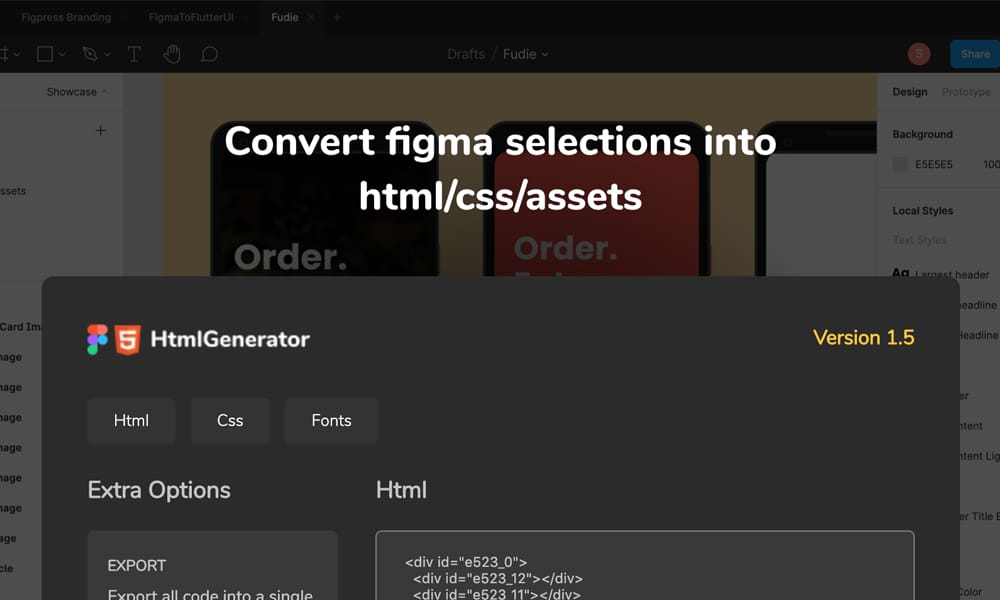
Just because you're using a design tool doesn't mean your work in HTML and CSS should be limited to that.
HtmlGenerator within the Figma app is here to help you with that.
It's an essential plugin for anyone needing to work on web design, making it easy to create responsive and semantic HTML5 and CSS3.
Get your content ready to paste into your development environment quickly and effortlessly.
12-Rename
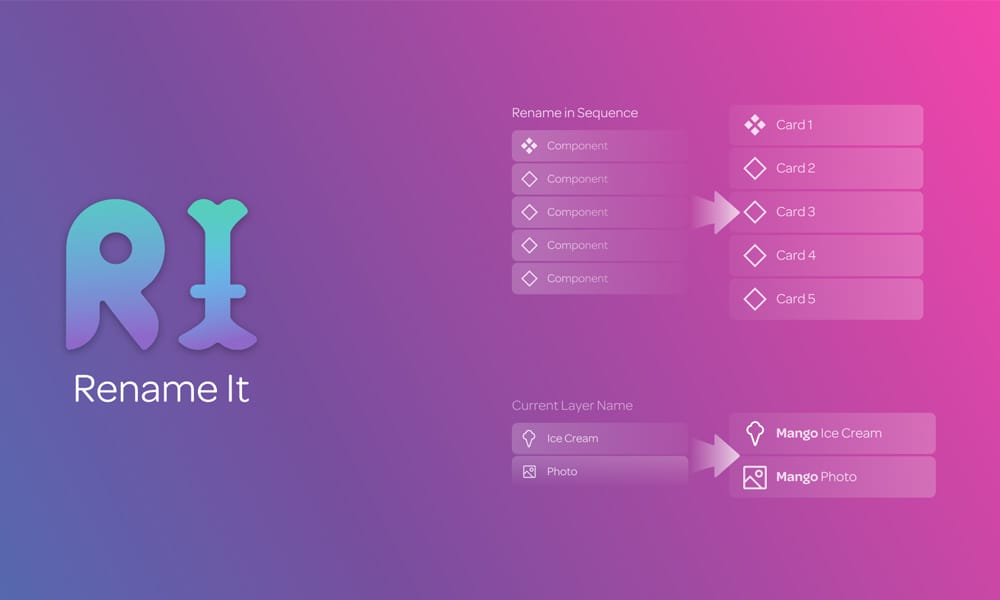
Tired of forgetting to rename frames and layers in your Figma projects? Rename solves this problem for you! Now all you have to do is select one or more layers or frames, and Rename will take care of the rest.
Rename layers and frames, matching names to pre-set Figma templates.
13-Remove BG
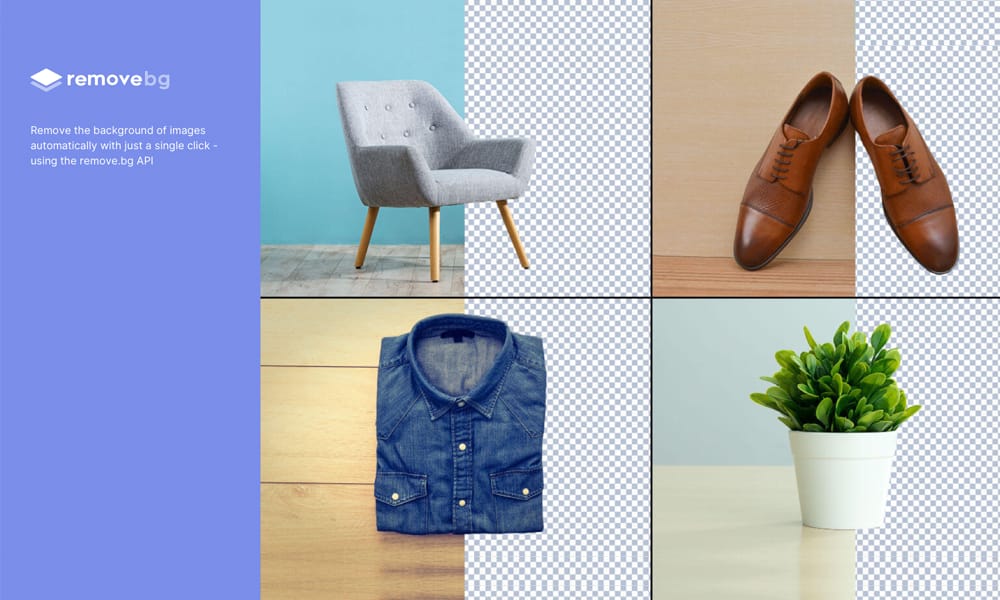
Looking for a way to automatically remove backgrounds from your images? Look no further, Remove BG is here! It's a simple and fast Figma plugin that helps you eliminate backgrounds with just one click. You can also add a texture to the background if you still want to show some of it.
Additionally, it features 3 different algorithms to choose from depending on how precise you need the result to be.
14-Roto

Stop wasting time with complex and expensive 3D software! Roto is a Figma plugin that rotates and extrudes shapes in 3D.
Just select the shape you want to use, then click the "Rotate" or "Extrude" button.
It's never been easier to bring things to life. Use Roto for game art, game mapping, animation assets, CAD models, and more.
15-Iconify