

Are you looking for the perfect tool to manage your disk partitions with ease? In a world filled with files and programs, every user needs a way to organize their hard drive more efficiently and smoothly. This is where the 4DDiG Partition Manager comes in, offering a direct download link for disk cloning. It combines simplicity and professionalism in partition management, allowing you to create new partitions, resize them, or even clone the entire disk to protect your important data. What sets this application apart is its blend of user-friendliness and advanced capabilities, making it the ideal choice for both beginners and professionals alike.
Overview of 4DDiG Partition Manager
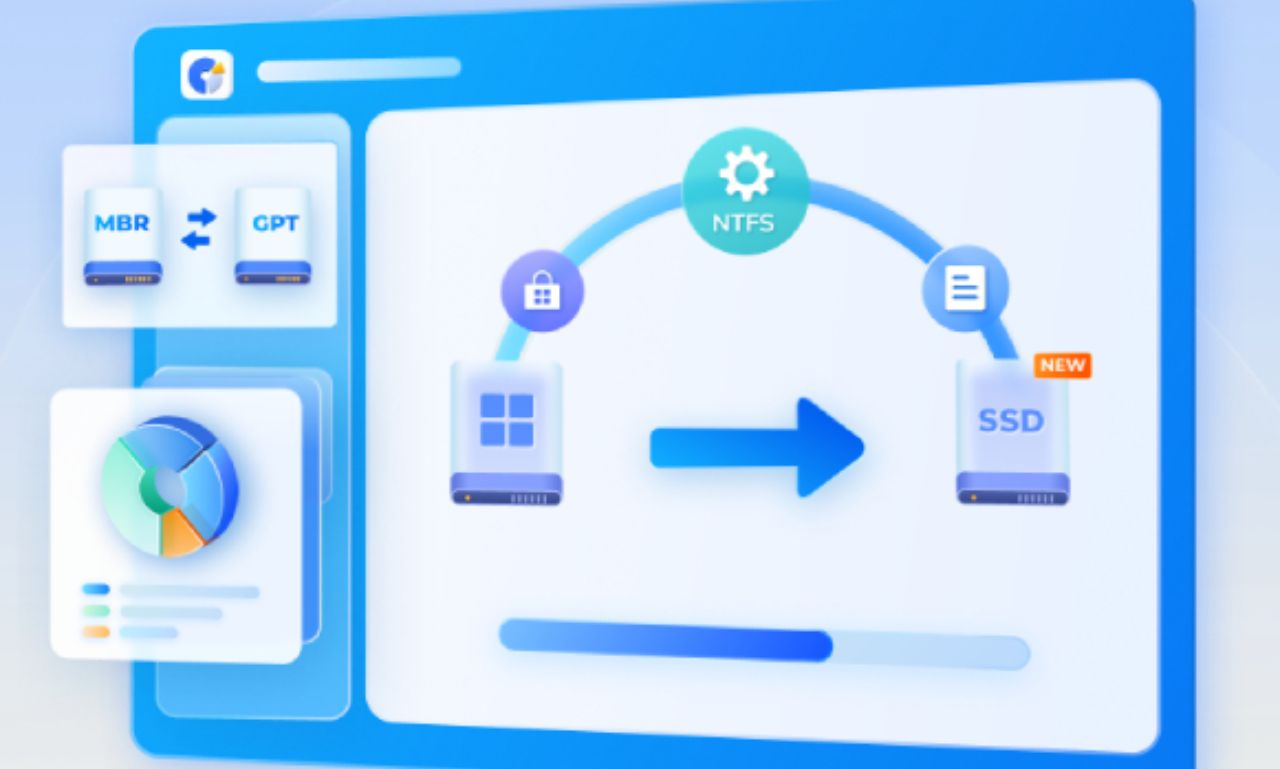
With 4DDiG Partition Manager, handling your hard disk partitions becomes incredibly simple. You can create a new partition to install a specific operating system or application without worrying about losing your files. It also allows you to resize existing partitions to free up additional space or reorganize them according to your needs. All these operations are performed quickly and easily, making this application one of the strongest tools for partition management.
1- Flexibly Creating New Partitions
The program allows you to create new partitions on your hard drive with complete ease. Whether you want to allocate space for media files or install an additional application, the process is safe and straightforward. You can specify the appropriate size for the new partition without affecting the other partitions. This option is ideal for those who want to smartly organize their files and make the most of their storage space.
2- Resizing Existing Partitions
Sometimes, you may need to expand a specific partition's space without deleting your data. By downloading the 4DDiG Partition Manager for disk cloning - direct link, you can smoothly increase or decrease the size of partitions. You can also utilize unallocated spaces to maximize your disk usage. This way, running programs or storing files becomes more comfortable and seamless, reflecting the professionalism and flexibility of this tool.
Before you start using 4DDiG Partition Manager, let’s uncover the secrets of this amazing program and its advanced features.
1. Merging and Splitting Partitions
Sometimes, you may have multiple small partitions that are difficult to manage. This is where the program comes into play, allowing you to merge adjacent partitions into a larger one without losing any data. Conversely, it enables you to split larger partitions into smaller ones for better organization. Thanks to these features, managing your storage space becomes more flexible and straightforward.
1- Merging Adjacent Partitions
If you struggle to organize your files across scattered small partitions, the solution is to merge them into one larger partition. The program gives you the capability to do this without any data loss. This feature is perfect for freeing up more space for storing programs or large files. The best part is that the process is quick and involves no complicated steps.
2- Splitting Large Partitions
You may have a large partition that you need to split into smaller ones for better organization. With this application, you can do this safely and simply. For example, you can allocate one partition for programs, another for personal files, and a third for backups. This flexibility allows you to manage your disk content better and improves your device's overall performance.
2. Converting and Aligning Partitions
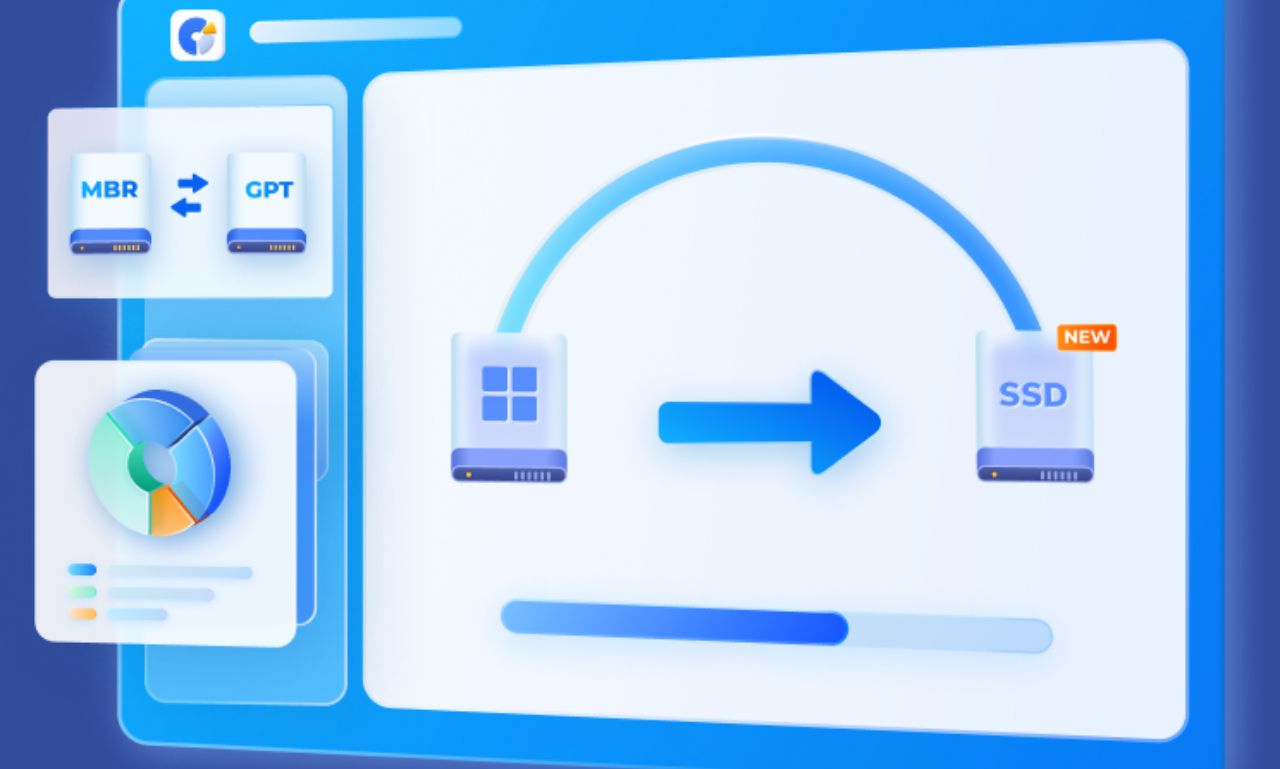
One of the standout features of this program is its ability to convert partition types from primary to logical or vice versa. It also provides advanced alignment options to enhance the performance of your hard drive. These features make it an indispensable tool for maintaining system stability and integrity.
1- Easily Converting Partitions
Sometimes, you may need to change a partition type according to system or software requirements. With the program, you can do this easily without needing to reformat the disk. This feature saves a lot of time and effort, especially when installing multiple systems. Most importantly, it keeps your data intact throughout the process.
2- Enhancing Disk Performance through Alignment
Proper alignment of partitions significantly contributes to improving disk performance. This feature ensures optimal data distribution, reducing the likelihood of file corruption and extending the disk's lifespan. Thus, it is an essential addition for any user looking for better performance from their device.
3. Cloning Partitions and Backing Up
The cloning feature is one of the standout advantages offered by the program, allowing you to transfer your operating system or files to a new disk with complete ease. This process provides quick and secure backups for your important files. It also reduces downtime when upgrading or replacing disks. Because of this, you will always have a reliable backup for any emergencies.
1- Cloning Entire Disks
If you want to upgrade your disk to a new SSD or HDD, you won’t need to reinstall your system or programs. You can easily clone the entire disk using the cloning tool. The process is quick and keeps all your data intact, making the upgrade straightforward even for those without technical experience.
2- Data Backup
Backing up is essential to protect your files from potential failures. The program allows you to create a backup of a specific partition or the entire disk, ensuring you can easily recover your data when needed. This feature provides peace of mind and keeps your data safe at all times.
4. Speeding Up System Performance through Partition Management
Partition management is not just about splitting or merging; it also helps improve the overall performance of the device. Organizing files and programs on separate partitions makes accessing them faster and more efficient. The 4DDiG Partition Manager provides you with a smart way to arrange your data, reducing lag and enhancing your daily user experience. Features like alignment and conversion help you achieve a more stable and efficient system.
1- Enhancing Gaming and Heavy Application Experience
Games and large applications require dedicated space to operate more efficiently. By allocating a specific partition for them, you can make better use of your device's resources. This leads to faster loading and running times and reduces crashes or slowdowns. Here, the program’s value shines by giving you the freedom to control your partition space as you wish.
2- Reducing Common System Issues
Many common issues, such as device slowdowns or system freezes, can be avoided through effective partition management. The program helps distribute data in a way that reduces pressure on the system partition. The result: a faster, more stable device with a longer disk lifespan. It’s a simple step that saves you a lot of future troubles.
5. Security and Data Protection
One of the most important features of the program is that it keeps your files safe during any operation. Users often worry about losing their data when modifying partitions, but this application is designed to protect it fully. Thus, you can make any changes without fear for your information and files.
1- Keeping Files Safe During Changes
All modifications you make to partitions do not affect your stored files. Whether you merge or resize partitions, your data remains unchanged. This feature gives you great confidence in using the program even for delicate operations.
2- Backup as an Additional Protection
In addition to internal security, the program offers a backup feature before executing any major operation. This means you can restore your data in case of any malfunction. Having this extra layer of security makes the user experience more comfortable and reassuring.
6. Ease of Use
Many partition management programs may seem complicated, but with this application, it’s different. It is designed with a user-friendly and clear interface that suits even novice users. All tools are organized neatly, making it easy to find and use them. Thus, you can take full advantage of its capabilities without any prior experience.
1- Clear Visual Interface
The program relies on an intuitive graphical interface that helps you understand each step. The menus are organized, and the icons are clear and accurately represent their functions. These details make daily use more comfortable and smooth.
2- Guided Steps for Users
If you have no prior experience in partition management, you won’t face any issues. The program provides built-in guided steps for every operation. This reduces the chances of making mistakes and helps you perform your tasks with complete confidence. It’s like having a technical assistant guiding you step by step.
System Requirements for Windows
To run the program efficiently, there are certain specifications that your device must meet. It works on Windows 11 and Windows

 File Name:
 Downloads:
 Version:
 Full Version:
 Created By:
 License Type:
 Release Date:
 Languages:
 Tags:
Tags:


