

proDAD Adorage is an advanced video editing software that focuses on adding high-quality visual effects and professional transitions for cinematic and advertising projects. Developed by the German company proDAD, it is a favorite tool among content creators and editors looking for a creative touch that adds a cinematic flair to their work. The software not only functions as a standalone tool but can also be used as a plug-in within popular video editing programs like Adobe Premiere, Sony Vegas, MAGIX, Pinnacle Studio, and others, making it flexible and easy to integrate into professional workflows.
Features of proDAD Adorage
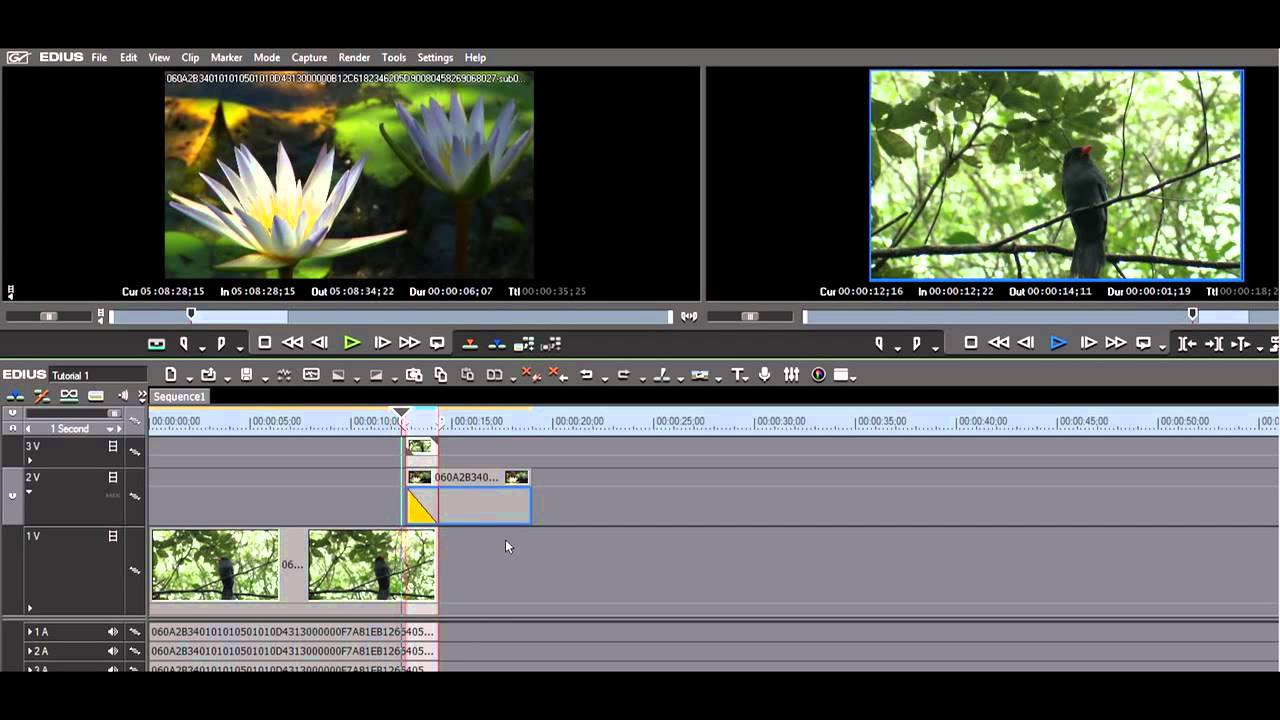
A Vast Library of Ready-Made Effects
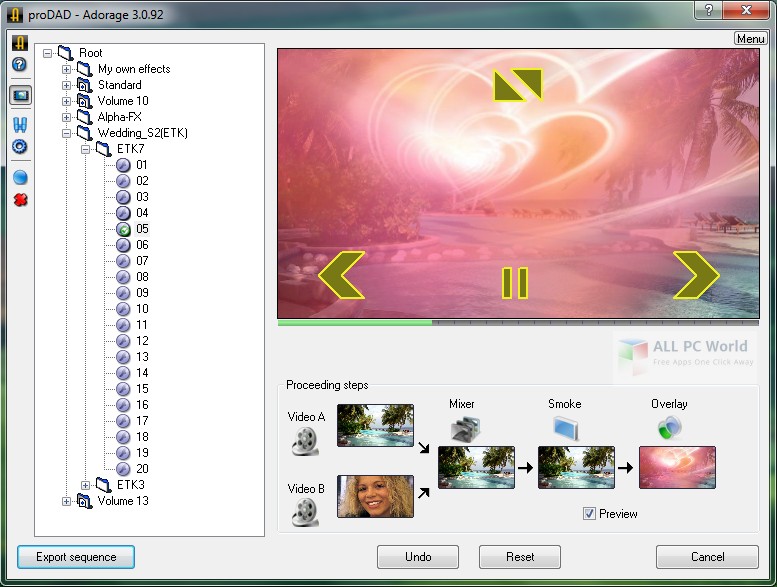
The program includes over 17,000 visual effects and transitions spread across 13 volumes, featuring effects like "Picture-in-Picture," split screens, decorative frames, smoke effects, sparks, light, and much more. These effects are designed to suit various types of videos, from advertisements to documentaries.
Full Support for High-Quality Video
All effects are designed in HD quality and work smoothly on both 32-bit and 64-bit systems, with full support for Windows operating systems from Vista to Windows 11.
User-Friendly and Flexible Interface
Despite the vast array of effects, the program's interface is designed to be simple, allowing users to browse effects by category and apply them with a single click. Each effect can also be customized in terms of size, direction, speed, and transparency.
Wide Compatibility with Editing Software
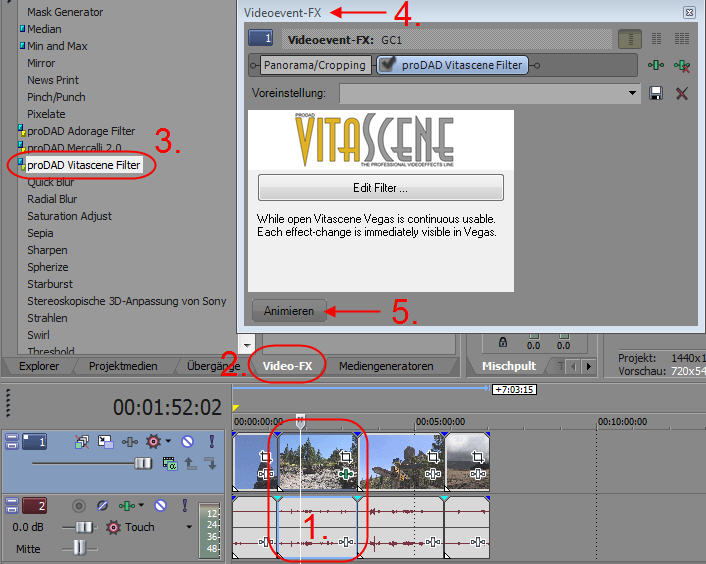
The program supports integration with popular video editing programs like Adobe Premiere Pro, Vegas Pro, MAGIX Video Pro X, Corel VideoStudio, PowerDirector, and others, allowing effects to be used directly within projects without the need for manual export and import.
Advanced Tools Within the Program
Professional Transition Effects
The program offers a massive collection of cinematic transitions that can be fully customized, such as fades, blurs, splits, and dynamic zooms, adding a professional touch to scene transitions.
Frame and Decorative Effects
You can add artistic frames around videos or images, with options to adjust colors, thickness, and transparency to match the visual identity of the project.
Particle and Smoke Effects
Effects like smoke, dust, sparks, and glowing light are available, which can be used to highlight specific scenes or create dramatic atmospheres.
Comparison with Other Visual Effects Tools
When comparing proDAD Adorage with popular tools like Boris FX or Red Giant Universe, Adorage stands out for:
- A vast library of ready-made effects that eliminates the need to create effects manually.
- Ease of use compared to more complex tools like After Effects.
- Direct integration with editing software without the need for repeated export and import.
However, tools like Red Giant offer deeper control over effects and better support for 3D animations, making them more suitable for advanced cinematic projects.
Tips for Maximizing the Program's Benefits
- Install the complete effects library (Volumes 1–13) for maximum visual variety.
- Use it as a plug-in within your favorite editing software to save time.
- Test effects on short clips first before applying them to the full project.
- Keep a backup of your main project since the program does not support saving the project as an editable file later.
Who Should Use Adorage?
- YouTube content creators looking for ready-made effects that add a professional touch without the need for manual design.
- Editors in the advertising field who need attractive transitions that can be executed quickly.
- Beginners in editing who want professional results without complexity.
- Professional users looking to speed up their workflow using a vast library of ready-made effects.
Is It Worth Trying?
If you're looking for a vast library of ready-made effects and want to speed up your workflow without having to create effects from scratch, proDAD Adorage is an excellent choice. Despite some limitations, such as not being able to save projects or difficulty browsing effects in a small window, the final results it delivers are worth trying, especially in advertising or presentation projects.
Key Drawbacks of proDAD Adorage
- After adding effects and transitions, you cannot save a project for later completion; you must either finish the work in one go or start over from scratch.
- Difficulty in browsing the massive effects library when the program window cannot be resized, slowing down the selection of required elements.
- No options for undoing or making minor adjustments after applying effects, making slight modifications inflexible.
- Requires manual installation of effect packs to activate all features, complicating the initial setup.
- When applying multiple effects or transitions simultaneously, the program consumes a significant amount of CPU and memory, slowing down editing performance, especially on mid-range devices.
- All calculations are done via the CPU only, so it does not take advantage of modern graphics cards for processing or real-time display acceleration.
- proDAD does not regularly release new packs or improvements for effects, making some packs feel outdated compared to competing alternatives.
- Each effect pack must be purchased separately, increasing the overall cost and complicating license management when installing multiple packs.


 File Name:
 Downloads:
 Version:
 Full Version:
 Created By:
 License Type:
 Release Date:
 Languages:
 Tags:
Tags:


