

In a world flooded with videos from platforms like YouTube, Vimeo, Facebook, TikTok, and others, having a reliable program to easily download videos in excellent quality has become essential. In this context, AceThinker Video Keeper stands out as one of the leading programs specialized in this field. This latest version of the software offers a comprehensive blend of powerful performance, wide compatibility, and smart features that cater to both novice and professional users alike.
What is AceThinker Video Keeper?

AceThinker Video Keeper is a professional program for downloading videos from the internet, supporting over 1000 sites, including the most popular video platforms and social media. The program allows you to save visual content in various qualities, with the option to convert files into multiple formats suitable for mobile devices, computers, and even smart TVs.
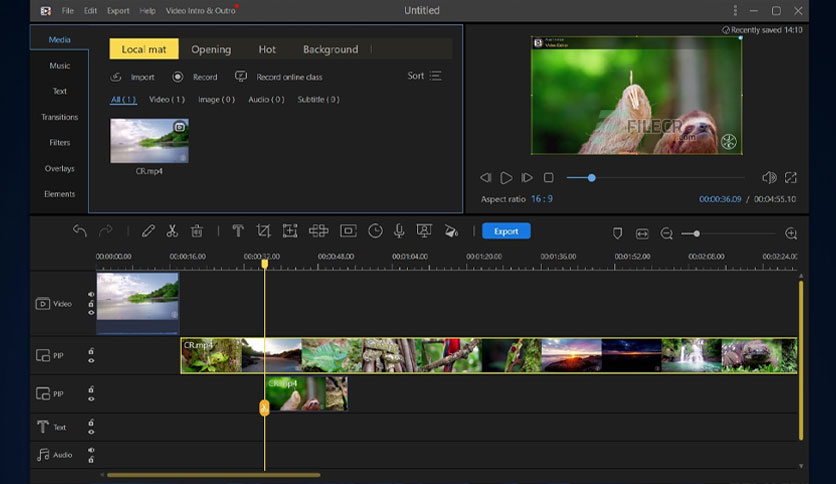
The program is used by millions of people worldwide and is known for its sleek and user-friendly interface. It also provides additional tools such as screen recording, format conversion, and video merging.
Features of the Version
Download Videos from Over 1000 Sites
The program supports downloading videos from popular platforms like YouTube, Facebook, Dailymotion, TikTok, Instagram, Vimeo, and more, making it a versatile tool.
Download in Quality Up to 4K
AceThinker Video Keeper supports downloading videos in various qualities ranging from 144p to 4K, giving users the freedom to choose based on storage capacity and internet connection quality.
Download in Audio or Video Format
You can choose to download the entire video or just the audio in formats like MP3 and M4A, which is a useful feature for music lovers or podcast enthusiasts.
Format Conversion Support
The program includes a built-in converter that supports converting videos to formats like MP4, AVI, MOV, WMV, FLV, MKV, and others, in addition to supporting various devices such as iPhone, Android, PSP, and Xbox.
Smart Auto-Download Feature
Thanks to the "Auto-detect" feature, the program can automatically detect videos playing in the browser and display the download option directly, making the process easier without the need to manually copy links.
Screen Recording
The program also provides a tool for screen recording with audio and video, whether for lesson explanations, game recordings, meetings, or any activity on the desktop.
Support for Downloading Playlists and Channels
The program allows you to download an entire playlist or channel from YouTube with a single click, with the option to specify the preferred quality and format.
User Interface and Experience
The program features a comfortable and elegant user interface. The main page includes a sticky link bar, a download button, and a window to display downloaded files, with tools clearly divided into tabs, such as:
- Download: for downloading videos.
- Detect: to monitor open videos automatically.
- Record: for screen recording.
- Library: to view and manage downloaded content.
You can easily drag and drop video links or activate the auto-detection feature to handle videos effortlessly.
Steps to Use the Program
- Download and Install the Program You can download the official version from the AceThinker website, and the program is available for both Windows and macOS.
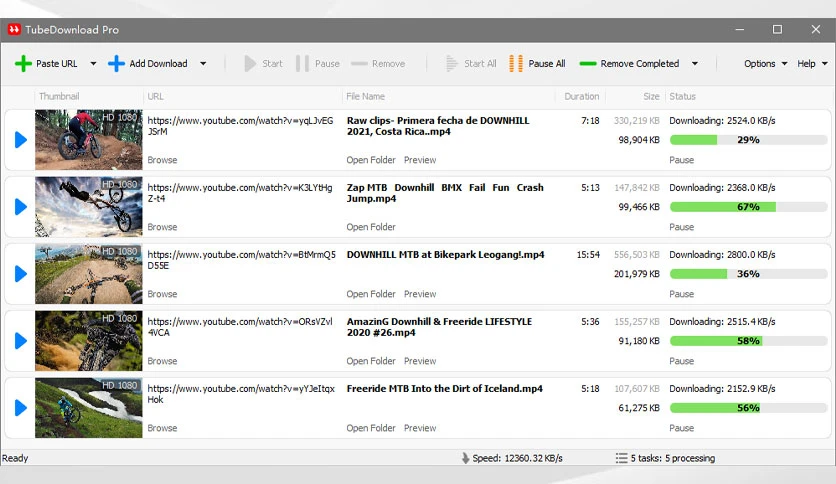
- Copy the Video Link Copy the video link from the desired platform (e.g., YouTube).
- Paste the Link into the Program Open the program and paste the link in the download box, then click "Download".
- Choose Quality and Format After analyzing the link, the program will show you the available options; choose the quality and format, then start the download.
- Play or Convert the Video After the download is complete, you can play the video or convert it to another format as needed.
Comparison with Other Programs
Compared to programs like 4K Video Downloader or YTD Video Downloader, AceThinker Video Keeper features a more advanced interface and supports downloading playlists, conversion, and recording within the same program, without the need for additional tools.
The program is also more stable in handling frequent updates from sites like YouTube and has fast technical support and an active development team that continuously releases updates.
Main Drawbacks
- Limited Free Version: The free version does not allow downloading more than a certain number of videos per day and requires an upgrade to the paid version for full access.
- Not Open Source: Unlike some alternatives like Tyrrrz YoutubeDownloader, the program is a commercial closed-source software.
- Some Formats Require Conversion After Download: In certain cases, the video is downloaded first and then converted, which takes additional time.
Final Advice for Users
If you plan to use the program regularly, consider trying the free version first, then upgrading to the paid version if you find it meets your daily needs.
The paid version removes all restrictions and unlocks features like unlimited batch downloading, full 4K quality support, and more stable periodic updates. Additionally, it's always recommended to regularly update the program
as sites like YouTube and Facebook make changes to how videos are displayed, and the program needs periodic updates to stay compatible.
With the abundance of options available in the video downloading software market, AceThinker Video Keeper stands out as one of the best reliable and comprehensive solutions, combining ease of use, technical strength, and a wide variety of tools, making it suitable for various needs. It is not just a video downloading program, but a complete productivity tool that allows you to manage your video library professionally. If you are looking for performance and ease at the same time, this program will provide you with a satisfying and rich user experience.

 File Name:
 Downloads:
 Version:
 Full Version:
 Created By:
 License Type:
 Release Date:
 Languages:
 Tags:
Tags:


