

If you're a computer user, you're likely familiar with the Windows operating system, which serves as the magic key to your computer. This is largely due to it being the best operating system we've seen to date, especially the Windows 11 ReviOS version, which marked a significant leap compared to other operating systems. But first, what exactly is an operating system, and why is it such an important part of a computer? There are many versions of operating systems, and we also see various editions and different versions of the same system, just like we do with Windows and Linux, all coming from the same company rather than competing firms.
An operating system acts as an intermediary or environment between you and your computer, allowing you to send commands to it. As we know, a computer is made up of specially manufactured metal parts, but ultimately, it is just metal. So how do you communicate with it and send commands? How does it return the information you requested? This is where the operating system comes in, translating your commands from the language you understand into a form of electricity that the computer recognizes. It then receives the information provided by the computer and translates it back into a language you can understand. Additionally, it connects all devices together so it can manage how information is displayed or commands are received. The operating system is essentially the soul of the computer, making its selection crucial to match the user and the device's capabilities. In this article, we will introduce you to a powerful system that hasn't gained much fame: Windows 11 ReviOS.
The Best Free Driver Update Program for Windows 10 and 11 in 2024
Light and Fast Windows 11 ReviOS
Windows 11 is one of the most popular operating systems, having gained significant popularity due to its completely different interface and environment compared to previous versions. Since the introduction of Windows XP up to Windows 10, the company has made numerous modifications to the system and its interface, but ultimately, the core idea and appearance remained the same, with no radical changes. The modifications were mainly cosmetic or related to the search system. However, with the widespread adoption of Android, many users began to prefer it over other systems due to its extensive permissions and ease of use, making it very popular among developers for app creation.
This prompted Microsoft to develop its Windows system to compete effectively with Android, leading to the launch of Windows 11, which features a hybrid interface combining elements of both Android and Windows. It uses the Windows interface but in the form of Android applications, while also incorporating the best features of each to create this unique system. You can access the settings you want through multiple menus with just a click. At first glance, you might think the system is confusing, but after using it, you'll discover many features, especially the smart applications pre-installed with the system, such as video and photo editing tools, which unfortunately are not available in Windows 11 ReviOS. This version is a lightweight edition of Windows that we will discuss now.
Overview of Windows 11 ReviOS
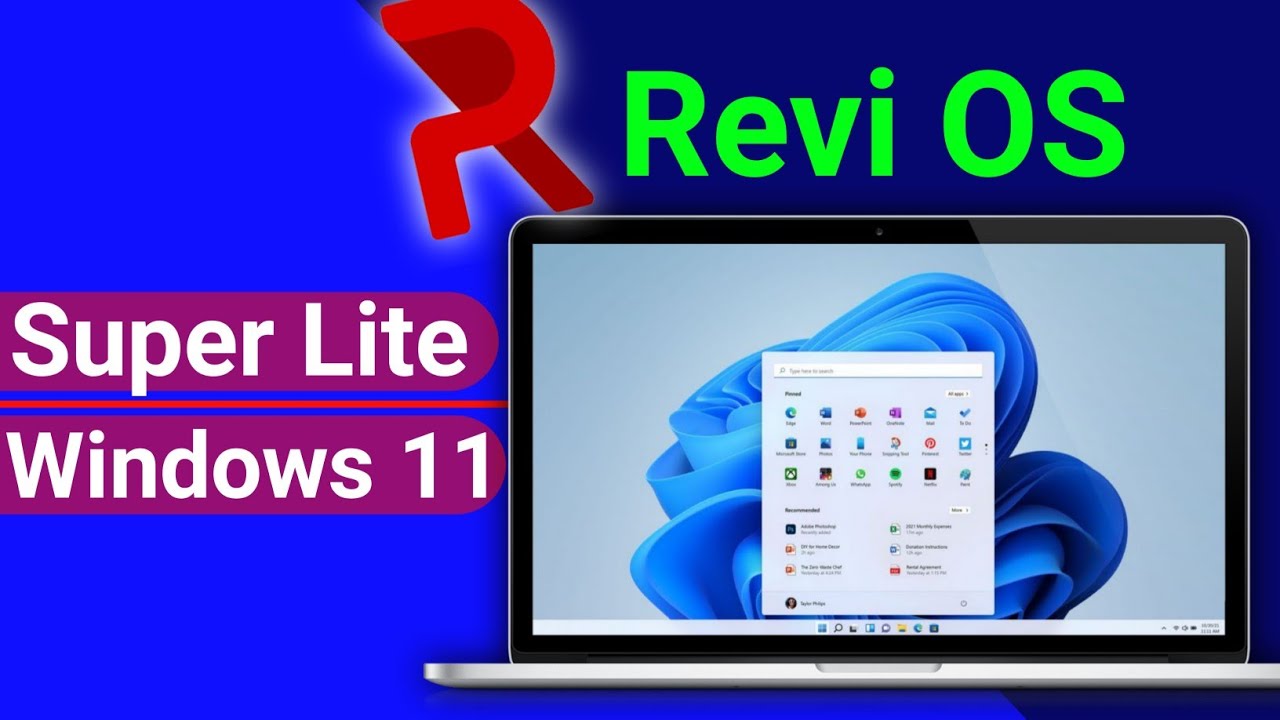
Windows 11 ReviOS is one of the lightweight versions of Windows 11. Several editions, like Windows Lite, have emerged, offering the same features as the operating system but requiring simpler hardware specifications for installation and operation. Windows 11 ReviOS retains the same features and properties as Windows 11, but there are some minor differences, particularly in the applications installed on the system. It includes essential applications like the new Paint app and media viewer, which are indispensable and come with this version.
However, there are other applications that may not be useful for everyone, such as programming, editing, networking, and server applications, which require significant space and high specifications to run properly. This is why these applications were removed from the lightweight version. Additionally, many shortcuts considered non-essential but consuming a lot of RAM were also eliminated.
What sets this version apart from other lightweight editions is that it includes many helpful programs that allow you to run any game you want. Since the system does not drain the device's resources, everything will run at optimal efficiency, giving you a wealth of powerful features while keeping your device safe from potential issues.
Download Windows Repair Toolbox Latest Version with Activation
Features of Lightweight Windows 11 ReviOS
The ReviOS 11 system comes with many features, including:
- Very lightweight on the computer.
- Does not require high specifications for installation.
- Maintains the same interface as the regular Windows 11 but in a lighter form.
- Very powerful for gaming.
- Can be installed on any computer.
- No issues with the version.
- No essential applications or important features from the full system have been removed.
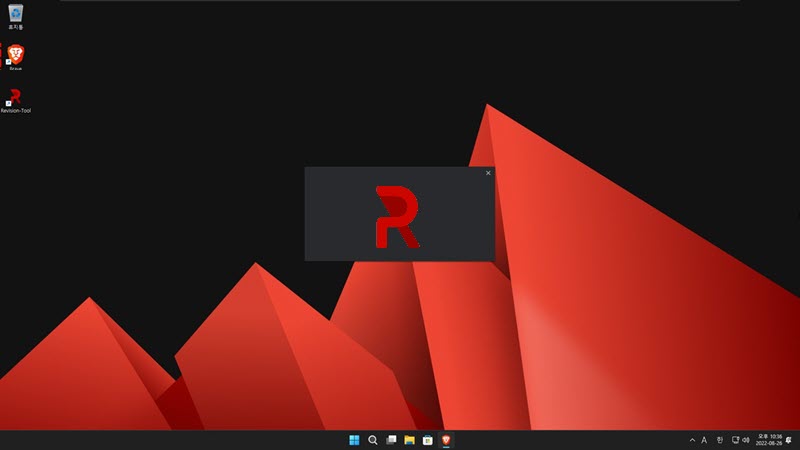
- Includes the Brave browser, one of the best browsers available.
- You can download any application or program you want on this system in the usual way.
- You can install applications from the store that comes with the system.
- This system works on devices that are not supported by the original system.
- You can install various services from external sources.
- You have full control over all parts of the system without any issues.
- There are no flaws in the version itself; any issues that arise are related to the original system.
- All new updates are installed monthly without any intervention from you.
- You can install drivers through Windows itself without the hassle of searching for drivers for connected components.
Download Windows 7 for 32-bit Architecture All Versions – Windows 7 AIO X86 –
Installing Windows 11 ReviOS
- First, download the version from the official website to your computer.
- Then, connect the USB flash drive and open the Win Setup from USB program.
- Select the version file and the USB drive, then start burning the version onto the flash drive.
- Restart the computer and enter the boot list.
- Then select the USB drive that contains Windows.
- You can now install the version normally and enter your details like the device name and password.
- After that, you will have the complete version without any issues, and you can install any applications you want on it.
Requirements for Downloading Windows 11 ReviOS
- Processor: 1GHz or higher processor, 32-bit (x86)
- RAM: 512 MB.
- Storage: 8 GB on the hard drive for installing the system and official applications.
- Disk media: A compatible optical drive is required to work with a DVD or CD.
- Video adapter: Depending on the resolution, additional modern graphics hardware may be needed for video playback.
- Sound card: Audio and music output.
- DirectX 9 graphics processor 1.0 or DirectX 12 graphics.
Password for extraction: 123

 File Name:
 Downloads:
 Version:
 Full Version:
 Created By:
 License Type:
 Release Date:
 Languages:
One thought on “Download Windows 11 ReviOS - Overview and Features of the Lightweight Version of Windows 11”
مشكوررررررين