Microsoft OneDrive 26.088.0510.0004 Free Download - 3almalt9nia
Free Download Microsoft OneDrive 26.088.0510.0004 Latest Offline Installer - Easily store and share photos, videos, documents etc.
Microsoft OneDrive
OneDrive is Microsoft's desktop client for cloud storage, designed for storing, syncing, and sharing files online. What sets it apart from similar programs is its integration with Office Online, allowing you to create, upload, view, edit, and share Microsoft Office files directly in your browser.
Microsoft OneDrive provides access to your data from any device and allows you to share and collaborate with others. Additionally, it offers search functions and organizes your information.
Keep Your Files Secure in the Cloud
Once installed on your computer, this app lets you upload files of all formats and sizes to the cloud system. They remain there and can be accessed from any device that connects to your OneDrive account.
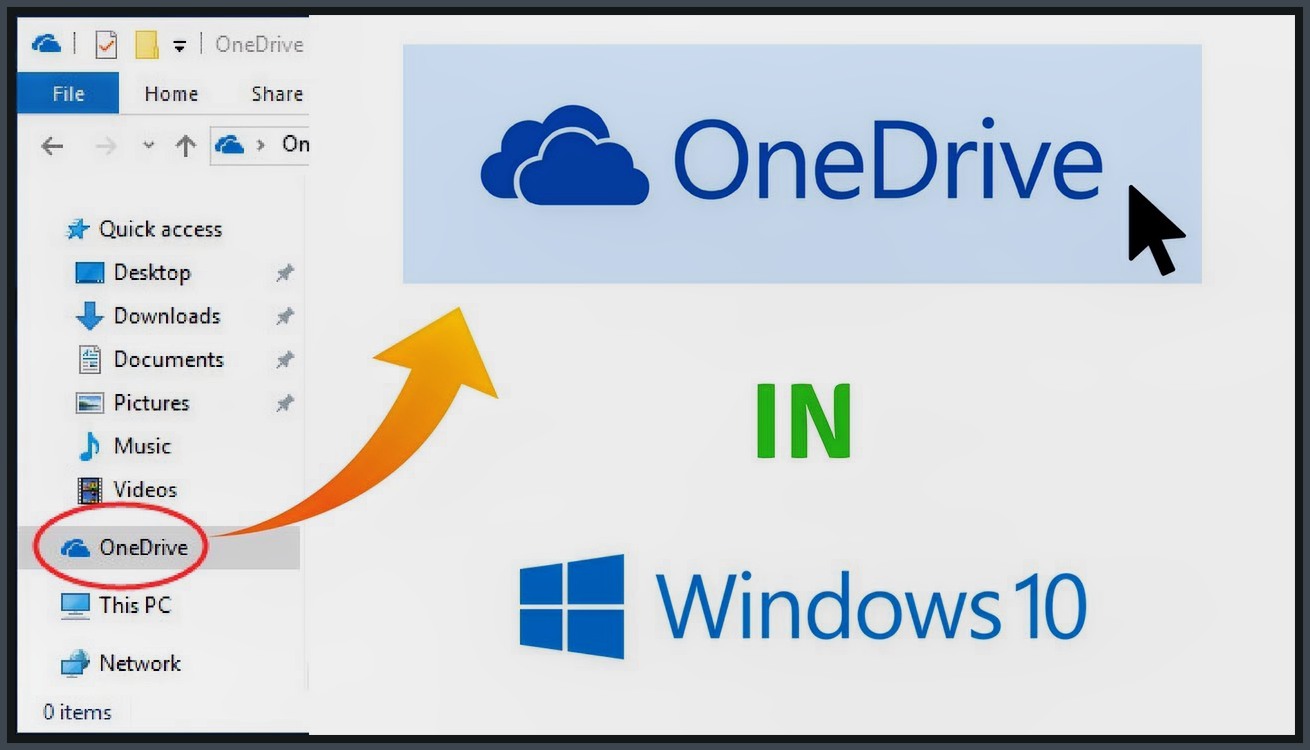
The app creates a "OneDrive" folder on your computer that you can access like any other folder. To add files, you can simply drag and drop them or use the classic copy-paste method.
Any files placed in the OneDrive folder are automatically uploaded to your cloud storage account and synced across all devices with Microsoft OneDrive installed. The app even shows a small "check" on files successfully transferred.
Depending on the file size and your internet connection, upload times may vary. Once your content is in the cloud, you can access it from almost anywhere and share it with anyone via email or direct link.
Easy Access via System Tray
Of course, devices you wish to access your files from need to have OneDrive installed, but since installation takes just a few seconds, Microsoft OneDrive is a quick solution. Instead of carrying a USB drive or external storage, why not use something that's almost impossible to lose or damage?
Microsoft OneDrive runs quietly in the system tray, and with a simple right-click, you can open the OneDrive folder, manage online storage, and access settings.
The concept of Microsoft OneDrive is simplicity and efficiency. You can see this by accessing the app's settings section. Apart from choosing which folders to sync, launching the app at Windows startup, and allowing Microsoft OneDrive to fetch any files from the current computer, there aren't many other options.
In conclusion, Microsoft OneDrive is a reliable and user-friendly application that can certainly help you work more efficiently and securely.
Key Features of Microsoft OneDrive:
- 5GB of free disk space.
- Thumbnail preview of images.
- Slideshow view for images.
- Set access levels for all files and folders.
- Real-time notifications when a document is edited by another user.
- Access via WebDAV protocol.
- Work with documents directly in the browser thanks to Office Online support.
- File registration via drag-and-drop or web app.
- Remote access to a Windows PC.
- View PDF files and support for ODF standard.
- Search within Microsoft Office documents.
- Automatic tagging of photos based on their content.
- Download, store, and share office documents and photos from Hotmail, and edit them in the browser.
- Save Microsoft Office files directly from the app.
- Integration with Bing and saving search history.
- Download entire folders in a single archive.
- Save user action history.
- Encrypted connections.
Changes in the Latest Version
Bug fixes to enhance client reliability and performance.
New: Admins can set policies to exclude recently added OneDrive files from cloud sync by file name or extension on Windows devices.
New: Updated rows in the OneDrive Action Center after a user deletes an item. The row changed from "Deleted from OneDrive" to "Deleted from [parent folder]".
New: Business users (OneDrive for work or school) now have an "Show notifications when people share with me" option in settings.

 File Name:
 Downloads:
 Version:
 Full Version:
 Created By:
 License Type:
 Release Date:
 Languages:
 Tags:
Tags: