

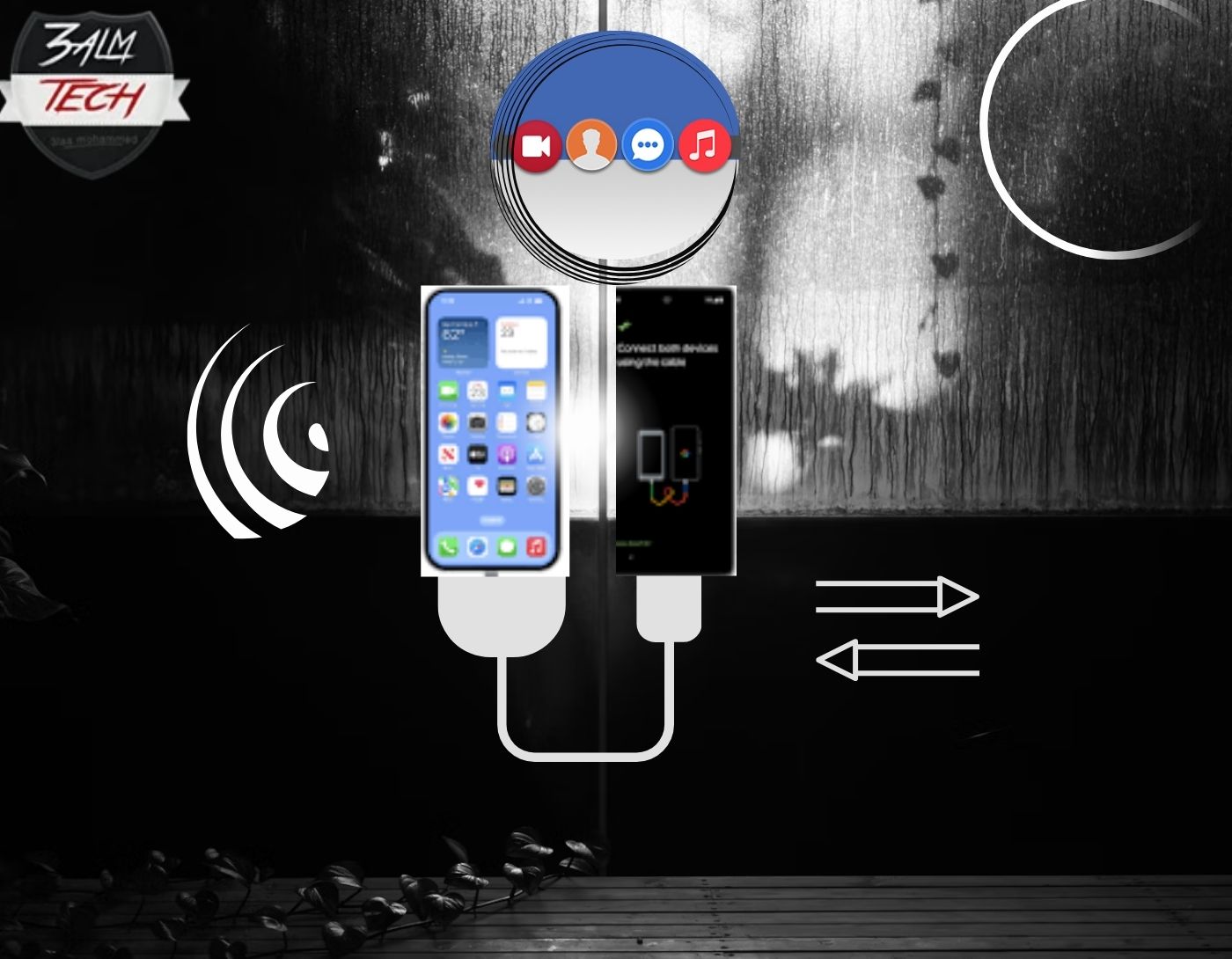
Did you just buy a new Android phone and want to know how to transfer data from one Android to another? Are you looking for an easy way to move all your important data from your old Android phone to your new one? If so, keep reading to discover the best data transfer apps for Android.
Switching from one Android smartphone to another is not a problem when you have the right data transfer app at your fingertips. In this article, we've compiled a list of the best apps for transferring data from Android to Android without compromising quality.
Data Transfer Apps for Android
With this software, you can transfer data from one Android device to another without any hassle. There are many such tools available online, but these are the best data transfer programs for 2024.
1. DroidKit
DroidKit is designed with excellent data transfer capabilities, making it your best choice if you're looking for a professional tool to move content from one Android device to another without any trouble. It transfers data smoothly between your Android phones with high precision.
This program ensures safe transfer in the shortest time possible, moving data such as videos, documents, audio files, ZIP files, images, and more in high quality without affecting your system.
DroidKit tops our list as the ideal solution for data transfer due to its quality. The software is easy to install and suitable for both beginners and professionals. You can use it with any Android operating system, and it integrates well with Windows and Mac.
Pros
- Includes a comprehensive toolkit for data recovery and system repair.
- Features a very user-friendly interface that suits everyone.
- Compatible with a wide range of Android phone models.
- Offers various plans to meet different needs and budgets.
Cons:
- One of the main drawbacks is that it does not support iOS devices.
- The price may be high for some users.
2. Samsung Smart Switch
Here’s another great app for data transfer. You can use Samsung Smart Switch to transfer data from your old Android phone to another device. Although it was created by Samsung, it works with any Android model.
Samsung Smart Switch provides a fast way to transfer content such as videos, contacts, documents, and more between Android devices. Its interactive interface and other advanced features make it one of the best options available. This app works with all Android operating systems, from the oldest to the latest.
Pros
- Transfers data in minutes.
- Moves photos, videos, and more than 5 types of Android data files.
- Has an easy-to-manage interface.
Cons
- Transfer speed can be slow.
- Samsung Smart Switch supports a limited range of data types.
3. LG Mobile Switch
LG Mobile Switch is a powerful data transfer tool designed by LG to help Android and iOS users move content across devices. This app transfers data via wired and wireless connections and supports data types such as photos, messages, call logs, audio, and much more. With this app, you can transfer data on any LG mobile device with minimal hassle. This lightweight content transfer tool helps you move data freely and quickly.
Pros
- Can connect Android to iOS for data transfer.
- LG Mobile Switch features a sleek interface.
- Easy to use USB cable for transferring data from LG to Android and vice versa.
Cons
- Limited ability to transfer specific data files at one time.
- You cannot transfer cloud-stored data using this data transfer app.
- Since LG announced its intention to stop producing mobile devices in 2021, LG Mobile Switch is no longer available on the Google Play Store.
4. Phone Clone

With Phone Clone, you can also transfer data from Android to Android easily and in high quality. This app, designed by Huawei, transfers data smoothly and quickly. It doesn’t matter if you’re moving to an old or new device; in either case, this app is a great choice.
The Phone Clone app transfers data such as photos, apps, contacts, messages, calendars, call logs, recordings, and more. You don’t need a data connection or USB cable to transfer data through this app. Additionally, there’s no subscription required to use this app; it’s completely free.
Pros
- Transfers data from Huawei to other Android devices and vice versa.
- Phone Clone provides a clean interface that allows you to manage data across Android devices.
- Compatible with all Android versions and brands.
Cons
- Can only send a few megabytes of data at a time.
- Phone Clone does not transfer data to iOS devices.
5. Xender

Xender is an intuitive data transfer app that supports seamless content transfer from one phone to another. It exports data from Android to Android, from Android to iOS, and from iOS to iOS. You can also use it to handle data transfer from mobile to computer systems.
This app transfers photos, videos, messages, apps, and more across multiple devices. With Xender, you can transfer content among four devices at once. No cable connection or internet is required to use this app; just ensure that both phones are not too far apart.
Pros
- Transfers data at a speed of about 35 megabytes per second.
- Displays limited ads.
- Supports various multimedia files, apps, and games.
Cons
- Slows down the data transfer process when both devices are not in close range.
- You need a mobile device with a good camera to scan the QR code.
6. ES File Explorer
Here’s another app for managing data across mobile devices. ES File Explorer transfers data such as photos, videos, and more from one Android device to another. In addition to data transfer, this tool also comes with many additional functions like cloud storage (Dropbox, SkyDrive, and more), system cleaner, recycle bin manager, and much more.
Users can also rely on this program to compress and decompress ZIP files. ES File Explorer is a very useful utility for Android due to its great features.
Pros
- Transfers at 30 megabytes per second.
- This transfer tool integrates with cloud storage systems like SkyDrive and <a href="https://3almalt9nia.com/icloud-%d9%85%d9%82%d8%a7%d8%a8%d9%84-google-drive-%d9%85%d8%a7-%d9%87%d9%8a-%d8%ae%d8%af%d9%85%d8%a


