


The best color palette generators and color tools for artists: Color is one of the most important elements of a stunning piece of art.
At first glance, color seems like a simple thing. All you have to do is pick a few colors and work with them, right?
Of course, you can, but there's much more to coloring than that.
Color theory is a vast field of study because colors influence how we think and perceive things.
Colors interact with each other, so one color in your palette can completely change how we perceive others.
Colors have different visual weights.
They also carry different psychological meanings, so your color choices play a significant role in the mood of your art.
In short: your color choices can make or break the entire piece.
Sure, you can play with colors and conduct a full color study for each piece, but that takes time.
When it comes to choosing colors, it's very easy to get stuck. Sometimes you need a starting point to speed things up and provide interesting color combinations.
We've gathered some of our favorite tools for creating new color palettes, and they are definitely worth checking out.
You’ll never get stuck in a color routine again.
1-Paletton
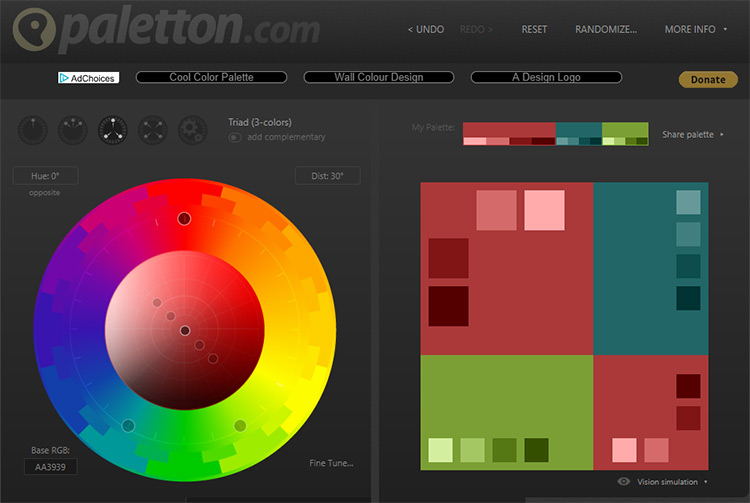
This starts with a monochromatic color palette, but you can also choose a triadic or tetradic color scheme.
All you have to do is select a starting color, and it will give you other colors (and their hex codes) in shades according to their positions on the color wheel. Very nice!
You can also add a complementary color to most color schemes for added interest and contrast.
There's also a fun "free style" theme option you can use.
Once you've chosen your color scheme, you can adjust it by tweaking the shades and hue.
As an added bonus, you can also preview examples of these color schemes in actual designs in artworks or web layouts or animations. Super helpful!
2-COLORMIND
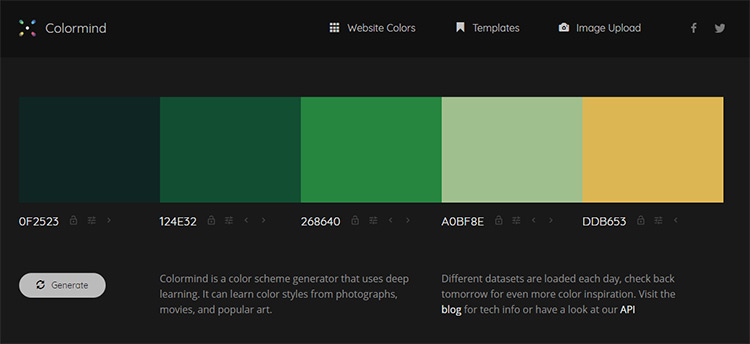
Use Colormind to create random color palettes inspired by movies, images, and famous artworks.
You can also upload images and create a specific color palette from them, or start with one color and work from there.
If you find a color you like but aren't fond of the entire scheme, you can lock that color and continue generating new schemes around it until you find exactly what you're looking for.
You can also move the locked colors in the palette and use different types of color spectrums that include the colors you've specified.
If you have two locked colors at the ends of the palette, Colormind will generate intermediate colors.
If you have two locked colors next to each other, the other random colors will be more like alternative colors.
Give it a try and see what you come up with.
3-Color CC from Adobe
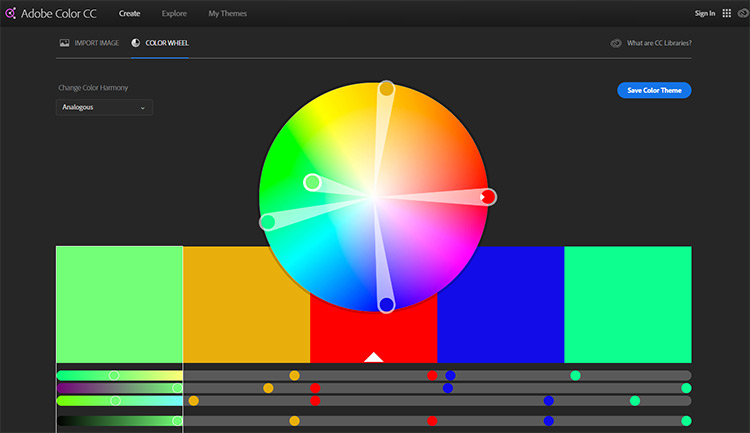
Adobe is known for its amazing design tools, and Color CC is no exception.
This allows you to choose from 6 different types of color systems or create a custom one.
Start by selecting a color and then move it around the wheel where you can adjust any color palette in real-time.
You can also upload images from your computer to analyze the precise color scheme and get the hex codes.
This way, you can extract colors from a photo you took or from an inspiring image you found elsewhere.
You can also explore many pre-made color schemes created by other users to kickstart your own creations.
Plus, you can save your favorite palettes in your Adobe account for future reference.
4-Coolors
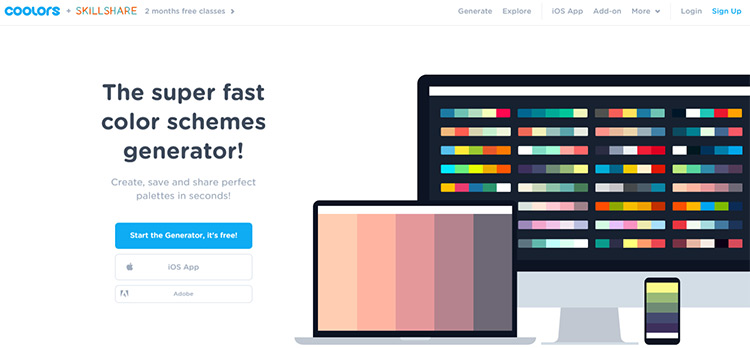
This site has a lot of color schemes you can explore, and you can create your own from scratch for storage and sharing.
Create an entirely new color scheme using the tool, or generate color schemes from found images.
Both work perfectly.
Once you find something you like, you can adjust the color, saturation, shade, and temperature to get everything just right.
Coolors is perfect for creating palettes or any other type of creative work.
5-iColorpalette
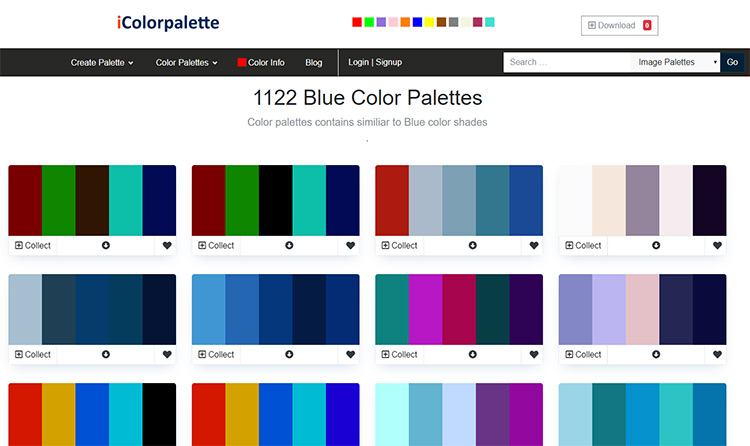
So, here’s another great tool used to generate colors from your own images, websites, or anything else.
You can also create your own palette from scratch, so there are plenty of options here.
If you have no idea where to start or just want to browse for inspiration, you can view palettes in general or with specific themes like astronomy, plants, seasons, and much more.
This is a great place to find inspiration for color schemes if you're not 100% sure what you want but have a general idea of the mood and theme you're aiming for.
6-Color Supplyyy
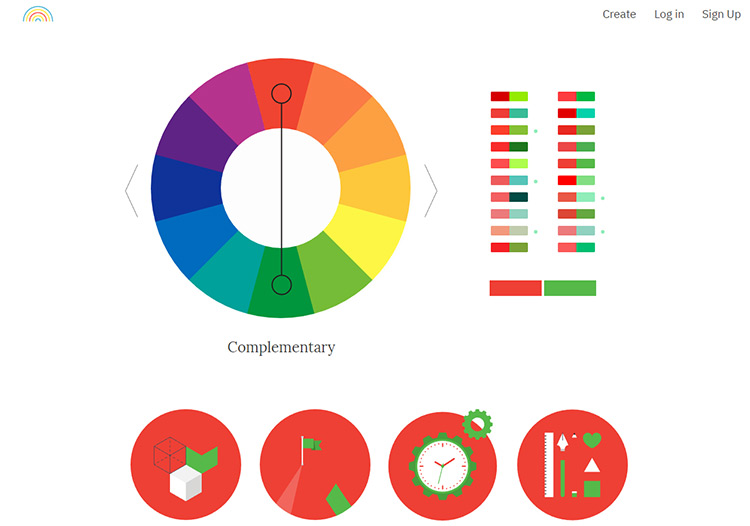
To start using this tool, just select the type of color system you want to get a set of color combinations in that general family.
You can also adjust your choices on the color wheel to change your palette in real-time.
This tool is incredibly user-friendly! It should be one of the most powerful color pickers when it comes to variety.
You can also see examples of your color schemes in simple designs with different shades, which is helpful if you're planning logos or icons.
7-CANVA
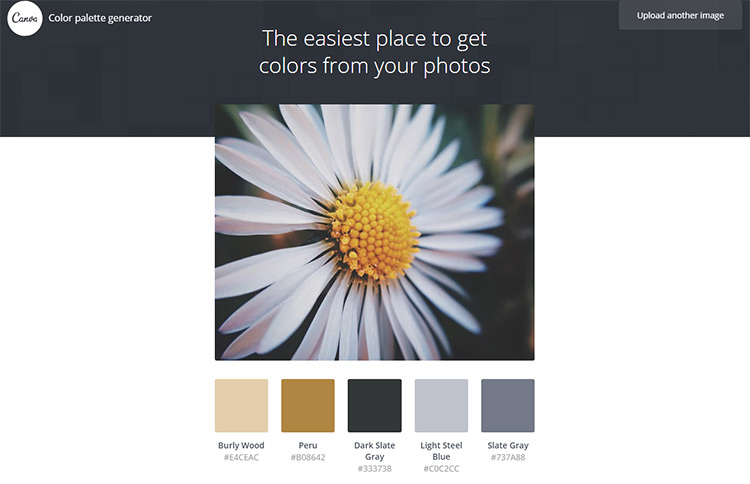
This super simple palette maker does one thing really well: extracting a color palette from an image.
It's easy to use and doesn't have a lot of features, but it's perfect if you have a photo you love and just want to get the colors with the corresponding hex codes.
If you're using Canva to design something, you can also upload those colors ahead of time into any project so you can start creating right away.
8-ColorSpace
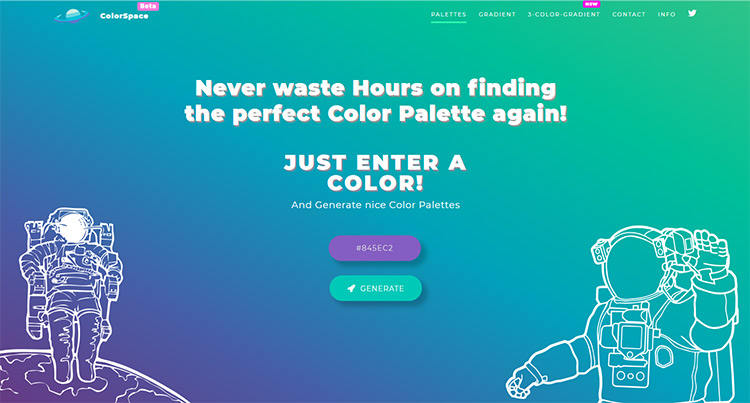
ColorSpace works by allowing you to input a hex code for a specific color or simply pick a color from the spectrum. Then, voila! You have a variety of organized color schemes around it.
Depending on your needs, you can stick to a simple palette of just 3 colors or create a larger palette with up to 6 colors.
You can also create two or three color gradients using the corresponding CSS code, which is perfect for artists looking to paint a specific gradient transition into a piece of art.
9-PaletteGenerator
So, PaletteGenerator is really simple, focusing on pulling colors from images.
This allows you to create a color scheme based on any image you upload from your computer.
You can also specify how many colors you want, and you'll get the entire color palette from one image, depending on how complex you want your color scheme to be.
The coolest thing about this tool is that you can segment images if you only want to use one piece, which is very unique! Most other palette generators only work with a full image, so it's highly customizable.
10-Color Hunt
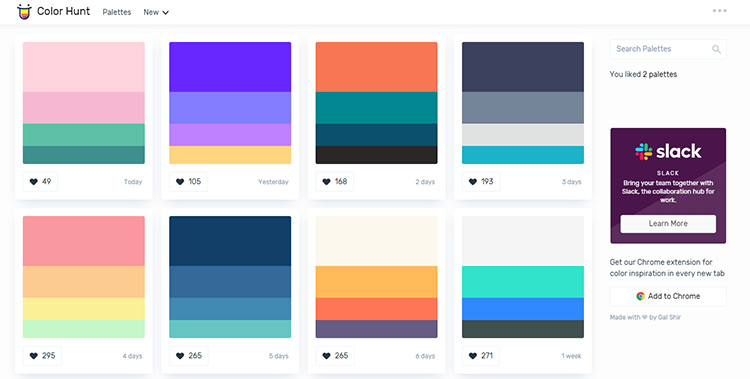
Now this is just fun to browse!
While this isn't a tool for creating entirely new palettes, it's a great place to find ready-made palettes.
You can sort by what's new, what's popular, what's trendy, or just randomly to see what you can find.
Browse through hundreds of pre-made color schemes, save your favorites, and download the colors you love.
You can also get the hex codes for use in your


