The Windows Registry is one of the most crucial components that directly impacts the performance and stability of the operating system. Over time, this registry accumulates many unnecessary or corrupted entries, leading to system slowdowns and frequent errors. This is where WinZip Registry Optimizer comes in, a tool specifically designed to safely and effectively clean, repair, and optimize the system registry.
What is WinZip Registry Optimizer?
It is a program developed by WinZip Computing, aimed at enhancing Windows performance by:
- Cleaning the registry of corrupted or unused entries.
- Fixing errors related to program paths, DLL files, ActiveX, and more.
- Defragmenting the registry to reduce its size and improve access speed.
- Creating backups before making any changes to ensure safety.
The version features an easy-to-use graphical interface, making it suitable for both novice and professional users.
Core Functions of the Program
WinZip Registry Optimizer is not just a regular registry cleaning tool; it is a smart digital assistant that revitalizes your computer and provides faster and more stable performance. If you are looking for a safe and effective way to reduce errors and enhance your Windows experience, this tool is worth trying, with its main functions including:
Comprehensive Registry Scan
When the program is launched, it automatically starts scanning the system registry for:
- Deleted program entries.
- Missing file links.
- Startup errors.
- ActiveX and COM issues.
- Invalid user entries.
Users can customize the scan to exclude specific parts of the registry as needed.
Fixing Errors
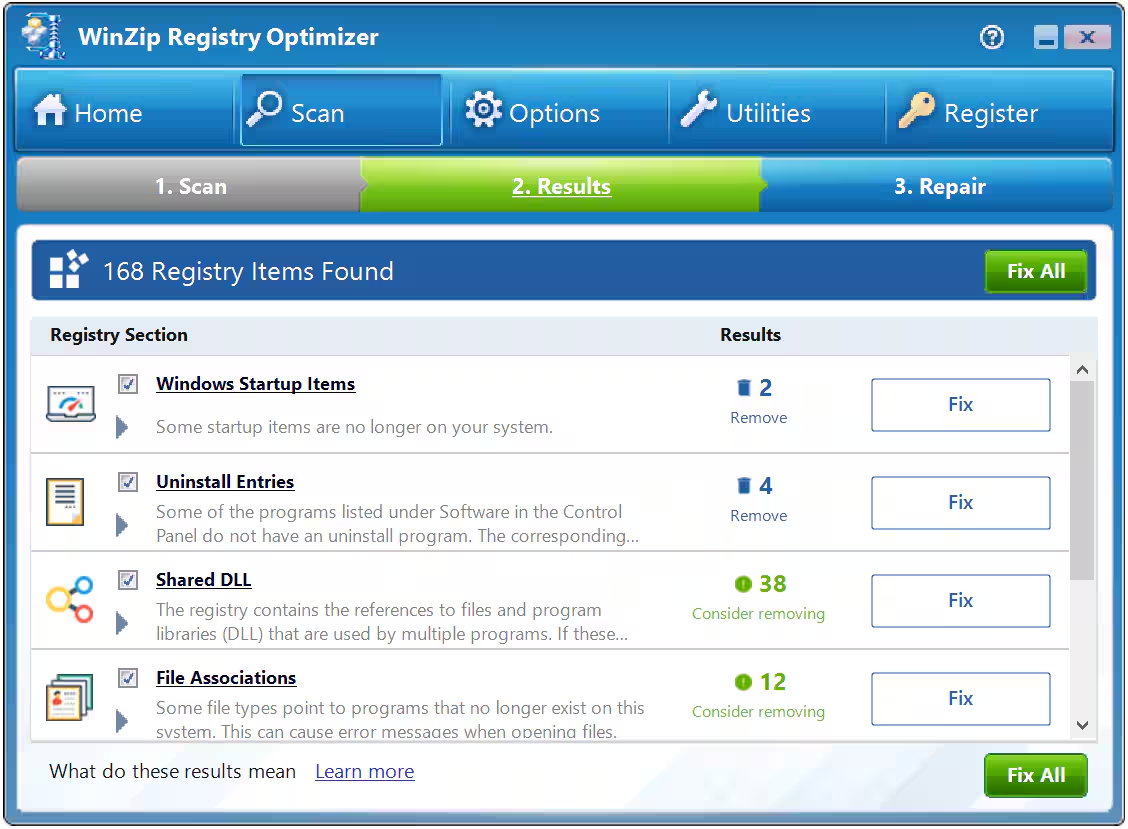
After the scan is complete, the program presents a detailed report of the discovered issues, categorized by severity level. All errors can be fixed with a single click, or users can choose specific entries to repair.
Registry Defragmentation
The program reorganizes the registry and reduces its size, improving system response speed. This process requires a system restart to apply the changes.
Backup and Restore
Before making any modifications, the program creates a backup of the registry, which can be restored later in case of any issues.
Automatic Scan Scheduling
Scans can be scheduled to run automatically daily or weekly, ensuring regular maintenance without manual intervention.
Features of WinZip Registry Optimizer
- User-friendly interface with a simple and organized design that makes navigating functions easy.
- Fast performance, scanning and repairing quickly without affecting system performance.
- Multi-language support, accommodating users worldwide.
- Automatic startup with the system, and it can be set to launch automatically with Windows.
- Lightweight, with a size of no more than 15 MB, consuming minimal resources.
Comparison with Other Tools
When compared to tools like CCleaner or Glary Utilities, WinZip Registry Optimizer stands out with:
- Registry compression support (a feature not available in some free tools).
- A simpler interface.
- Easy scheduling of automatic scans.
However, it is worth noting that some other free tools offer similar functionalities without the need for a paid license.
How to Use the Program
- Download the program from the official WinZip website.
- Follow the traditional installation steps.
- It starts automatically or can be launched manually.
- Review the report and select what you want to fix.
- Use the compression feature to enhance performance.
- Adjust the automatic scan settings as desired.
When is it Recommended to Use?
- When noticing a slowdown in system operation.
- After removing many programs from the device.
- When encountering frequent error messages.
- As part of regular computer maintenance.
Tips for Optimal Performance with WinZip Registry Optimizer
-
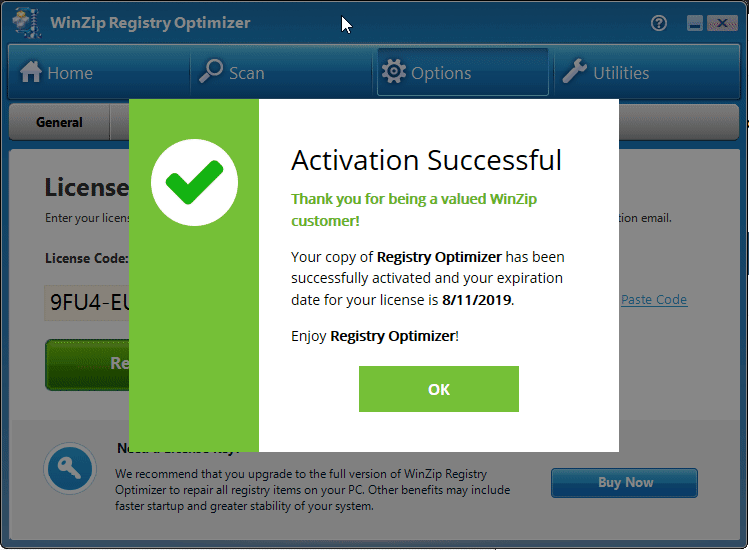
WinZip Registry Optimizer Make scanning a weekly habit and dedicate at least once a week to run the program and clean the registry, especially if you frequently install or uninstall programs.
- Use the registry compression feature after cleaning to ensure an increase in system speed and overall performance improvement.
- Do not rely solely on it; while a registry cleaning tool is useful, it should complement, not replace, antivirus programs or temporary file cleaning tools.
- Enable automatic backup to protect yourself from any unintended changes to the registry.
- Stay updated and ensure you are using the latest version of the program for performance and security enhancements.
Additional Suggestions for Smart Usage
- Before using any cleaning or optimization tool, create a system restore point as a precaution.
- Combine WinZip Registry Optimizer with programs like WinZip System Utilities Suite for comprehensive optimization.
- Enable scheduling so you don’t forget to run regular scans.
How to Make It Part of Your Overall Maintenance Tools?
To ensure the best experience and performance for your device, it is beneficial to use WinZip Registry Optimizer alongside other tools that address different aspects of the system. Here’s a simple model for a comprehensive maintenance plan:
Weekly
- Use WinZip Registry Optimizer to scan and clean the registry.
- Clean temporary files using a tool like CCleaner or the built-in Disk Cleanup tool in Windows.
Monthly
-
- Defragment the system registry using the defragment feature within the program.
<li style="

 File Name:
 Downloads:
 Version:
 Full Version:
 Created By:
 License Type:
 Release Date:
 Languages:
 Tags:
Tags: