


Free Malware Removal Tools for 2024: Malware is one of the biggest threats to Windows operating systems. Malware developers exploit these files to collect personal information, breach devices, attack files, and lock data. Additionally, malware is a common reason for reduced device performance.
Your Windows device, or any device running another operating system, contains the most sensitive information and files. If these files are deleted or damaged in any way, it can cause significant issues for the user. Since malware has the potential to do the same to your files, you should always keep your device free from malware.
This is where the importance of free malware removal tools comes into play. These applications serve as critical solutions that help you remove malware from your device with just a simple click, allowing you to thoroughly scan your system and eliminate malware.
It may seem easy, but there are many alternatives you can try to get rid of malware. To make your task easier, we present you with this list of the best free malware removal tools for 2024.
If you're frustrated with the accumulation of malware on your device, continue reading this article to find the best free malware removal tools for 2024.
Best Free Malware Removal Tools for 2024
We will take a look at the best malware removal tools, so feel free to try any of them to clean and remove malware.
1. Malwarebytes
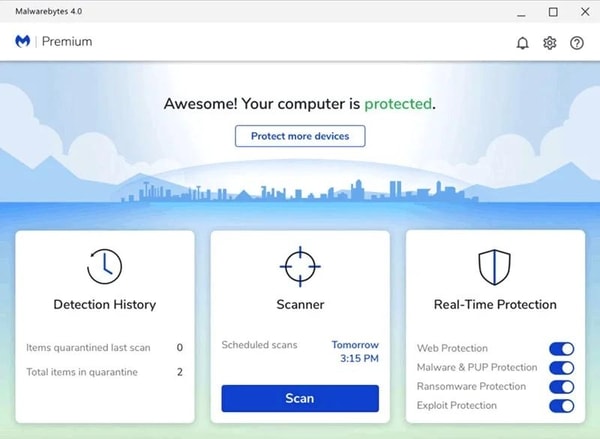
Malwarebytes is a well-known name that always comes up when discussing the best free malware removal tools for 2024. The tool is available for all personal computers and more, and its performance is just right, allowing it to deeply search for existing malware in the system.
Features of Malwarebytes
Let’s take a look at the features of this malware removal tool:
The tool is cross-platform and can be used on Android, Windows, macOS, and other devices.
The tool receives regular updates from developers, keeping it on top of new malware at all times.
You can get a free trial of Malwarebytes Premium for 14 days.
The program’s multilingual interface, supporting several major languages, is very helpful for everyone.
2. Avast Free Malware Scanner and Removal Tool
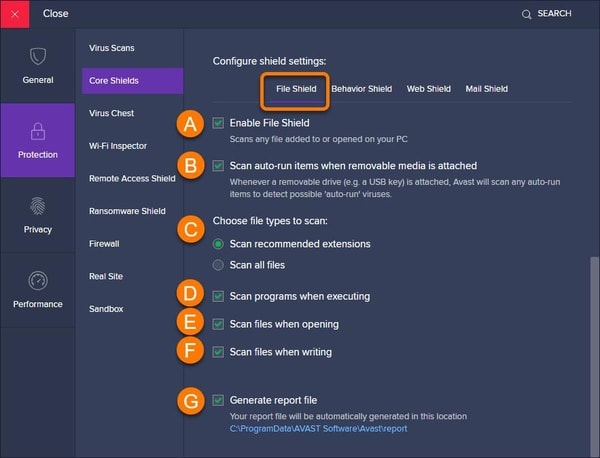
When it comes to securing your device, Avast is one of the most popular tools. It is among the best free malware removal tools for 2024, providing comprehensive protection for your operating system and its data. The program’s user interface, combined with its smart architecture, offers the most comprehensive and impressive solution for you.
Features of Avast Free Malware Scanner and Removal Tool
Let’s take a look at the features of Microsoft’s free malware removal tool for Windows 10.
With just one click, you can scan for harmful files.
You can easily boost your device’s performance using this free tool.
The tool isolates infected files and potentially infected files for added security.
The tool can block harmful websites and tools on your computer.
3. TotalAV
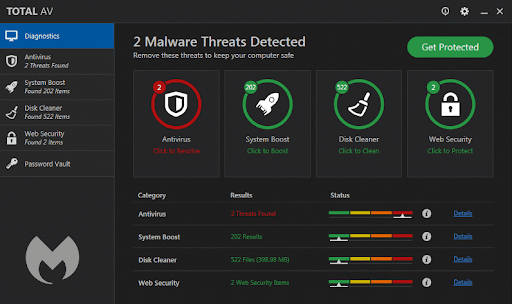
Like Malwarebytes, TotalAV is also one of the free malware removal tools for 2024. While the tool may not be completely free, it is worth it in any case. The tool allows you to deeply scan your system for malware, and once found, you can delete the malware with a single click.
TotalAV is user-friendly and provides a clear way to enhance your online security. It includes essentials like protection against spyware and adware, but the real advantage lies in the extras you get with the free TotalAV plan.
The data breach scanner alerts you if your email or passwords have been compromised, giving you a heads-up to change your login information before it’s too late. We also love the advanced WebShield feature, which protects you from harmful websites trying to steal your information or infect your device with malware.
Additionally, you will receive optimization and privacy tools such as a cookie remover and browser cleaner.
With TotalAV’s paid plans, you can access options like phishing protection, a VPN, and Total Adblock. You can also view a summary of your hard drive with the disk usage results feature.
Features of TotalAV
Let’s take a look at TotalAV’s features:
The tool provides real-time protection against all types of threats.
TotalAV has proven effective in protecting users from phishing attacks.
The program also helps you clean up your device’s storage space.
You can use the program on multiple operating systems, including Android, iOS, and more.
4. Bitdefender Antivirus Free
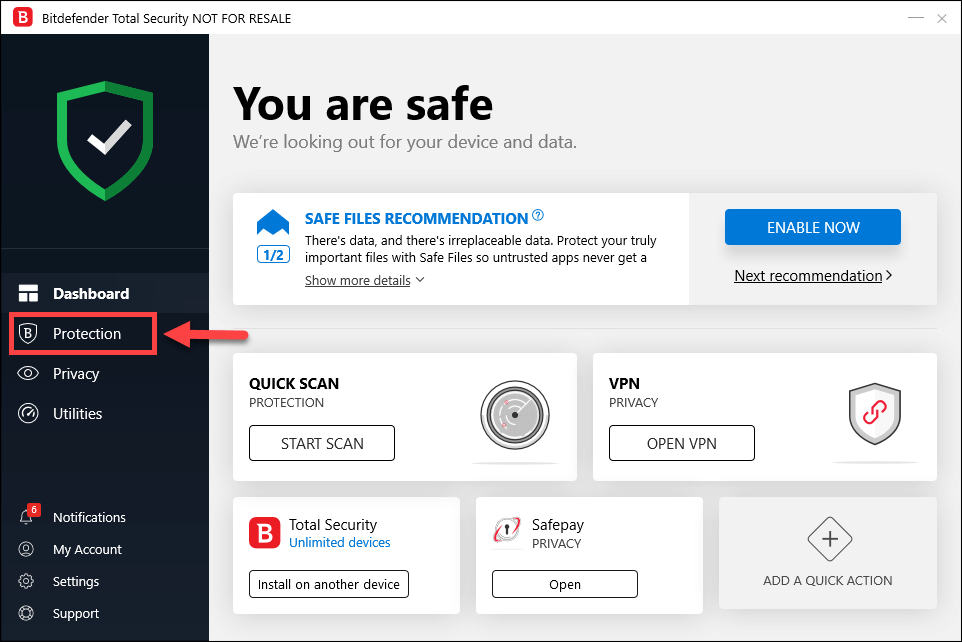
The next name on this list of the best free malware removal tools for 2024 is Bitdefender Antivirus Free. The creators of the program offer protective software for various devices. Moreover, the malware protection features in the program are very precise and powerful, providing both free and paid versions based on your requirements.
Bitdefender Antivirus Free is easy to install and run without any hassle. It only takes a few minutes, and you’ll be ready to start using Bitdefender. You can also access anti-fraud technology, SafePay, along with a VPN to help keep you safe from online scammers.
The free plan protects against not only rootkits and traditional malware but also newer types of threats like cryptojacking and AI-powered phishing attacks. This is essential as malware continues to evolve, and even free malware-fighting tools need to keep up to protect your devices.
Of course, like most antivirus programs, the paid versions of Bitdefender offer you more features, such as network threat prevention, a rescue environment, and a secure VPN.
Features of Bitdefender Antivirus Free for Windows
Let’s take a look at the features of this free malware removal tool for Windows:
The tool can run easily in the background without any interruptions.
The tool is very lightweight and does not affect your device’s performance.
You can use the program to enhance your device’s performance.
You can get customer support even in the free version.
5. iolo System Mechanic Ultimate Defense
The last name on this list of free malware removal tools for 2024 is iolo System Mechanic Ultimate Defense. This tool is much more than just a traditional malware removal tool; with the help of the program, you can fix all major and minor issues with just one click.
Features of iolo System Mechanic Ultimate Defense
This fantastic tool has many features, including:
The tool can easily delete harmful files and other unwanted files to protect your computer.
You can easily enhance your device’s performance with the help of the program.
The tool provides real-time protection against viruses, malware, and other threats.
The tool protects your card details, passwords, and other data.
Conclusion
It’s time to wrap up this list of the best free malware removal tools for 2024. In this article, we looked at some standout tools that can help you improve system performance by removing malware. Furthermore, you can also protect your sensitive data from harmful threats in real-time using these tools.
You might also like
Free Spyware Removal Tools for Windows Computers in 2024
How to Remove Passwords from PDF Files


