


Have you ever wondered how to easily create a backup of your Mac system? How can you quickly transfer data from your Mac to another system? How can you upgrade your hard drive to an SSD without hassle? Disk cloning applications for macOS in 2024 provide the perfect answers to all these questions.
Mac is one of the most efficient devices designed to date, and a disk cloning application can assist your Mac in various ways.
Disk cloning tools help convert your macOS hard drive to SSDs and vice versa, and a disk cloning software for macOS also helps back up your MacBook while facilitating data transfer.
In this article, we will take a look at the best disk cloning applications for macOS in 2024 that can significantly assist you.
What is Cloning?
Cloning means creating an exact copy of the original disk along with its contents, allowing you to copy data and clone bootable operating system files. Cloning is helpful when you need to back up all your data, upgrade your drive, or transfer data to a new device. When you want to upgrade your drive from a hard disk to an SSD, cloning can help you move content from one location to another.
Why is Cloning Necessary?
Cloning is not harmful; on the contrary, you can always rely on it for the following reasons:
- Cloning provides you with a complete backup of your drive, ensuring that all essential data is securely stored in one place.
- It helps when you try to move to a new device, making data transfer very easy.
- When you want to upgrade your drive from a hard disk to an SSD, cloning can assist in moving content from one location to another.
Top 8 Disk Cloning Applications for macOS in 2024
We all know that the Mac is a powerful device; however, every device tends to slow down due to wear and tear over time. Therefore, it is advisable to back up your data using any of the disk cloning applications for macOS so you can transfer it from one system to another whenever necessary. Here’s a carefully curated list of the best disk cloning applications for macOS in 2024, featuring a range of powerful capabilities.
1. Stellar Drive Clone
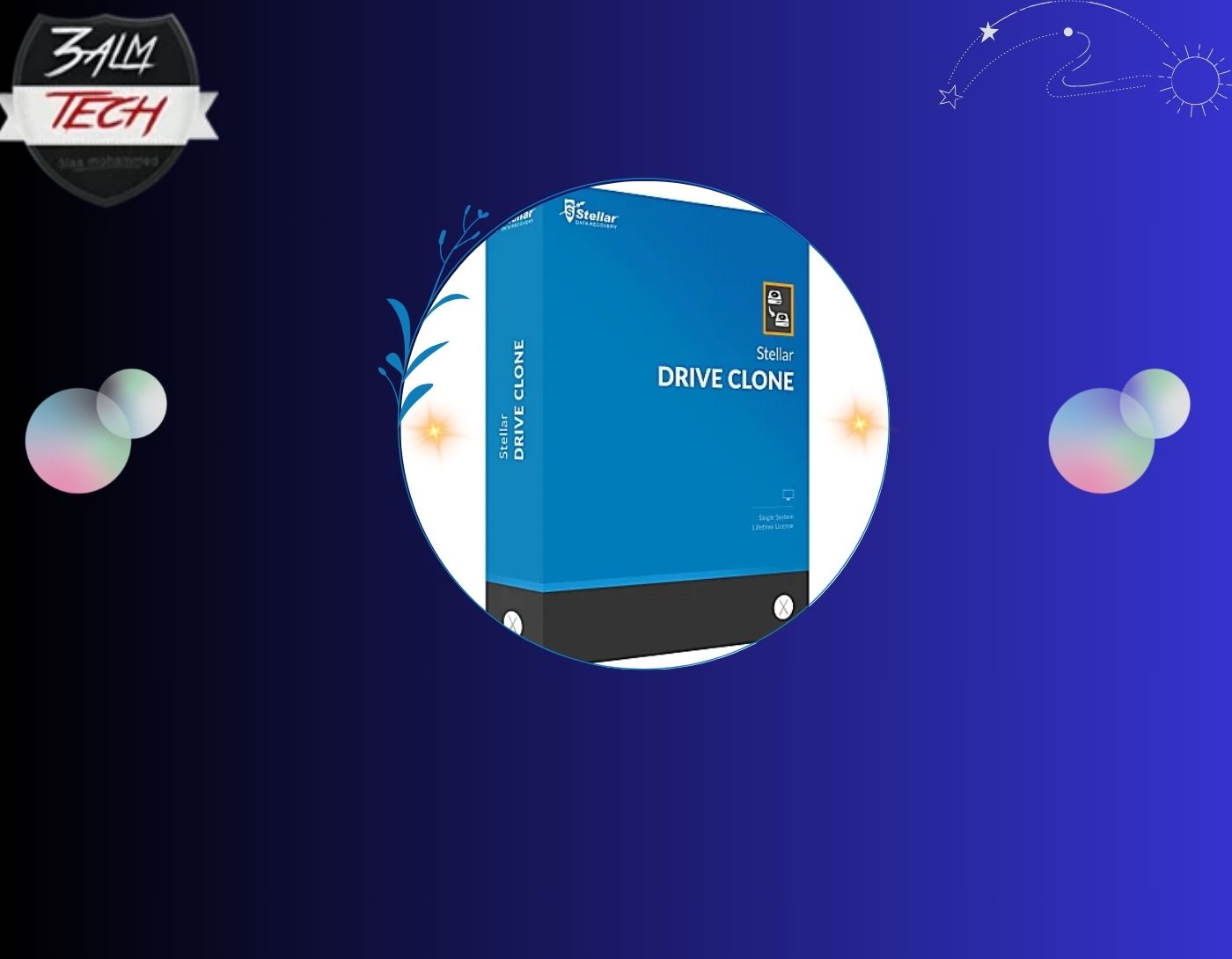
Do you need an application that can perfectly clone your Mac's hard drive? Stellar Drive Clone is the right choice for you.
This cloning software creates partitions similar to those on the original hard drive, supporting various cloning types such as HFS-to-HFS, FAT-to-FAT, and NTFS-to-ExFAT.
You can also use it to clone encrypted Mac drives and storage units, as well as clone your Mac hard drive from HDD to SSD and vice versa.
2. EaseUS Todo Backup
EaseUS Todo Backup is commendable as it includes many powerful features. If you are looking for a free cloning software for Macs, this is your ideal option. The software comes with a 30-day free trial and a 30-day money-back guarantee.
Back up data from any Mac using the automatic backup scheduling feature in stealth mode, save storage space, and also encrypt your backed-up data.
You can easily restore your system even if macOS fails using this fantastic cloning application.
3. Chronosync
ChronoSync is a fantastic application for cloning macOS. Clone your hard drive and back up all excess documents to the cloud to free up more space on your computer using this app. You can also back up other important data.
The application features a clear and intuitive user interface, making it easy to use. It allows you to schedule disk cloning processes automatically from time to time.
The best part of ChronoSync is that it allows users to transfer files with the help of Chrono Agent.
4. Carbon Copy Cloner
With this exceptional application, you can create bootable backups as well as regular backups. The simple and beautiful user interface makes it easy to transfer files from one system to another.
The cloning coach is a unique feature of this application, allowing you to schedule automatic backups using this tool and archive old versions of files.
5. Backblaze
Backblaze is the best disk cloning software. With Backblaze, you can set a data transfer limit and schedule backups for your Mac when the system is idle.
Vital information for your system is uploaded to Backblaze's secure servers, allowing you to keep all your files safe with this disk cloning application.
6. Carbonite
Carbonite allows you to save an unlimited amount of information from your device to its servers. When you log in, you can easily restore files from its servers to your system.
Thus, personal cloud backup ensures you never worry about losing your important data, and it provides ways to protect data on-site, off-site, or in the cloud.
The application offers a 30-day free trial for new users.
7. SuperDuper
SuperDuper is one of the simplest disk cloning applications, offering a free version with all features as well as a premium version. You can securely create copies of important applications and files for your Mac with just a few clicks. The standout feature of this application is its ability to create bootable backups.
8. Acronis True Image
Acronis True Image is user-friendly, allowing users to clone files while performing any task. Acronis True Image is available for both macOS and Windows PCs.
The application is available on mobile for both Android and iOS, allowing users to clone files as they choose, providing options for individual selection or selecting all.
Acronis True Image offers a 30-day free trial for users.
Things to Consider in Disk Cloning Applications for macOS
You can do a lot with a macOS disk cloning program; however, what specifications should you look for in a cloning application?
- The disk cloning application should be user-friendly, even for the average person.
- The cloning software should be compatible with a wide range of macOS versions.
- The third-party cloning software should not pose a threat to your Mac's security.
- When it comes to the features of the disk cloning tool, you should know if the tool can create an exact copy of a Mac disk and is capable of extracting a large volume of image files quickly to restore all your system data.
Conclusion
In this article, we discussed the best disk cloning applications for macOS in 2024 at a glance. The built-in OSX recovery in macOS includes disk management features, and Time Machine is Apple's integrated backup software. However, like all built-in applications, these tools only have basic features and lack advanced functionalities.
This is where the importance of third-party disk cloning software comes in. You can always get disk cloning tools to back up your Mac, which can be highly beneficial when upgrading your macOS.
You might also like
File Splitting Software for macOS in 2024
<a href="https://3almalt9nia.com/%d8%a5%d8%b5%d9%84%d8%a7%d8%ad-%d9%85%d8%b4%d9%83%d9%84%d8%a9-%d9%84%d9%85%d9%8a%d8%aa%d9%85-%d8%A5%d8%ae%d8%b1%d8%a7%d8%ac-%d8%a7%d9%84%d9%82%d8%b1%d8%b5-%d8%a8%d8%b4%d9%83%d9%84-%d8%b5%d


