

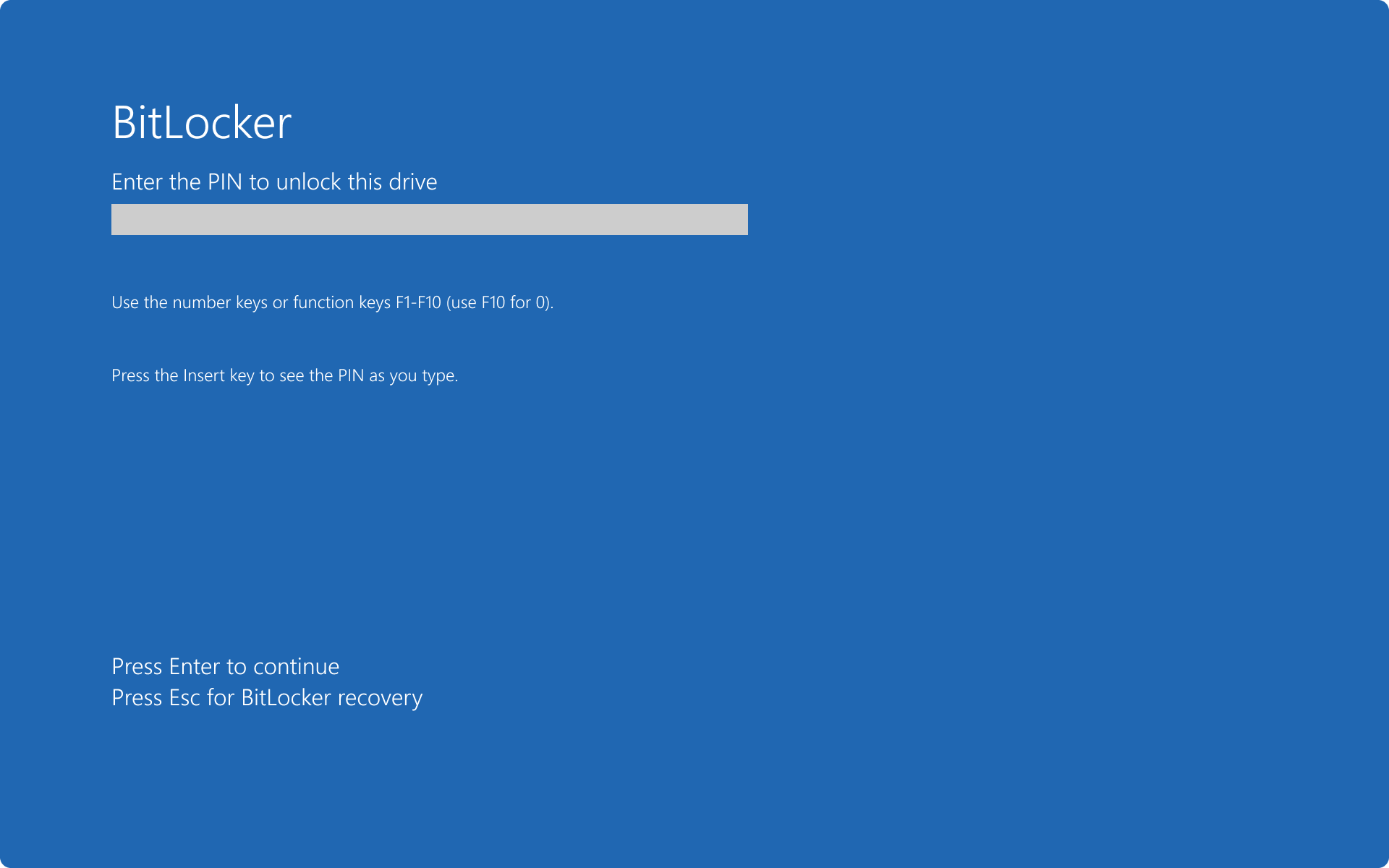
The Best BitLocker Reader for Mac in 2024: BitLocker is an encryption program for Windows operating systems that protects your data by encrypting all your information in one place. However, unfortunately, BitLocker is not available for macOS.
Fortunately, this issue has been resolved, as there are now several BitLocker readers available in the market for Mac devices. To help you find the right program, we have compiled a list of the best BitLocker readers for Mac that are popular for facilitating cross-platform communication.
This article highlights the best BitLocker reader for Mac that you can use to easily and quickly unlock BitLocker-encrypted hard drives on your Mac. Stay with us for the full details!
The Best BitLocker Reader for Mac in 2024
Here is a comprehensive list of the best BitLocker readers for Mac that can help unlock BitLocker-encrypted hard drives on your Mac. Let's get started!
1. iMyFone BitLockerGoMac

iMyFone BitLockerGoMac is one of the best BitLocker readers for Mac, featuring many capabilities that allow you to read, write, upload, or unload from the encrypted disk on your Mac easily and quickly. The program has a user-friendly and intuitive interface and is trusted by many companies worldwide.
With this tool, you can transfer files between your Mac and the BitLocker drive without needing to format any of your hard drives. The program supports multiple devices such as SD cards, external hard drives, memory cards, USB flash drives, or any type of removable storage. It is available for macOS Catalina to Mac OS X Yosemite, but not for macOS Big Sur.
2. M3 BitLocker Loader
This is a powerful and easy program for unlocking and reading all encrypted drives on Mac devices. The best part of this Mac tool is that it works great with macOS Big Sur, macOS Monterey, and Apple Silicon M1 Macs.
The smooth performance of M3 BitLocker Loader makes it an excellent choice. All you need to do is download and install it on your Mac and restart the device. After that, insert the encrypted drive into your Mac and enter the login credentials to unlock it. It will now go directly into read and write mode, and the drive will be ready to work just like your Mac's original drive. However, on the downside, there is no phone support available.
3. iSumsoft BitLocker Reader for Mac
iSumsoft BitLocker Reader for Mac is another smart program for unlocking and reading BitLocker-encrypted drives. This tool supports memory cards, SD cards, external hard drives, and other types of removable storage as well. It also allows you to access your password to unlock drives while reading, writing, copying, editing, or deleting files.
Unlocking, uninstalling, and opening a BitLocker drive on Mac are other great features of this program. iSumSoft is compatible with macOS 10.7 or higher, allowing you to transfer your files effortlessly within the BitLocker drive and Mac.
4. Hasleo BitLocker Anywhere
Hasleo BitLocker Anywhere is a well-known Mac tool and also a comprehensive solution for macOS. This BitLocker reader for Mac allows you to read all encrypted drives, mount them, and provide write access. It offers a free trial for users.
Additionally, it also allows users to choose another type of encryption algorithm encryption including XTS-AES or AES-CBC. The only downside of this tool is that its data transfer speed is very slow compared to other products on this list. The encryption process will take a long time when you need to encrypt a large drive, but in any case, this BitLocker reader is the best way to unlock, read, and write encrypted files on Mac.
5. UUByte BitLocker Geeker
UUByte BitLocker Geeker is another standout tool for reading and writing encrypted BitLocker partitions on Mac. It is a lightweight BitLocker reader for Mac built on several advanced algorithms that can unlock BitLocker drives on Macs at maximum speed.
Users can easily decrypt the drive using either the recovery key or a BitLocker password. Moreover, it is very user-friendly and works well on the latest versions of macOS. The only drawback of this program is that it cannot change the BitLocker password.
6. iSunshare BitLocker Genius
iSunshare BitLocker Genius is another BitLocker reader for Mac in 2024. This utility allows you to unlock a BitLocker-encrypted drive using an open password or recovery file on your Mac. Thus, you can transfer files and folders between the BitLocker drive and your Mac. iSunshare supports FAT32, NTFS, and exFAT file systems. Additionally, this Mac BitLocker reader allows you to unlock, read, and write to an encrypted drive using BitLocker without any hassle.
Not only that, but iSunshare BitLocker Genius also supports external hard drives, SD cards, USB flash drives, MicroSD cards, CF cards, SDHC cards, and small cards. The program is completely free of viruses and any type of malware, meaning it is safe to install and run. iSunshare is compatible with both Mac OS X and macOS.
7. Dislocker
Dislocker is the next name on this list of the best BitLocker readers for Mac. With this tool, you can easily lock or unlock any partition or drive on Mac. The tool allows you to protect your storage space and its data easily. You can use this tool on any macOS version regardless of compatibility.
Conclusion
In this article, we discussed the best BitLocker reader for Mac in 2024. These are some great tools that can be used to unlock encrypted BitLocker drives. Each program has its own specifications, and you can choose the right option based on your level of expertise and technical knowledge. Stay safe and healthy.


